Participant
April 27, 2018
Answered

Trouble Exporting to Printer Spreads- 4 Up

  • April 27, 2018
  • 3 replies
  • 541 views

Hello,

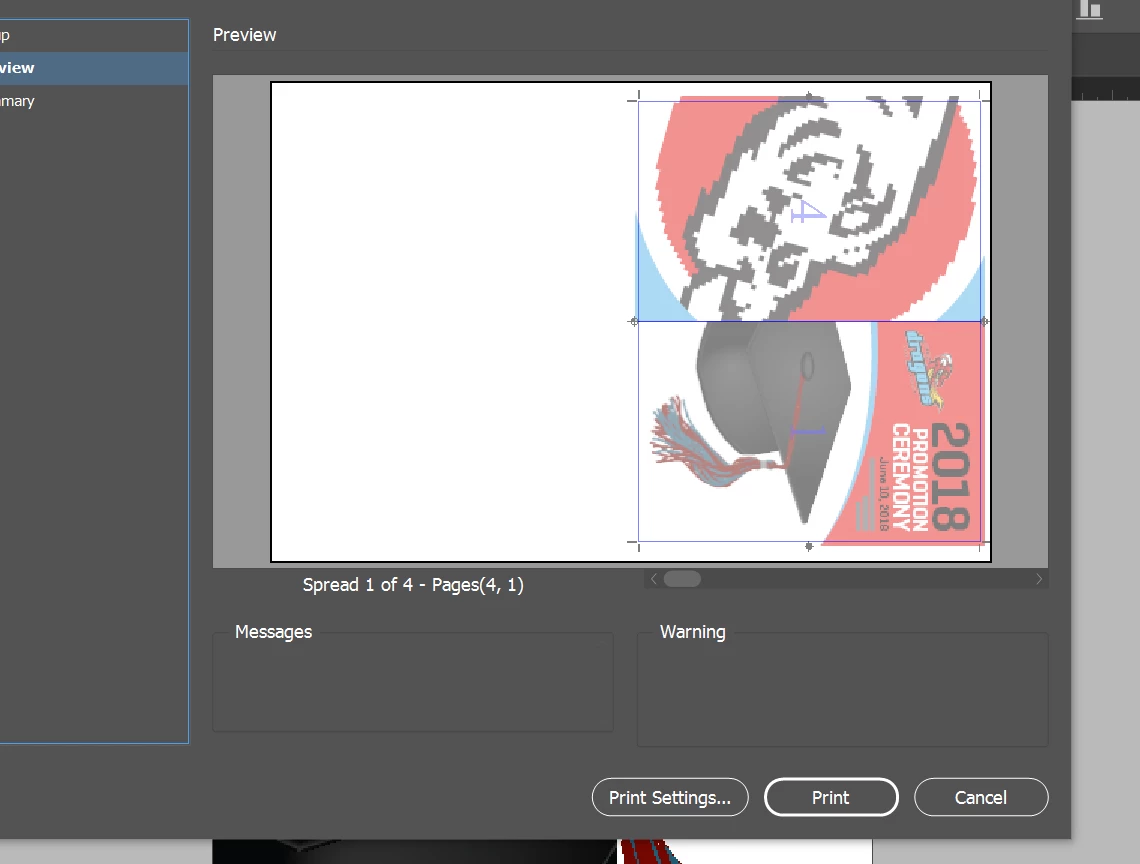
I'm needing to export an 8-page booklet to printer spreads. The booklet is 5.5x8.5" and the printer has requested the spreads to be 2-up (so the pages 4-up) on an 18x12" sheet as pictured in the first image.

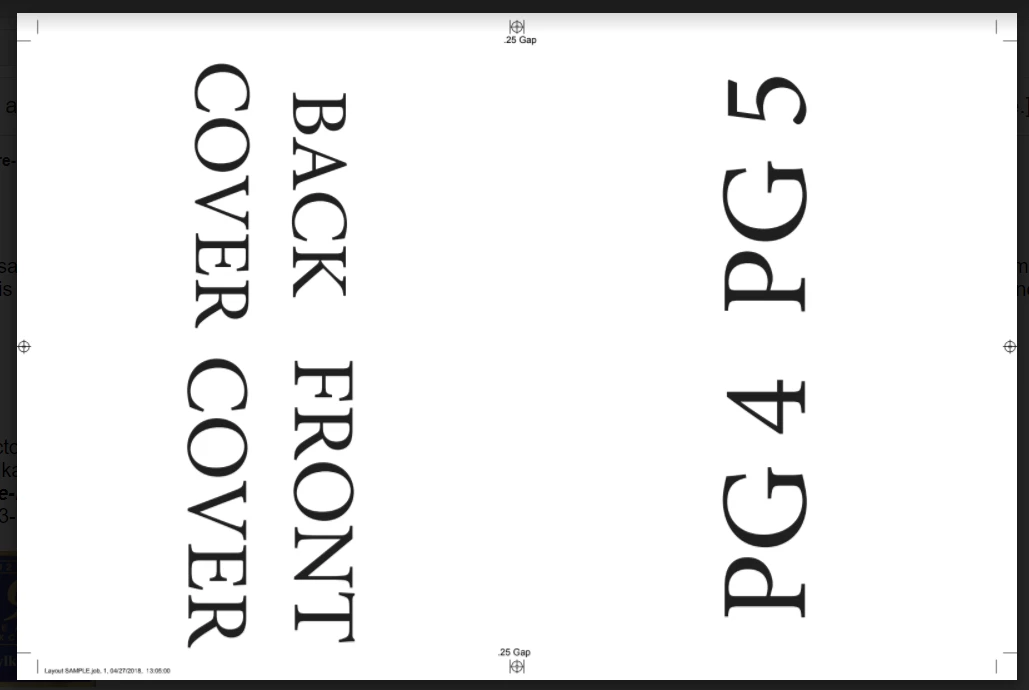
I'm using the print booklet feature to print to a PDF, but no matter what I do I can't get the spreads to stack on one another on a sheet when using the 4-up setting, only side by side, as in the second image.

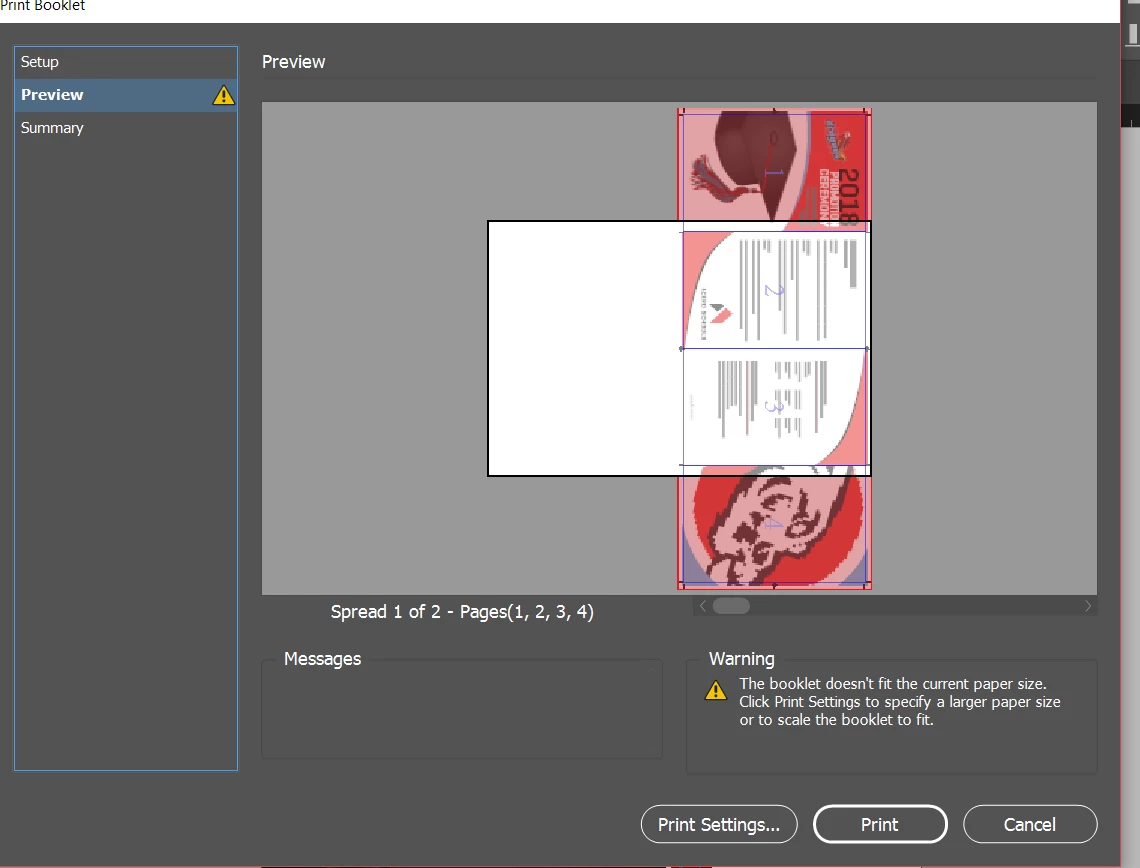
I've spent hours trying various settings with 2 up, multiple sheets to a page within the print dialogue, and so on, but can't seem to make anything work. The second spread needs to be underneath the first where the white space is in the last image. If anyone is able to provide some insight on this it would be incredibly helpful. Thank you.
This topic has been closed for replies.
Correct answer rob day

Print Booklet can't do 4-up impositions.

You can place InDesign pages in another InDesign doc, so the best you can do is set up an 18"x12" document and impose the 8 pages manually via Place.

3 replies

Dave Creamer of IDEAS
Community Expert
Community Expert
April 28, 2018

To follow up on Derek's post...

It seems strange to me that a printer can do 4-up printing but doesn't have any way of imposing a PDF.

Have your printer google "Acrobat Pro imposition plugins". The simple ones are not that expensive for a printer to amortize for multiple customers over a year or so.

David Creamer: Community Expert (ACI and ACE 1995-2023)
rob day
Community Expert
rob dayCommunity ExpertCorrect answer
Community Expert
April 28, 2018

Print Booklet can't do 4-up impositions.

You can place InDesign pages in another InDesign doc, so the best you can do is set up an 18"x12" document and impose the 8 pages manually via Place.

Derek Cross
Community Expert
Community Expert
April 27, 2018

Change printer. The printer should do the imposition.