

Trouble printing a pdf (from Indesign) with the transparency of a PSD placed.
- March 26, 2021
- 2 replies
- 1810 views
Hi! This is my problem:
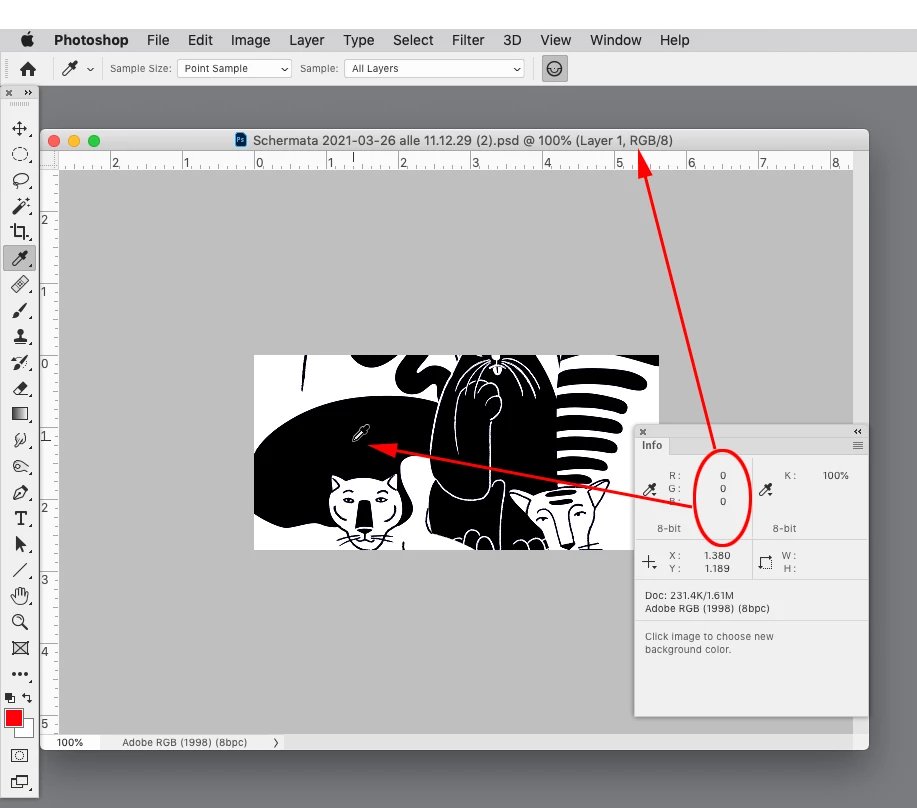
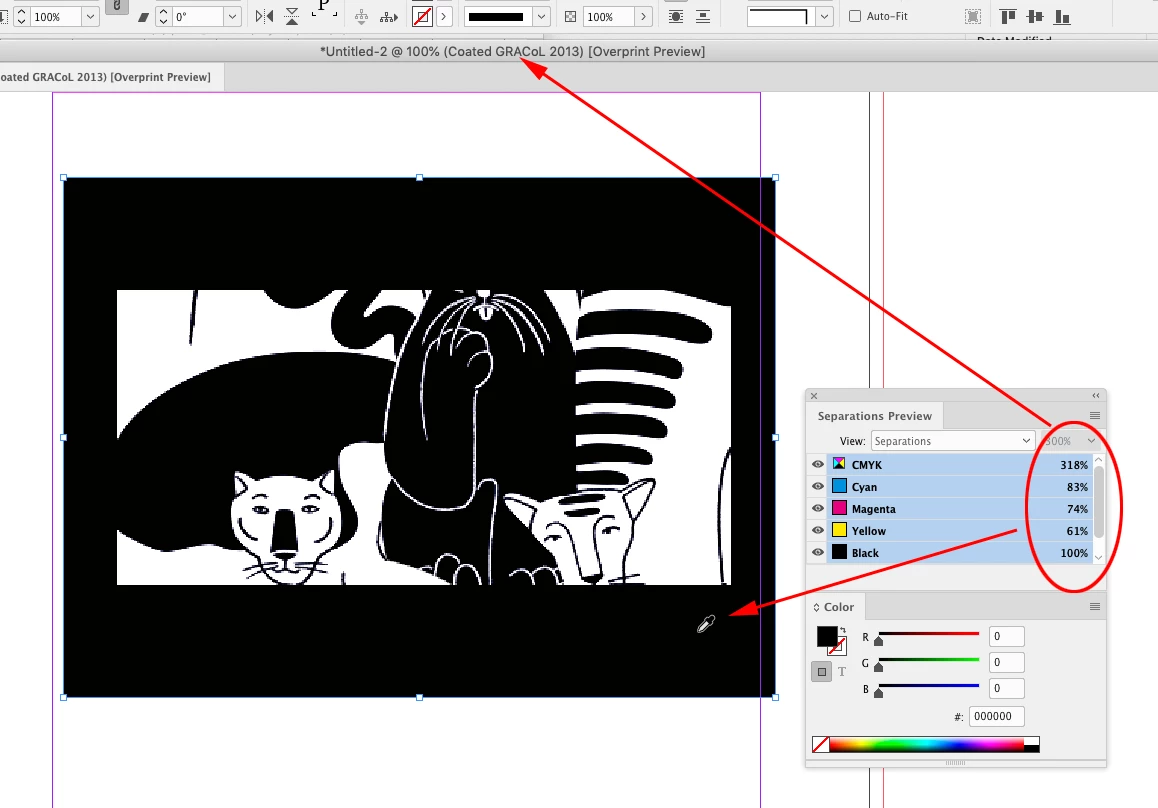
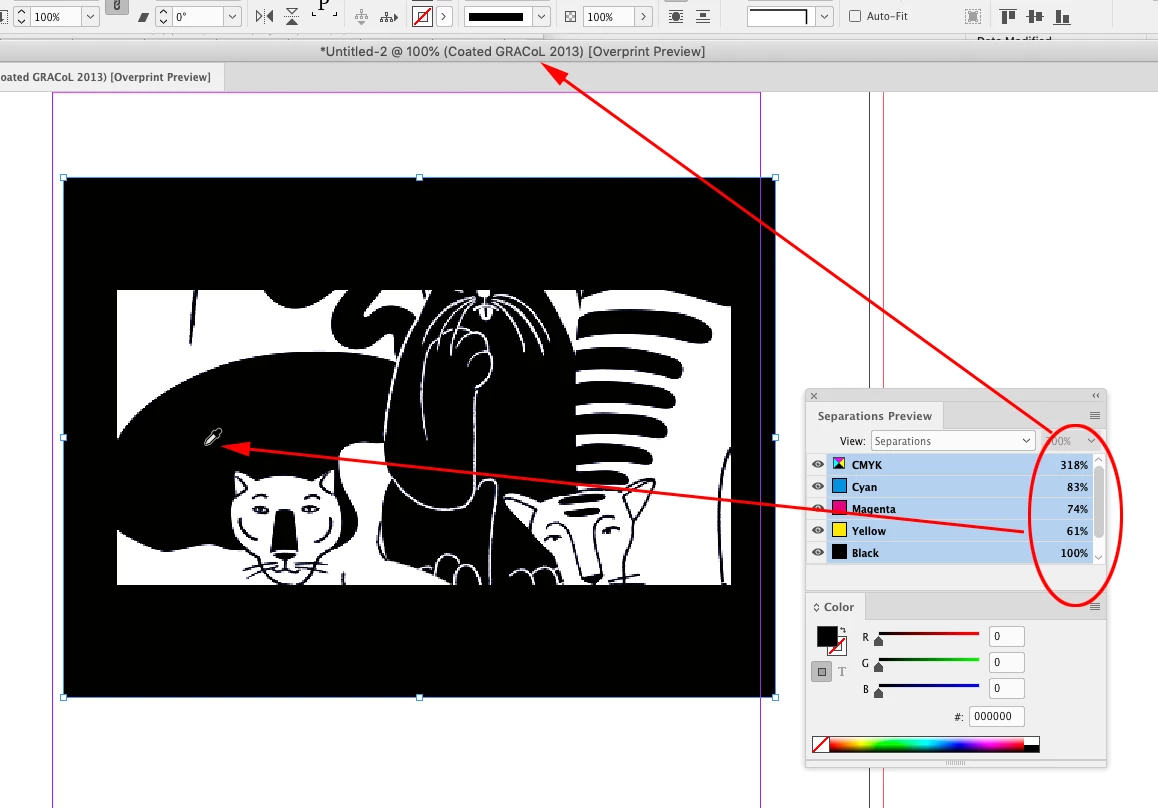
I created a drawing in PSD with no background, therefore transparent. I placed it in an InDesign file with a dark background that I need to print. But, when I made a first printing proof, I can actually see the drawing frame. So it is like the transparent area seems to have like a tiny percentage of white, since still dark but lighter than the background in InDesign.
When I use the eyedropper in InDesign and click on the drawing frame area, it says it is white, while if I select the frame with the Selection tool, it says transparent. I don't know if that's ok.
One more point: my original CMYK colors in Photoshop have different color codes in Indesign. That can affect, even if a little bit, the print result.
Please, I really cannot find a way out... any suggestion? Thanks!
 AdChoices