
Answered
Two pages in InDesign suddenly changed to a transparent background and displayed the same customizat
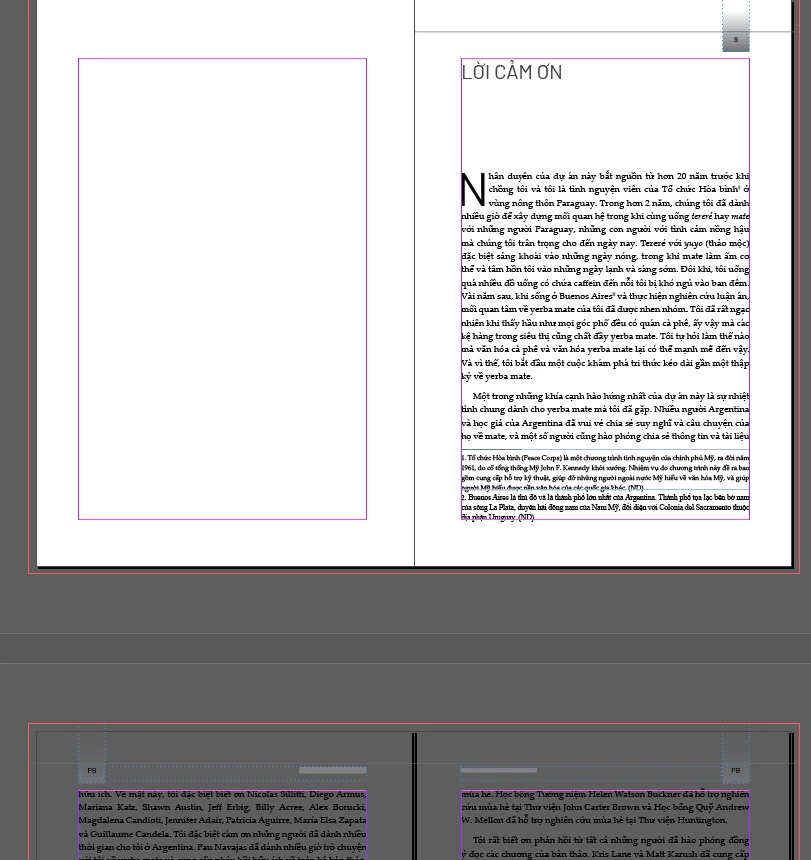
After updating to the latest version of InDesign, my file suddenly encountered an issue as shown in the screenshot. The document has 400 pages, but only pages 10–11 are affected. These two pages now display a transparent background and seem to inherit all customizations from the parent page. When exporting to PDF, all content on these two pages disappears completely. I would really appreciate any help to fix this issue. Thank you in advance.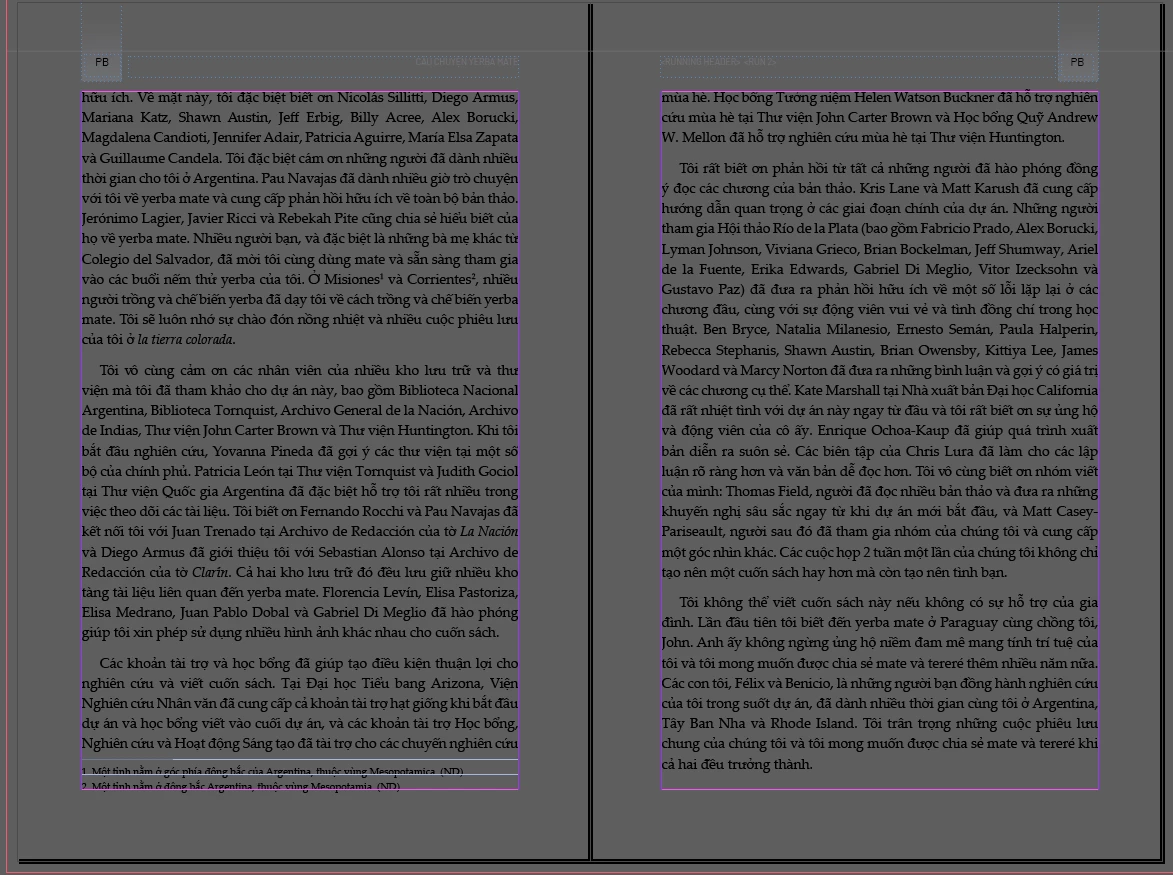


 AdChoices