Participant
January 5, 2023
Question

Type 1 Font prompting when printing using Adobe apps

  • January 5, 2023
  • 1 reply
  • 744 views

Hello,


My client with many users is experiencing this new issue with the recent Adobe CC update for related apps. They receive this error when trying to print something from InDesign, photoshop, illustrator, etc "error in the screenshot below". May I know how can we fix this error since the type 1 font is not supported anymore? May I know how can we remove the blue notification at the bottom?
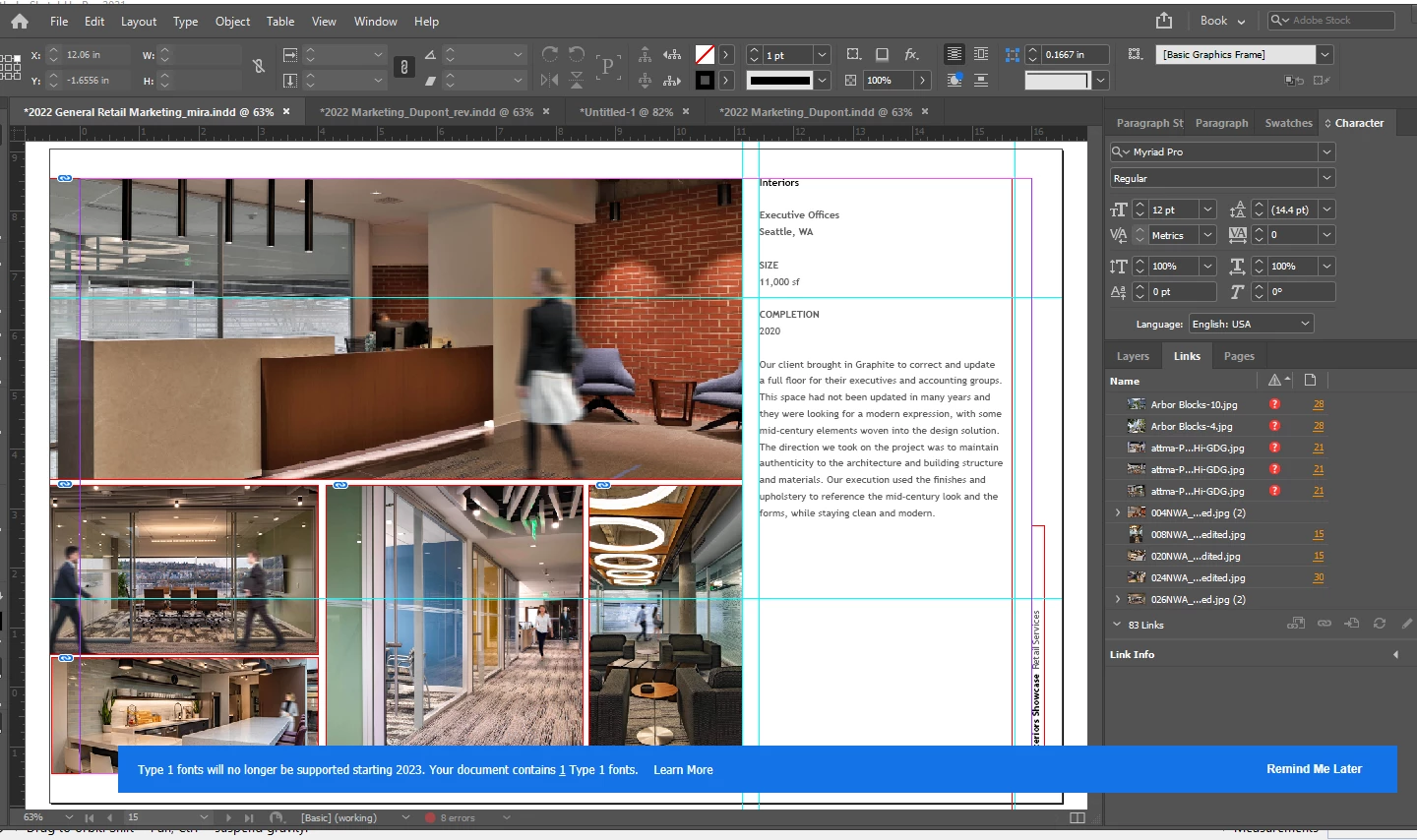


TIA.


This topic has been closed for replies.

1 reply

Peter Spier
Community Expert
Community Expert
January 6, 2023

The only way to remove the error is to replace the Type 1 fonts with OpenType or TrueType versions.

This has been coming for some time...

Participant
January 6, 2023

Hi Peter,


Do you have instructions on how to remove Type 1 fonts and replaced them with opentype version?


Eric Dumas
Community Expert
Community Expert
January 6, 2023

One of the 'trick' you can use is:

  • Open the document
  • File > Package...
  • Click on the Fonts option
  • Look at the list of fonts and their types. All 'Type1' will need replacing. (Open Type, True Type are OK)
  • Download, Purchase the fonts to replace the old ones
  • Use the 'Find/Replace Font' button (also available from the Type menu) to update the file, updating the styles ('Redefine styles when changing all' option)
  • Save the file as a new document (just in case to keep original intact untill fully tested)