
Answered
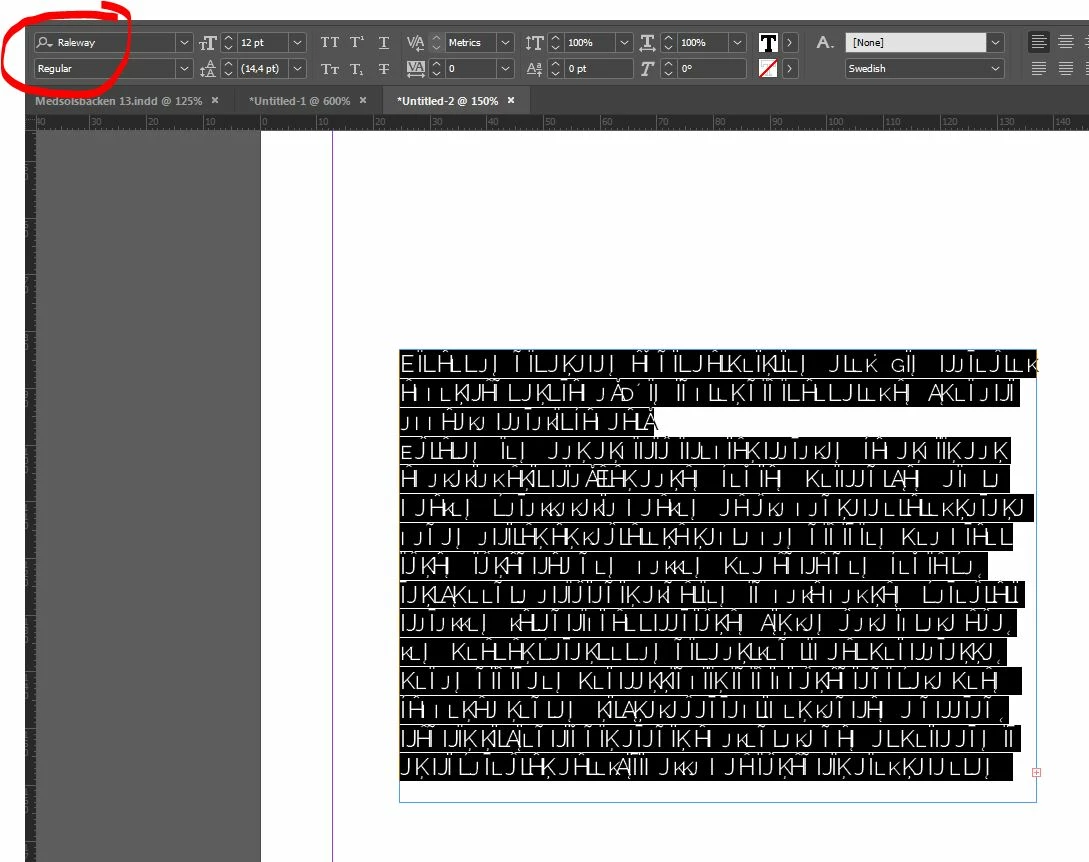
Typekit font turns "Dit aut om" into "EïLîáįJĤ".
Synced font: Raleway
Version of Indesign: Fully updated CC as of 2018-11-28
OS: Windows 7
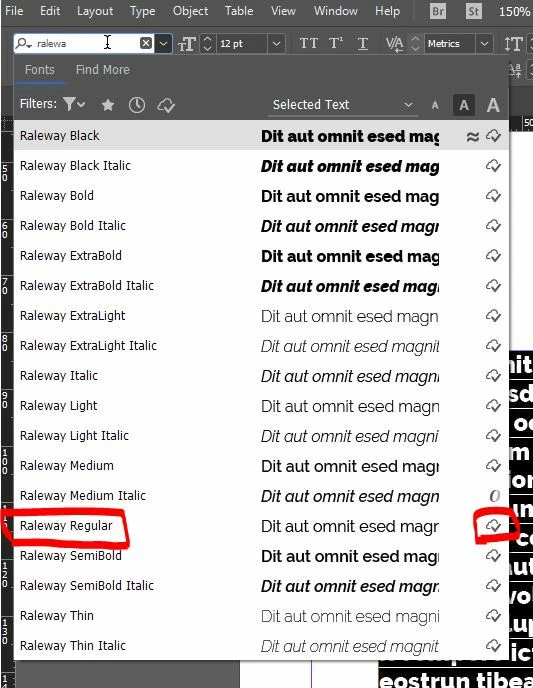
As shown below, the font appears normally when searching for it - also indicating that it's been synced from the cloud. Previously I had some trouble with the regular version not showing in this menu. It only appeared after choosing medium (or some other version) and then choosing regular from the font style drop down menu below the main font/search-thingy.
This is what a standard Lorem Ipsum-place filler text looks like in Raleway Regular.
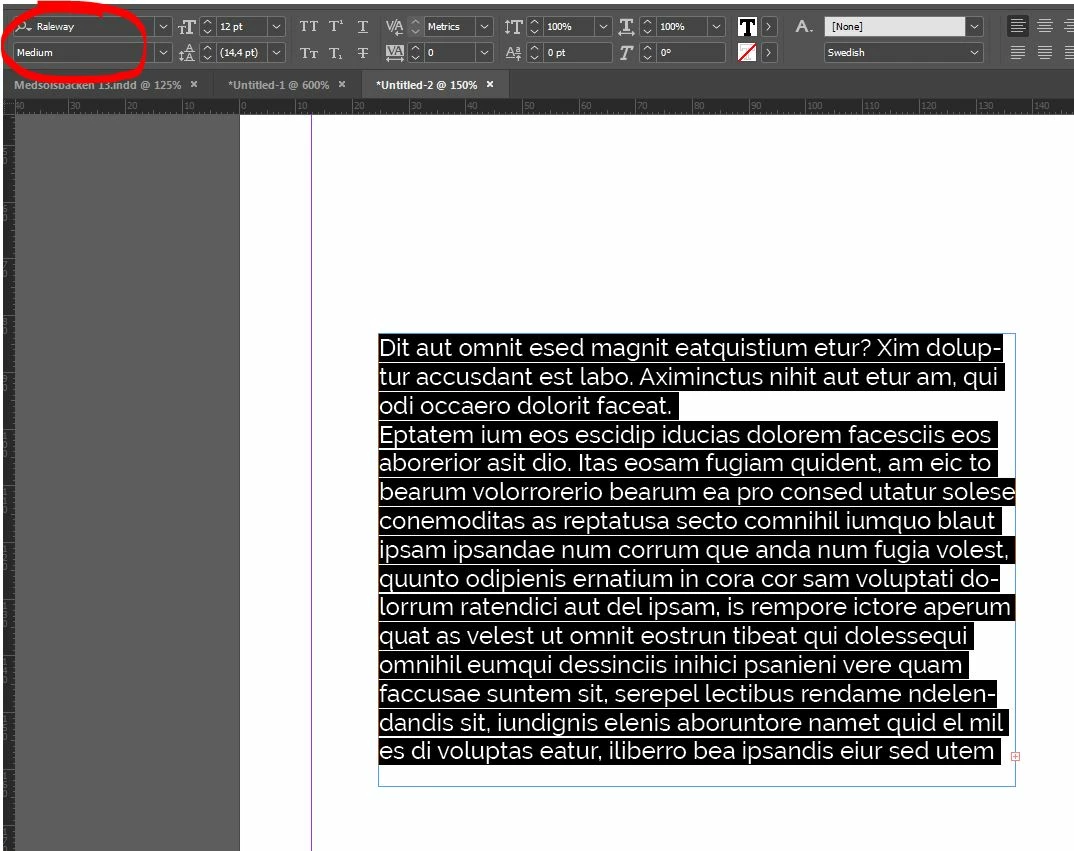
If I flip the font over to Raleway Medium the text shows without any hickups.
What gives? Any suggestions what causes this and/or how I can fix it?
 AdChoices