

Martin Dedron
Inspiring
June 27, 2023
Question

UI problem with unexplained toolbar selection

  • June 27, 2023
  • 1 reply
  • 525 views

Good afternoon,


Since approximately one month, I don't know the exact update, UI have been experiencing User Interface problems.


Indeed, when I am doing regular things such as writing, moving blocks, editing them, etc. I happen to have a selection made without my will of the toolbar. 

For example, if I press A or T, there should be two possibilities :

  1.  Direct Selection ; Text tool
  2.  (in a text block) Writing those letters as text.


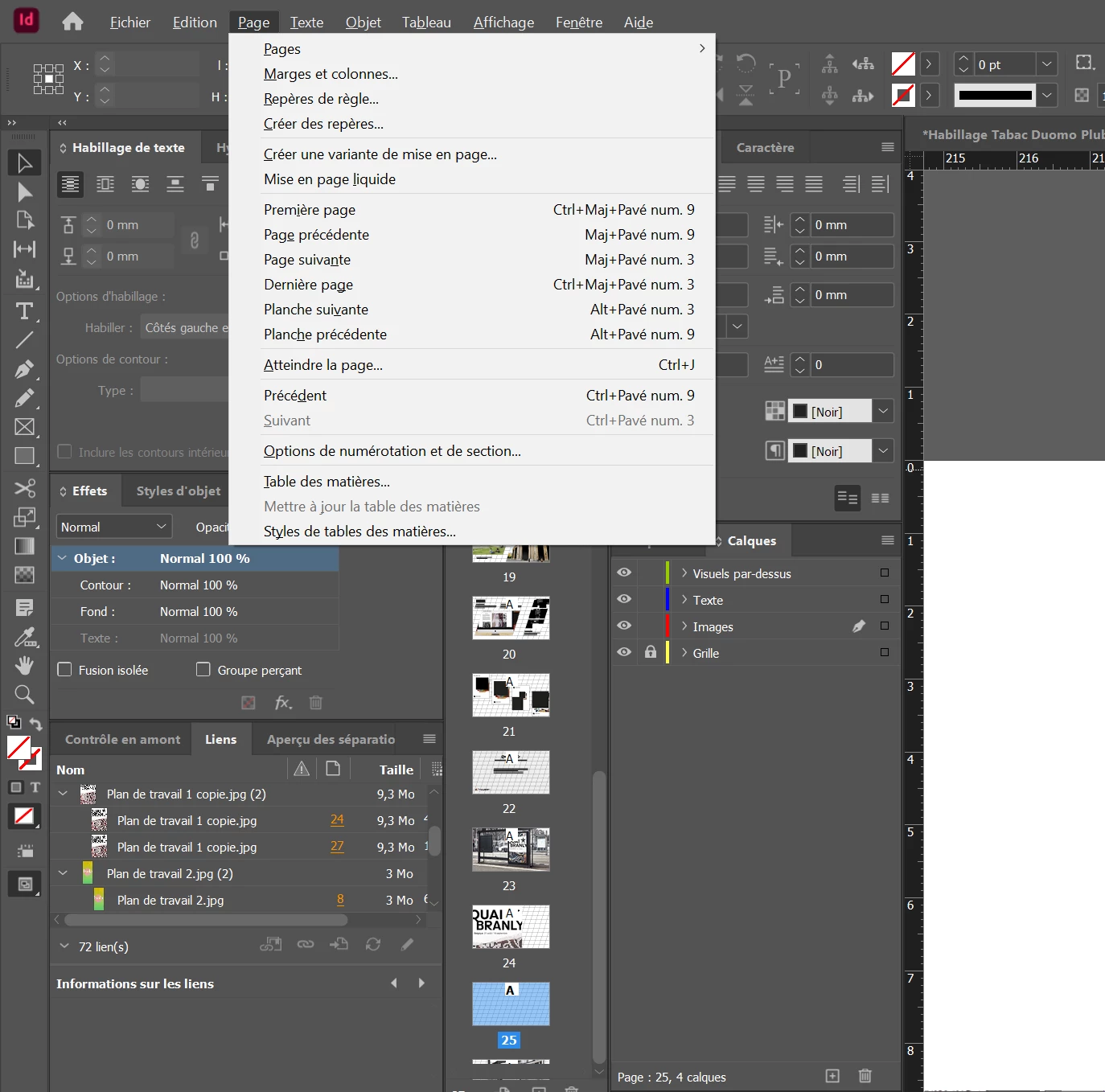
However, recently it started opening the "affichage" (display) window, or "texte" window ; which I have absolutely no use of, those shortcuts being used for the sole purpose of selecting a tool (and not opening a window).


Therefore I am wondering :

  • What might have changed indesign's behaviour? Why is it now opening a window like it never did before?
  • How can I totally disable that option/setting? 


Indeed, I find it more than useless, it's really retarding my work by opening those windows I don't ask for, and therefore slowing down all the operations I do by cutting down my workflow and forcing me to click elsewhere in order to free myself from this unwanted window.


Illustration of the problem : 
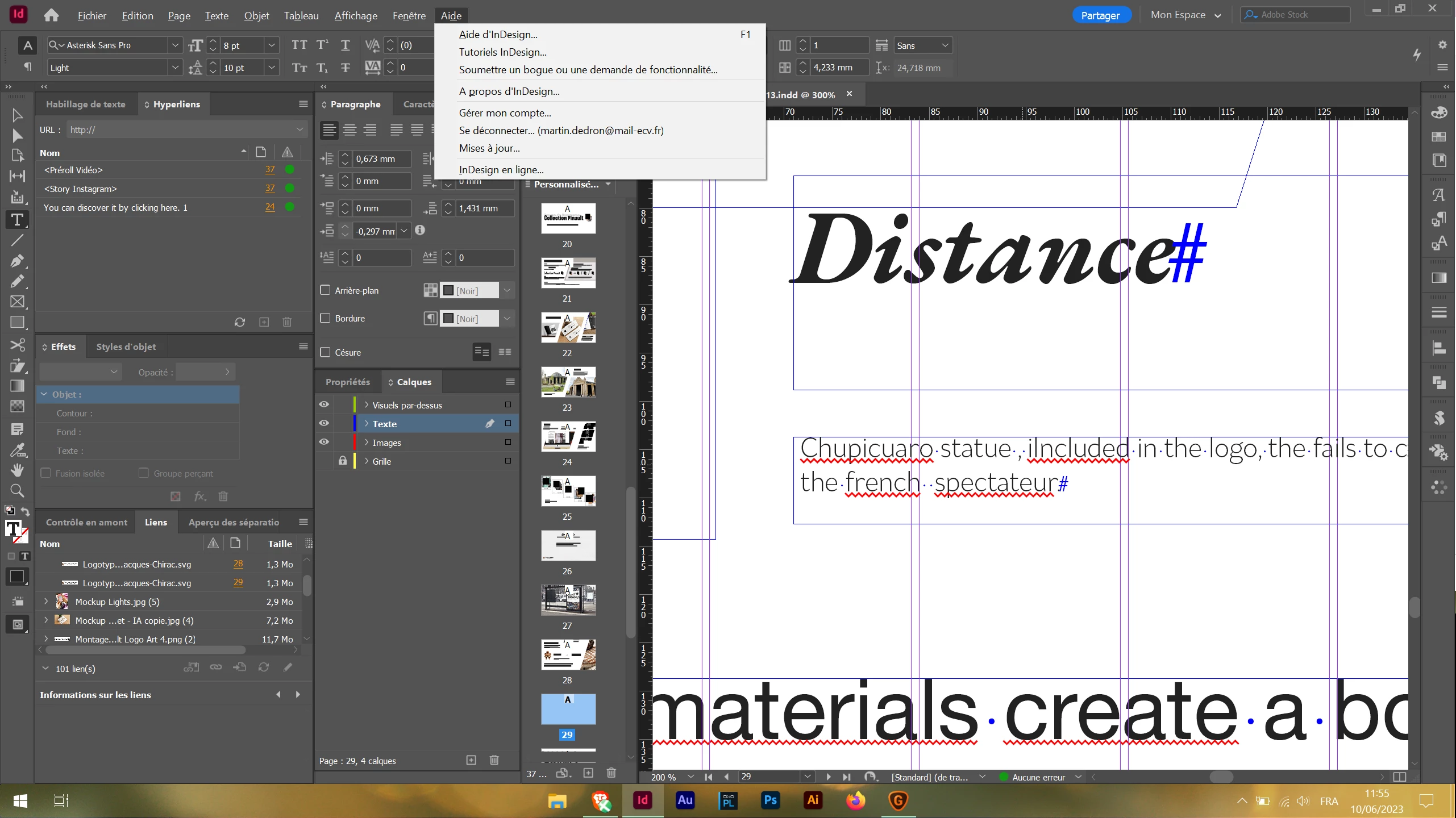
 

When I press A (normally direct selection) : 
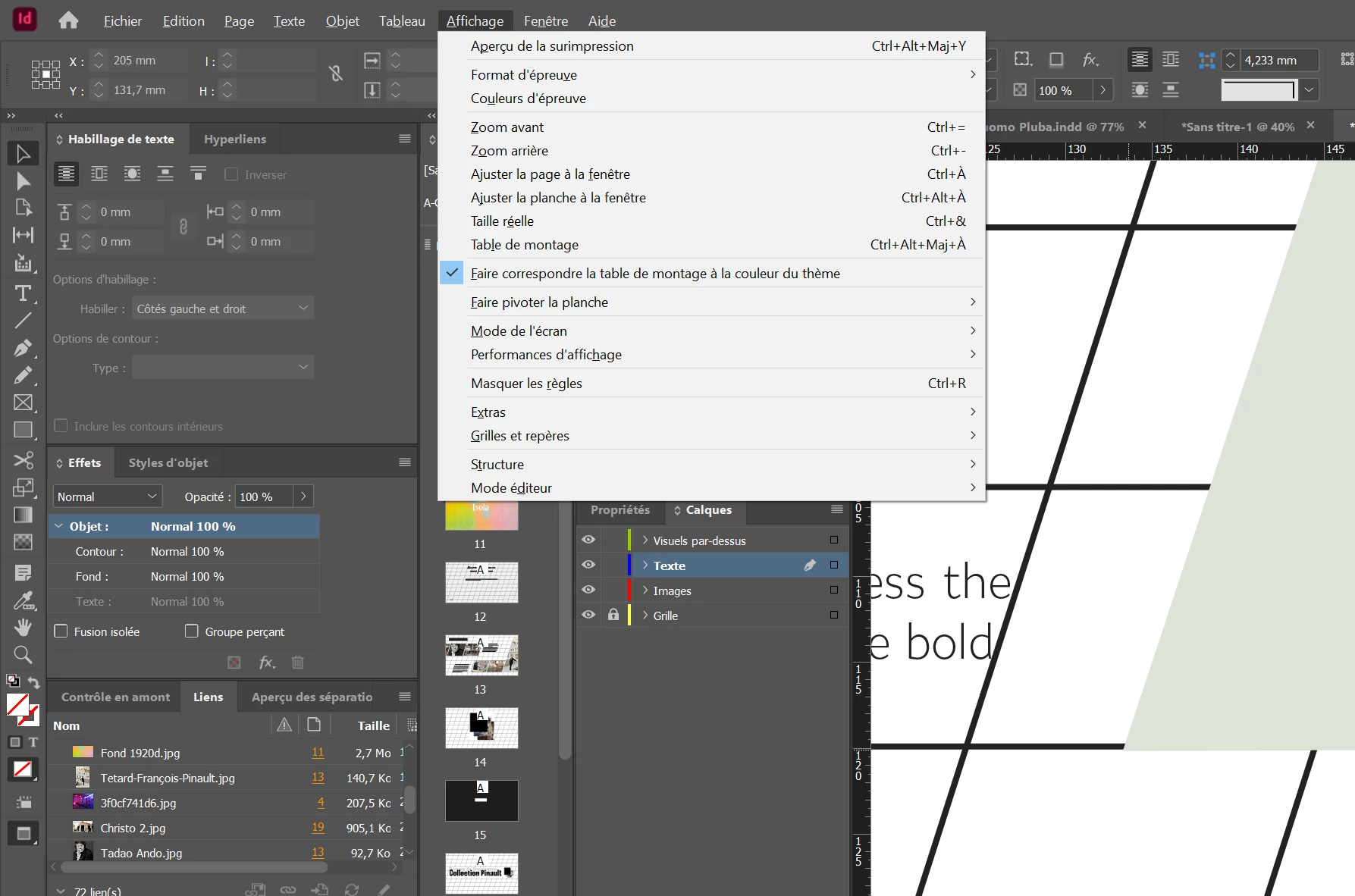
When I press P :
 

Thank you.


This topic has been closed for replies.

1 reply

Barb Binder
Community Expert
Community Expert
June 27, 2023

Hi @Martin Dedron:


In Windows, adding Alt to a character (i.e., Alt+A) will allow you to navigate the menus with the keyboard and that's what's happening. Is either Alt key stuck down?


If not, restart your computer and see if the issue goes away.


If it persists after a reboot, consider resetting preferences or rebuilding your cache and preferences. Doing so will solve most odd issues, and the link below explains both the keyboard technique (which works most of the time) as well as the more thorough approach to deleting (or renaming) your cache and preferences, which tends to resolve the more stubborn issues not rectified by the keyboard approach.

See: https://www.rockymountaintraining.com/adobe-indesign-rebuilding-preferences-cache/ 

~Barb

~Barb at Rocky Mountain Training
Martin Dedron
Inspiring
June 27, 2023

Thank you. Will it just redo the cache and only that, or also my workspaces, my scripts, etc. ?

Barb Binder
Community Expert
Community Expert
June 27, 2023

Hi @Martin Dedron:


You will lose all of your preferences but not your workspaces, scripts, etc. Those items are stored in various places on your hard drive. 


But as an aside, it's a good practice to back up those assets. This post refers to moving them from one version to the next, but I am including it because it outlines where they are stored. But again, rebuilding cache and preferences does not impact them. 

https://www.rockymountaintraining.com/adobe-indesign-how-to-copy-your-presets-after-an-update/


~Barb

~Barb at Rocky Mountain Training