
Answered
Unable to enter Alt Text for Image - Microsoft Surface
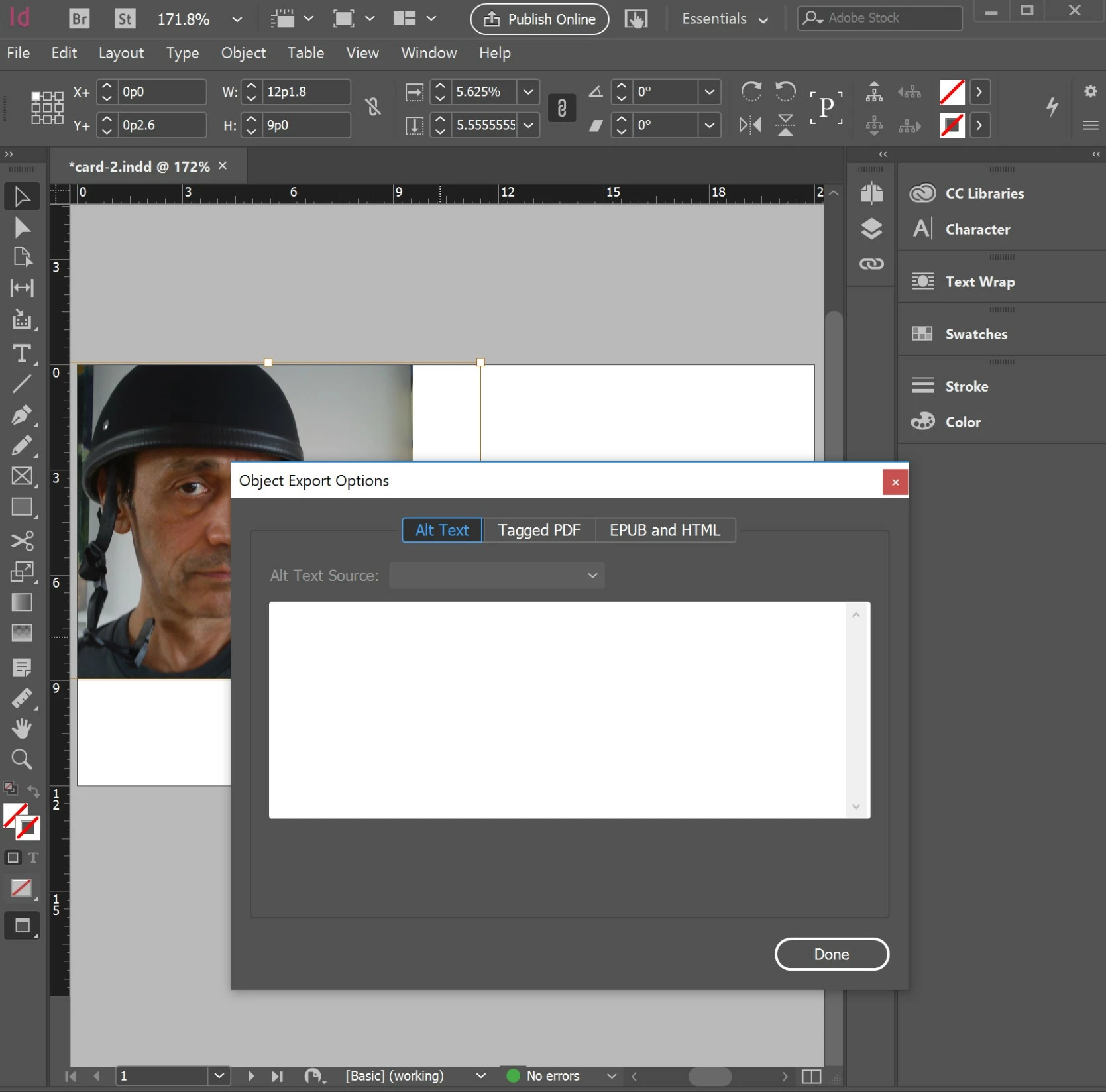
I got this far, but was unable to enter text into the text field, and none of the controls except done and the close box would respond.
This is on Microsoft Surface.
While attempting to add alt text by typing it directly into InDesign:
- Select an image that does not have alt text.
- With the Selection tool, select the image.
- Choose Object > Object Export Options.
- Select the Alt Text tab in the Object Export Options dialog box. (unable)
- Choose Custom from the Alt Text Source menu.(unable)
- Enter the description in the text field,(unable) and click Done.
I need to be able to export an Accessible tagged PDF
Any Ideas?
thanks.
 AdChoices