

Participating Frequently
May 31, 2023
Question

Unable to launch InDesign on 18.3 version on macOS Ventura

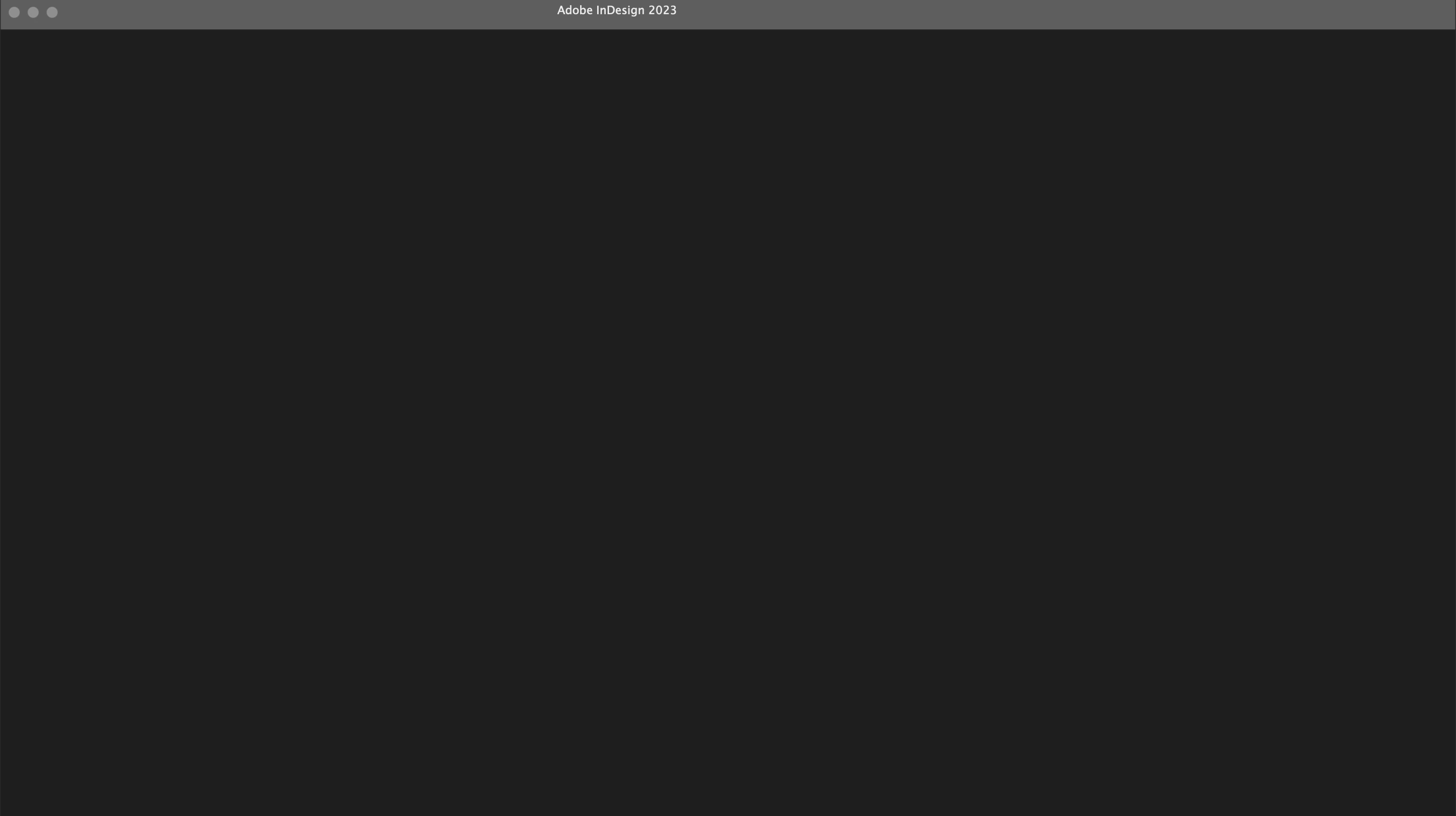
When I am launching Indesign it just show me this and its never changes 

I try to reinstall but its not helps

MacOs: Ventura 13.1

Intel
<Title renamed by moderator>

This topic is closed to new replies. Start a new post to keep the conversation going.

14 replies

Steve Werner
Community Expert
Community Expert
May 31, 2023

I was assuming you had opened your current version of InDesign in Ventura. As suggested, let us know exactly which version of InDesign are you running.

Translate
Participating Frequently
June 1, 2023

InDesign version 18.3

Translate
Participating Frequently
June 1, 2023

if more precisely: 18.3.0.50 

Translate
Bill Silbert
Community Expert
Community Expert
May 31, 2023

What version of InDesign are you using? If you are using an older version of InDesign that is 32 bit then it will not work at all on Ventura which only supports and runs 64 bit programs.

Translate
Participating Frequently
June 1, 2023

18.3.0.50

Is it 64bit?

Translate
Steve Werner
Community Expert
Community Expert
May 31, 2023

I'd suggest you restore your InDesign preferences and caches. This article explains how:


https://www.rockymountaintraining.com/adobe-indesign-rebuilding-preferences-cache/

Translate
Participating Frequently
June 1, 2023

Thanks. But I did unfortunately it doesn't helps

Translate