
Participant
July 3, 2025
Question

unable to open .indd file on my MacBook Pro

  • July 3, 2025
  • 1 reply
  • 596 views

I'm here with my Macbook Pro M3 Max with macOS Sequoia 15.5.
I’m facing an issue that I'm unable to open my .indd file on my MacBook Pro, although the versions stored on the cloud open and work fine.
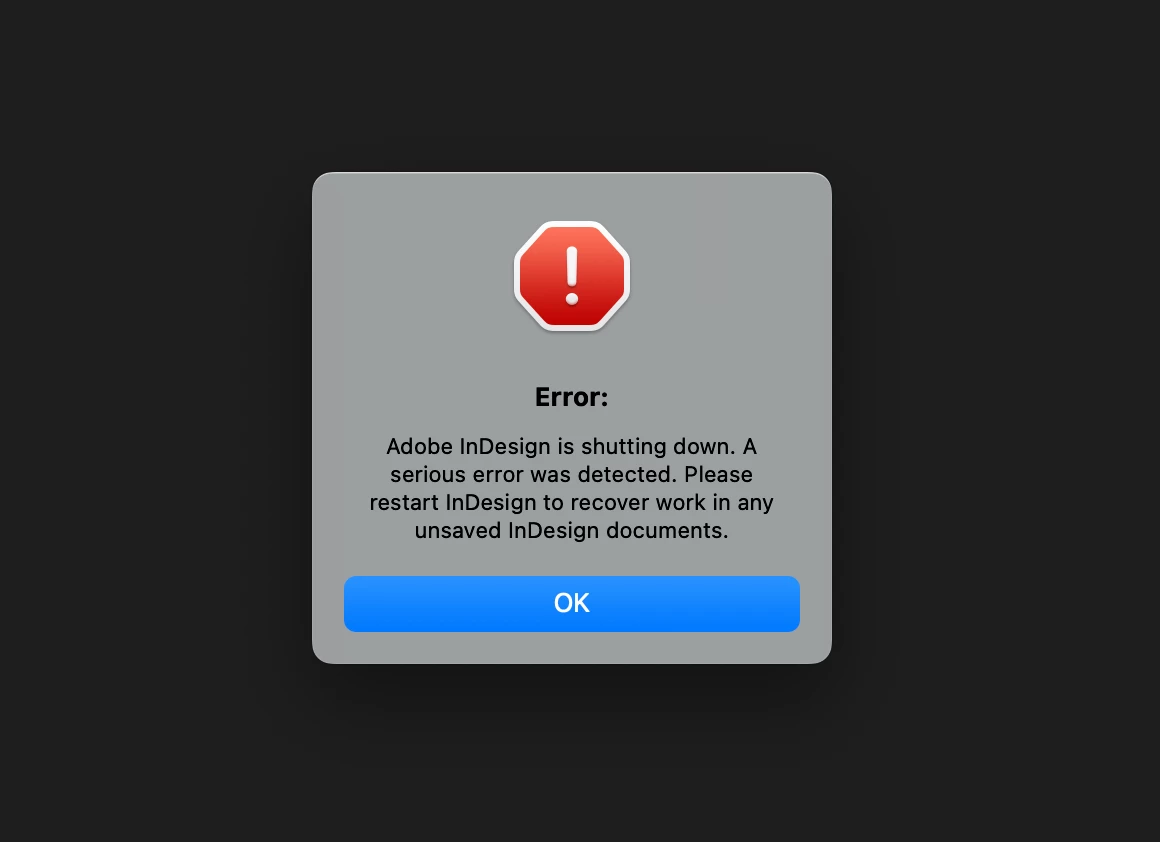
Every time I try to open the local file, InDesign crashes and shuts down immediately.

In this case, I've already update both creative cloud and inDesign, but it still did not fix the problem.
Is there any way to solve this problem?
 

1 reply

Abhishek Rao
Community Manager
Community Manager
July 3, 2025

Hi @yu-jhen_1182,


Thank you so much for sharing the details and the screenshot. Since the file opens fine from the cloud but crashes when you try to open it locally, it sounds like there may be an issue with that specific local file or possibly with your local cache or preferences.

Could you try moving the local file to a different location on your system, like your desktop, and then try opening it again? You can also try downloading a fresh copy from the cloud to your local drive and see if that one opens without crashing. When the app crashes, please let me know if you see the Adobe crash reporter dialog box, as that information can help us understand more.

If the issue continues, I recommend resetting your InDesign preferences (please remember to back them up first).

Reference: https://adobe.ly/3Tnr6SU.

If that doesn't fix the problem, please try testing the issue in safe mode to check if any third-party software or service might be causing a conflict.

It would also be helpful to know if this is happening only with this file or with other local files too. And just to confirm, are you using InDesign version 20.4.1?

Let me know how it goes, so we can keep troubleshooting together.


Looking forward to your update!

Abhishek

Participant
July 3, 2025

Hi Abhishek,
I've tried the three way you provided and they all did not solve the problelm.
Meanwhile, my inDesign is now the version 20.4.1.
I do see the Adobe crash reporter dialog box, I've attached it below.
Please let me know if there's anything I can do to solve this problem.

Anubhav M
Community Manager
Community Manager
July 3, 2025

Hello @yu-jhen_1182,

Thanks for sharing the details. While I check this with the team, could you try enabling Full Disk Access for InDesign (https://adobe.ly/4ex6IbD) and then relaunching the app to see if it helps?

Looking forward to hearing from you.
Anubhav