
damian_os
Inspiring
May 18, 2022
Answered

Unable to open svg file in InDesign 17.2.1 version.

  • May 18, 2022
  • 3 replies
  • 827 views

ok, this is getting ridiculous. it seems the updated software is unable to handle anything that was created in the previous version. already had issues with photoshop not opening .psb or .jpg (and who knows what else), then indesign won't open .svg files, now it cannot even open its own files, created in the previous version. this is all i get:
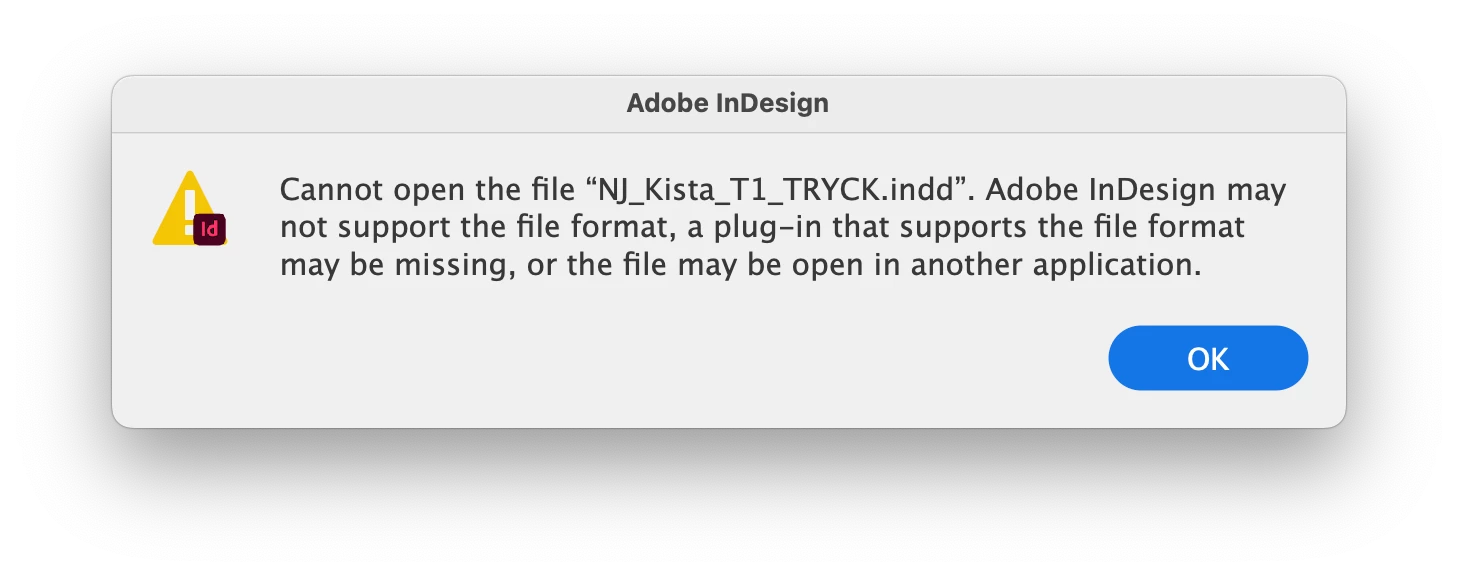
 

on a whim i just tried something and found an (irritating) workaround: i have to duplicate the file, then it opens. and suddenly the original also opens. wtf?


<Title renamed by moderator>

This topic has been closed for replies.
Correct answer damian_os

Please give us samples of svg and psd files that you can't place into InDesign through some file-sharing service like dropbox or yadisk. 


ok, i think i fiured it out. it's files which are not stored locally (dropbox account) which are not co-operating - this is odd since the previous software versions were had no issues with this.

3 replies

Willi Adelberger
Community Expert
Community Expert
May 27, 2022

You cannot open any image or SVG in InDesign. You can import it via File > Place …

Geоrge
Legend
May 18, 2022

>> then indesign won't open .svg files

InDesign can place, not open images.

Remember, never say you can't do something in InDesign, it's always just a question of finding the right workaround to get the job done. © David Blatner
Harshika Verma
Community Manager
Community Manager
May 26, 2022

Hi damian_os,


Thank you for reaching out. We would like to follow up on the issue. Are you able to resolve the issue by following our expert advice?


Please feel free to update the discussion if you need further assistance from us.


We would be happy to help.


Thanks,

Harshika

damian_os
damian_osAuthor
Inspiring
May 27, 2022

@harshika  which expert advice are you referring to?

George yes, indesign cannot open images, i made a mistake. the issue is indesign not being able to place files, or even openindesign files generated in the previous version.
it's the updated Ai that can't open svg or eps ('import failed' dialogue box). applies also to photoshop and psd/psb files, i've posted about that elsewhere. basically nothing is working as it should be. the workaround in all cases is duplicating the file whereupon both versions suddenly work fine and i can delete the copy. the files are not corrupted.

Geоrge
Legend
May 18, 2022

Do you do restart of your PC?


Remember, never say you can't do something in InDesign, it's always just a question of finding the right workaround to get the job done. © David Blatner
damian_os
damian_osAuthor
Inspiring
May 18, 2022

thx for the reply. i did try a restart, which resulted in the following behaviour (that i've found so far):

- opening a file from inside Id results in... nothing. hit 'open' and it doesn't even react.

- dragging a file from desktop to Id icon (Id alreday open) brings the app to the front, but then nothing. 

- opening from desktop by double clicking launches the file, but placed images are corrupted in some files. re-linking throws up an 'Import failed.' error message.


but hey, at least they open now... progress of a sort.

i haven't updated Ai yet, and i'm not going to.

Geоrge
Legend
May 18, 2022
Remember, never say you can't do something in InDesign, it's always just a question of finding the right workaround to get the job done. © David Blatner