
lillyr32396140
Known Participant
April 1, 2024
Question

Unable to print as Spreads

  • April 1, 2024
  • 2 replies
  • 125 views

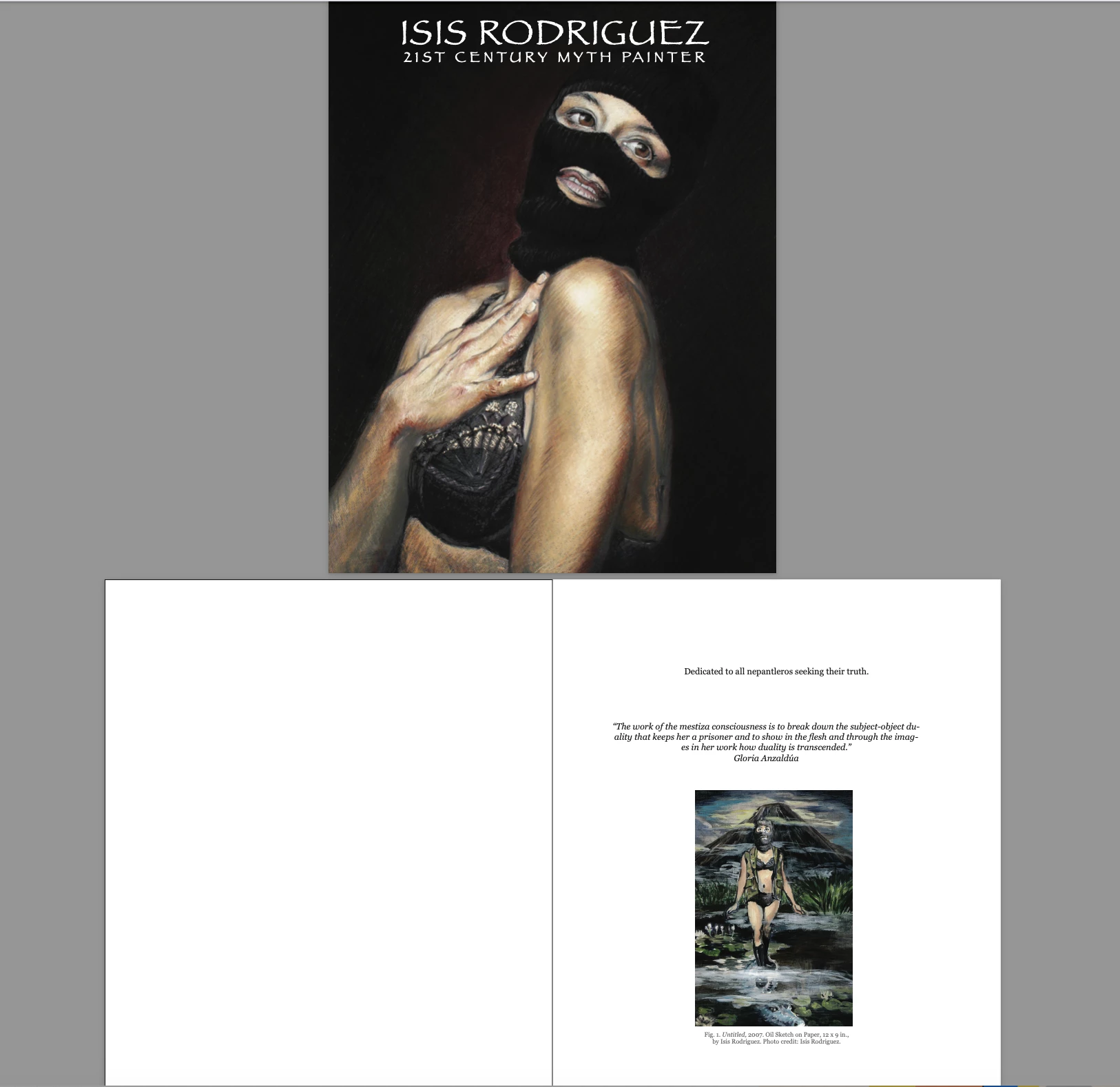
Hi, I need to go to Office Depot and print out my pages as spreads so I can do a mock up book of 57 pages. The book cover is not involved as a spread? why?  how can I change it so that all pages including the book cover is side by side horizontal?
This topic has been closed for replies.

2 replies

Robert at ID-Tasker
Legend
April 1, 2024

@lillyr32396140 


Similar to what @James Gifford—NitroPress suggested:


  1. Add one extra blank page at the end - 58th.
  2. Duplicate / copy contents of the 1st page at the end - as 59th.
  3. Export range 2-59.


James Gifford—NitroPress
Legend
April 1, 2024

You could add another blank page to the overall layout and rearrange the spreads so that the first sheet is cover+blank page, hten the second sheet is blank page (normal inside-cover)+first page.


You could also create a copy of your cover file and position the image in the center of a double-width page layout.