
Unable to Recover Unsaved File After Crash
Hi everyone,
I’m having a serious issue with a file that I was working on. While editing, the file closed unexpectedly, and since then, I haven’t been able to open it. Every time I try, I get an error message stating there’s a critical issue and prompting me to restart the program.
I’ve tried everything I can think of:
- Checking for autosave or recovery options.
- Opening the file on a different device.
- Uninstalling and reinstalling the application.
Nothing works. It seems like the file is completely inaccessible.
Has anyone else experienced something similar? Are there any solutions to recover the file or fix the program? Any help would be greatly appreciated.
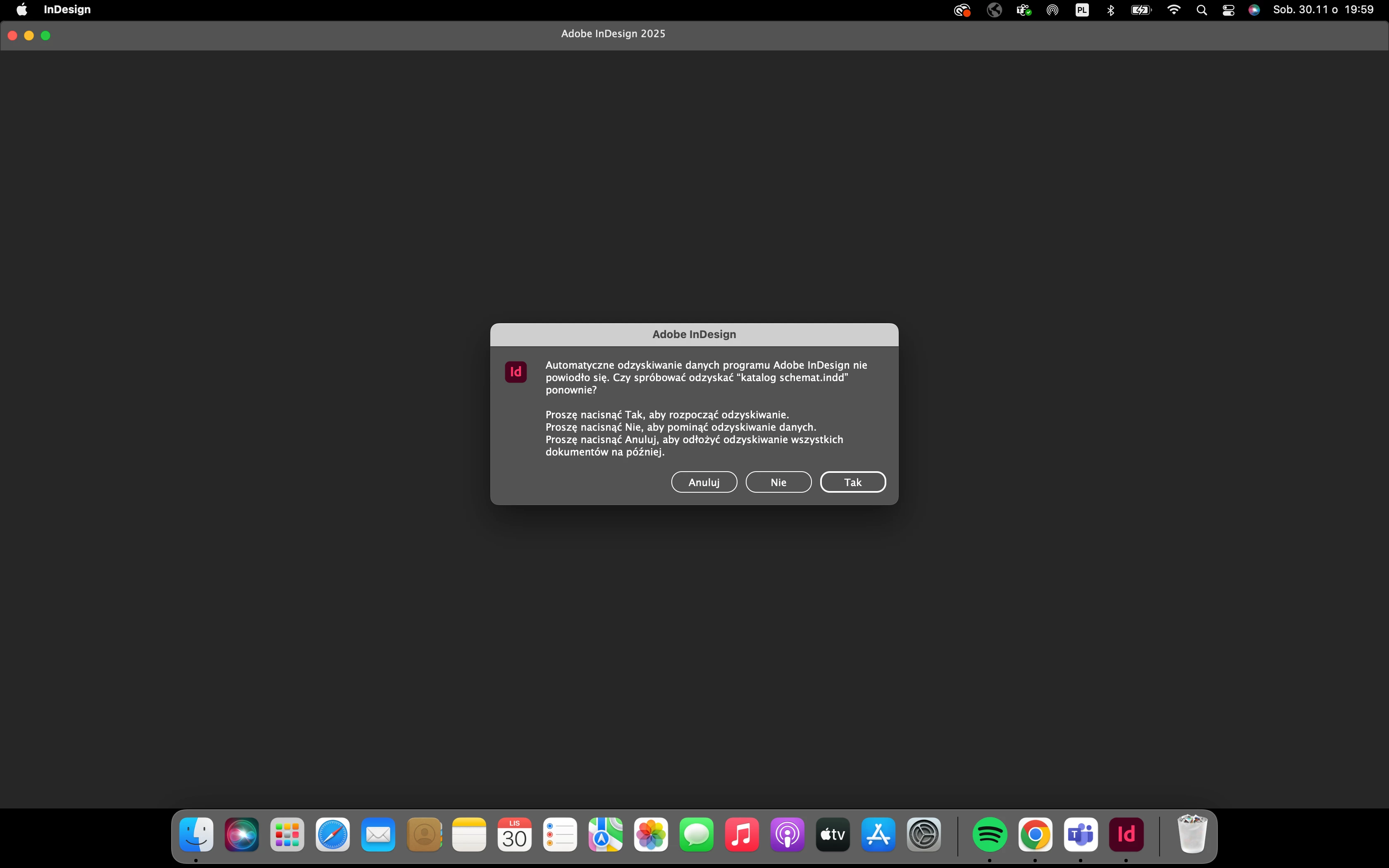
Here is the screen off message that appears when I try to open that file:
Automatic recovery of Adobe InDesign program data failed. Would you like to try to recover "katalog schemat.indd" again?
- Press "Yes" to start recovery.
- Press "No" to skip data recovery.
- Press "Cancel" to postpone recovering all documents until later.
Can anyone advice smth?
Thanks a lot!


 AdChoices