Participant
July 29, 2020
Answered

Unable to unlock object

  • July 29, 2020
  • 3 replies
  • 21432 views


Hello,

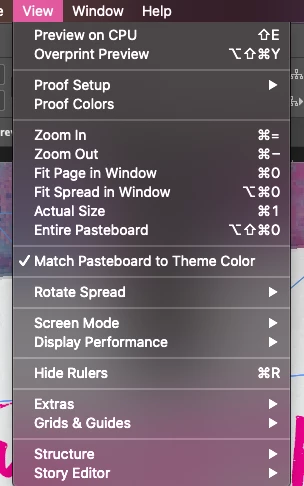
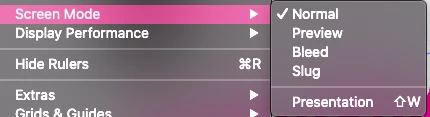
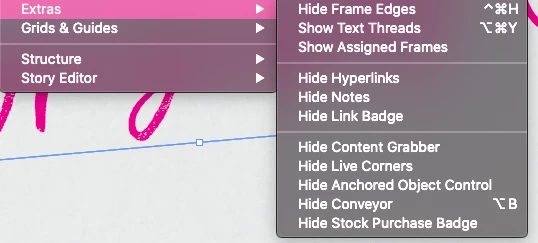
I noticed that some of my objects that are locked are missing their lockpad in order to unlock them. I am creating visual boards and this makes it difficult because I have to move my mouse around until I see the unlock icon on the cruisor. Is this normal? I've checked other threads and it is nothing in my view settings as they are what has been suggested. 

Thanks!
Correct answer Laubender

Hi stefy289,

are the objects perhaps part of a group where the lock icon is only showing with the group selected and not on every object in the group?


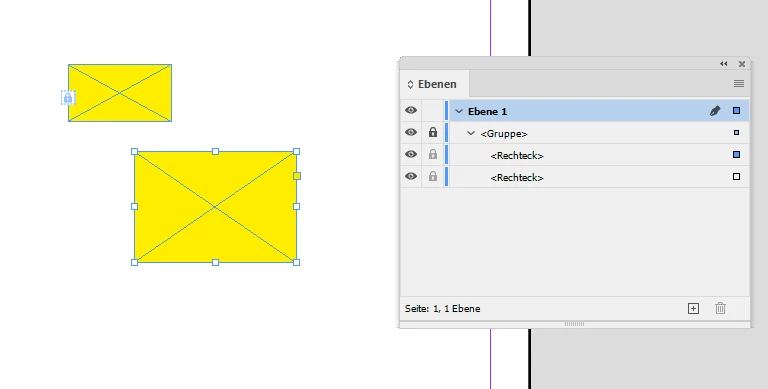
Individual object of a group selected:


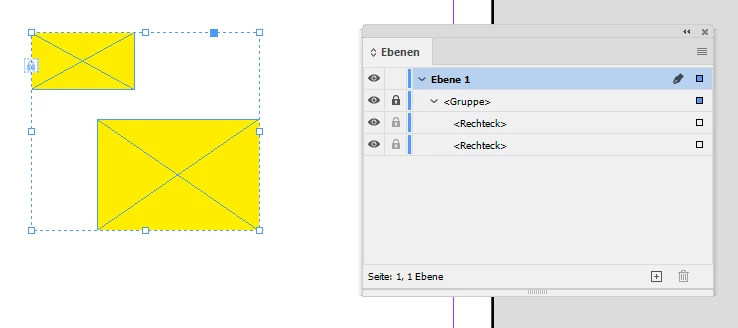
Group selected:


Regards,
Uwe Laubender

( ACP )

3 replies

LaubenderCommunity ExpertCorrect answer
Community Expert
July 30, 2020

Hi stefy289,

are the objects perhaps part of a group where the lock icon is only showing with the group selected and not on every object in the group?


Individual object of a group selected:


Group selected:


Regards,
Uwe Laubender

( ACP )

Dan Rodney
Community Expert
Community Expert
July 30, 2020

If you don't see an unlock icon, it's possible the elements on are a master page (and therefore locked on individual pages because they are neant to be globally edited). Are these items on a master page?

— Adobe Certified Expert & Instructor at Noble Desktop | Web Developer, Designer, InDesign Scriptor
Steve Werner
Community Expert
Community Expert
July 29, 2020

In Layout view in InDesign, the Lock icons can be very hard to see as shown (circled) in the illustration below. An easier way of locking/unlocking is to open the Layers panel and click the arrow beside the current layer to shows objects. It's often much easier to see the locks on the objects in the Layers panel (also circled).