
Understanding Space Between... but I only have two bullets.
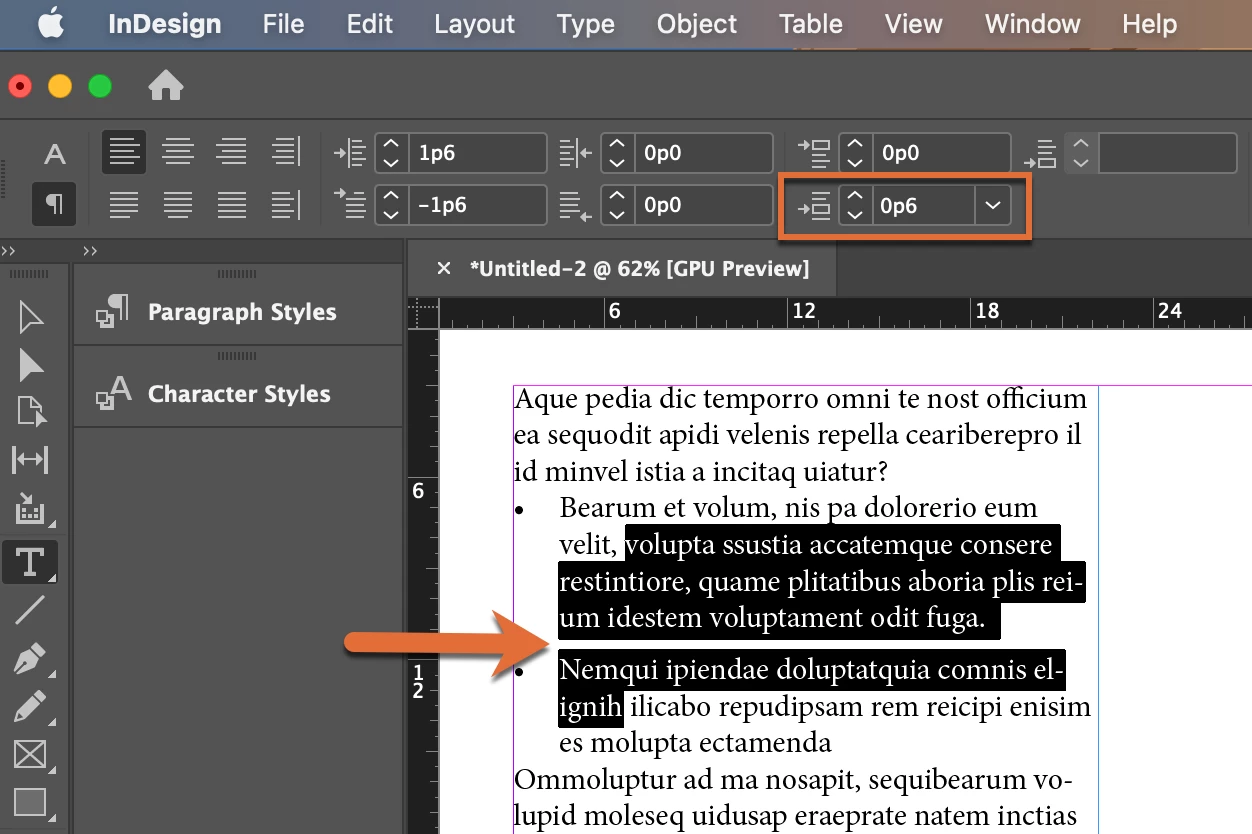
Feeling kind of silly here, but I can't get my head around this. I have templates with a Bullet style. In one document, I have a list with JUST TWO BULLETS. As sometimes happens, I've been asked to shift the second bullet down a bit to accommodate a very small diagram between the two bullets. It is an exception to the style and that's fine. Normally I'd go into Paragraph and tweak this instance. But if I click in the first bullet and try to change Space After, nothing happens. If I click in the Second bullet and try to change Space Before, nothing happens. I don't really want to mess with the style itself as I don't want this change elsewhere. I just want this... exception. How do I override the new feature and just put some extra space where I want it? Do I really have to create another style just to accommodate this quirk? I will if I have to, but it seems silly when all I want is the one-time override particular to this instance.
 AdChoices