Undesirable appearance for a checkbox (InDesign CC 2017 export to PDF)
I have a question regarding the appearance of a clickable checkbox I've created for output as an interactive PDF. The checkbox in question is a .22" square. However, something happened to the bounding box (idicated by the the blue dashed line) that alters the height to .33" as indicated in the screenshot below. I'm not sure what I did, but this particular box is different from the other boxes in the document.
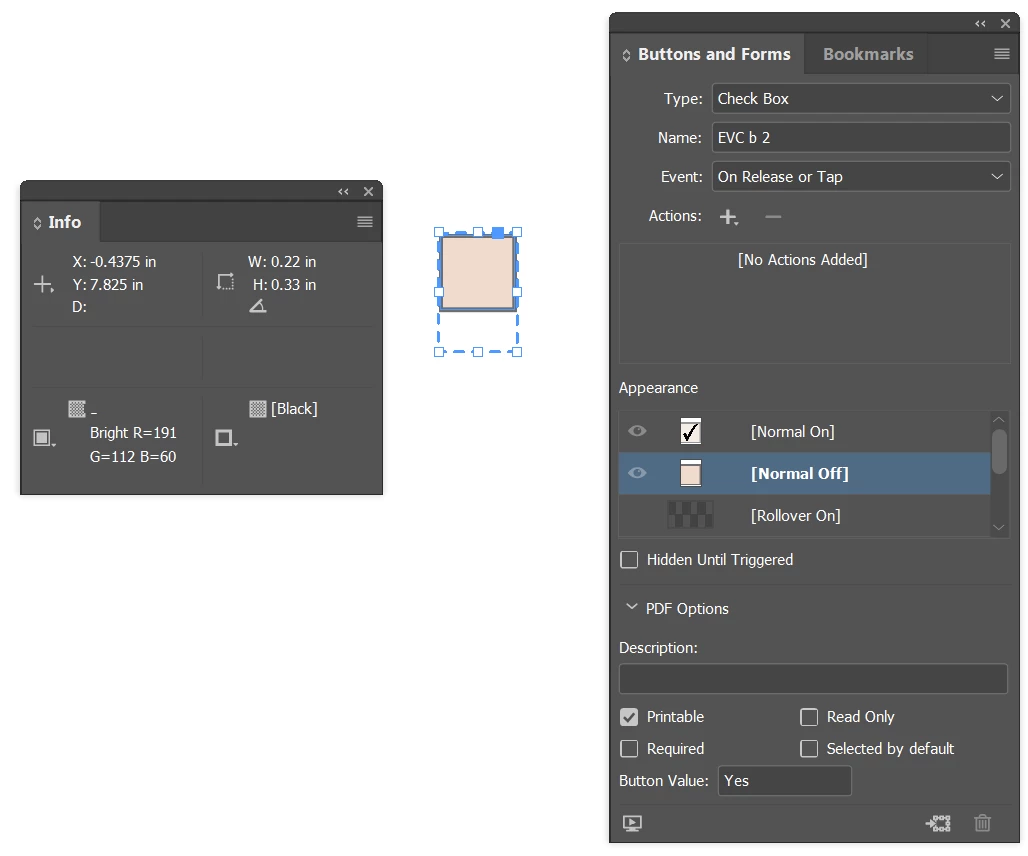
When I export to Interactive PDF, the appearance of the checkbox is larger than the size the box is drawn.
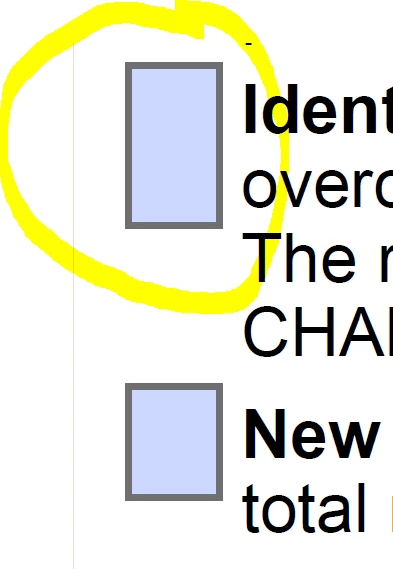
Does anyone know how this happened?
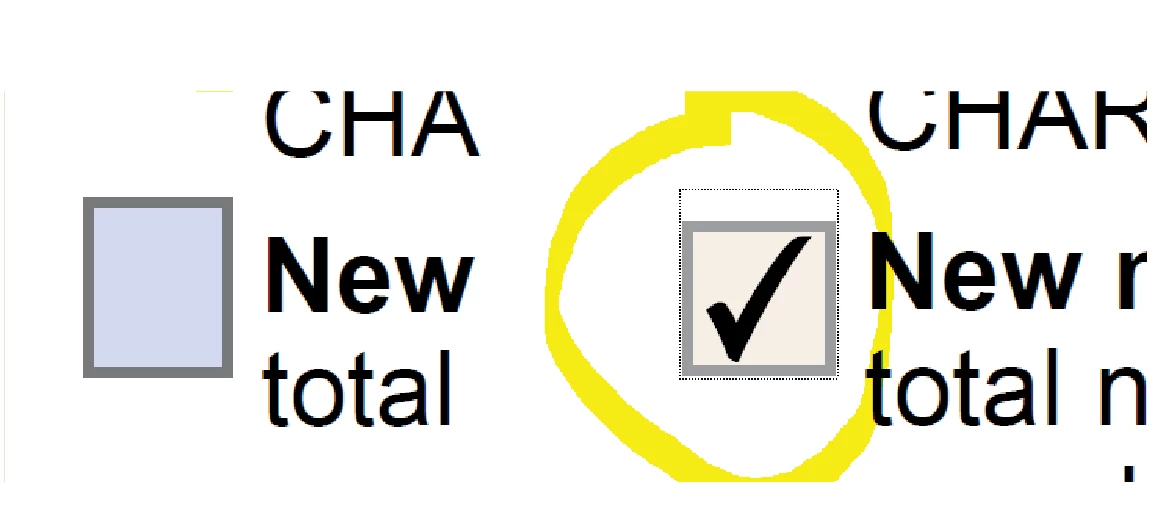
Additionally, I would prefer if a checkbox drawn to appear as a square, in this instance a .22" square, remains that size when it's exported. However, even when the bounding box hasn't been altered the way it was shown in the first image, that is the object has both a width and height of .22", it still exports as a rectangle in its unchecked appearance state (shown as the uncircled box in the second image). It only becomes a square when the box is clicked (shown below). Is there a way to keep the object a square in all appearance states?
 AdChoices