


Question
Unexpected JPEG File Size on Export from InDesign
Good morning,
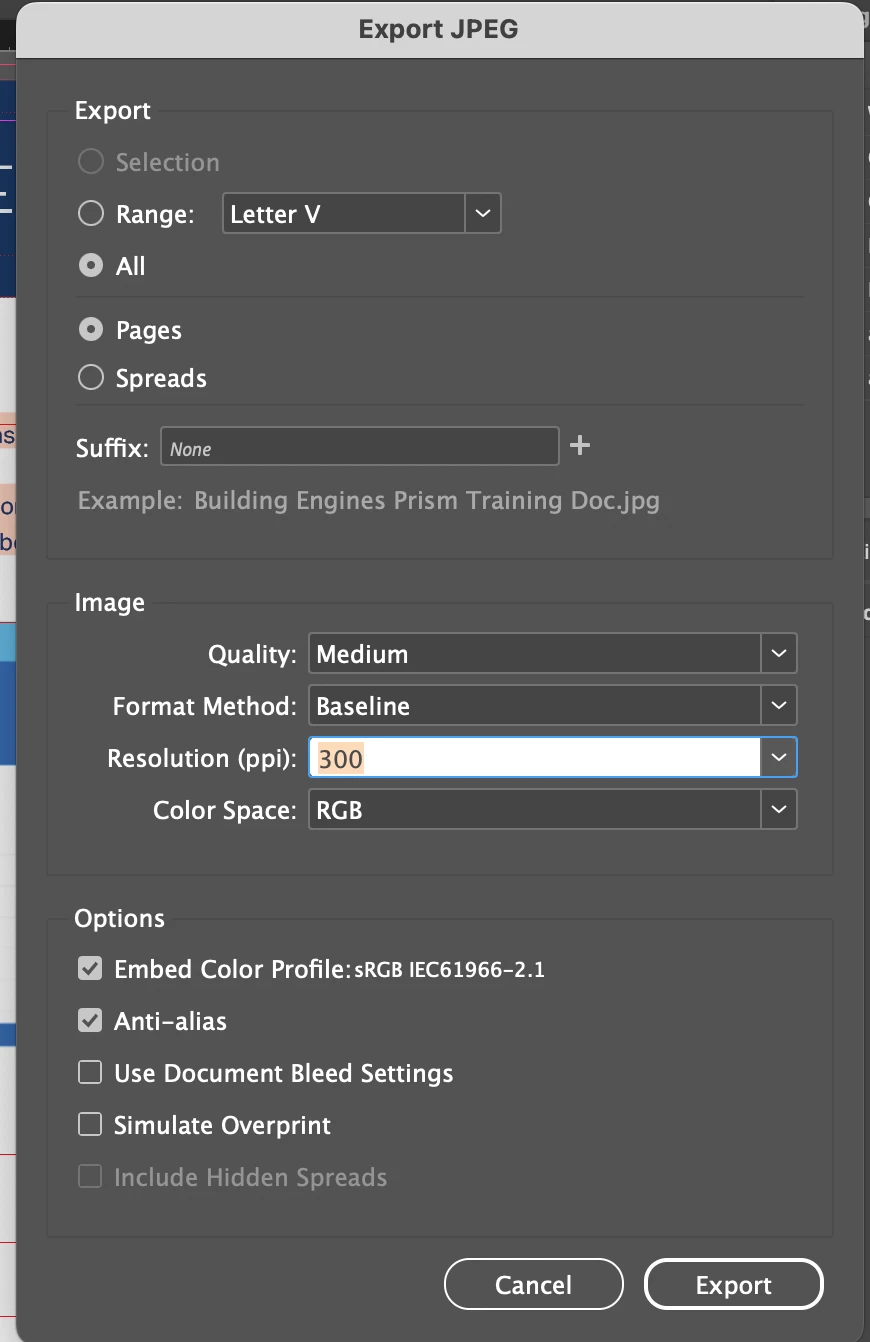
I am having an issue with sizing during export in InDesign, and I am not sure why this happens.
I export a file as a JPEG, and its 73mb's, so then I have to open it in Photoshop and resize it again there to get it down in size. Upon saving from Photoshop, its down to 26mb's, even though all I did in Photoshop was to open, go to Image Resize and literally not change anything, but just click "OK" and save.
Why is this happening? I only have the images under one layer and text under another.
Please advise.
Thank you! 🙂
<Title renamed by MOD>


 AdChoices