
Unstable transparency layer InDesign
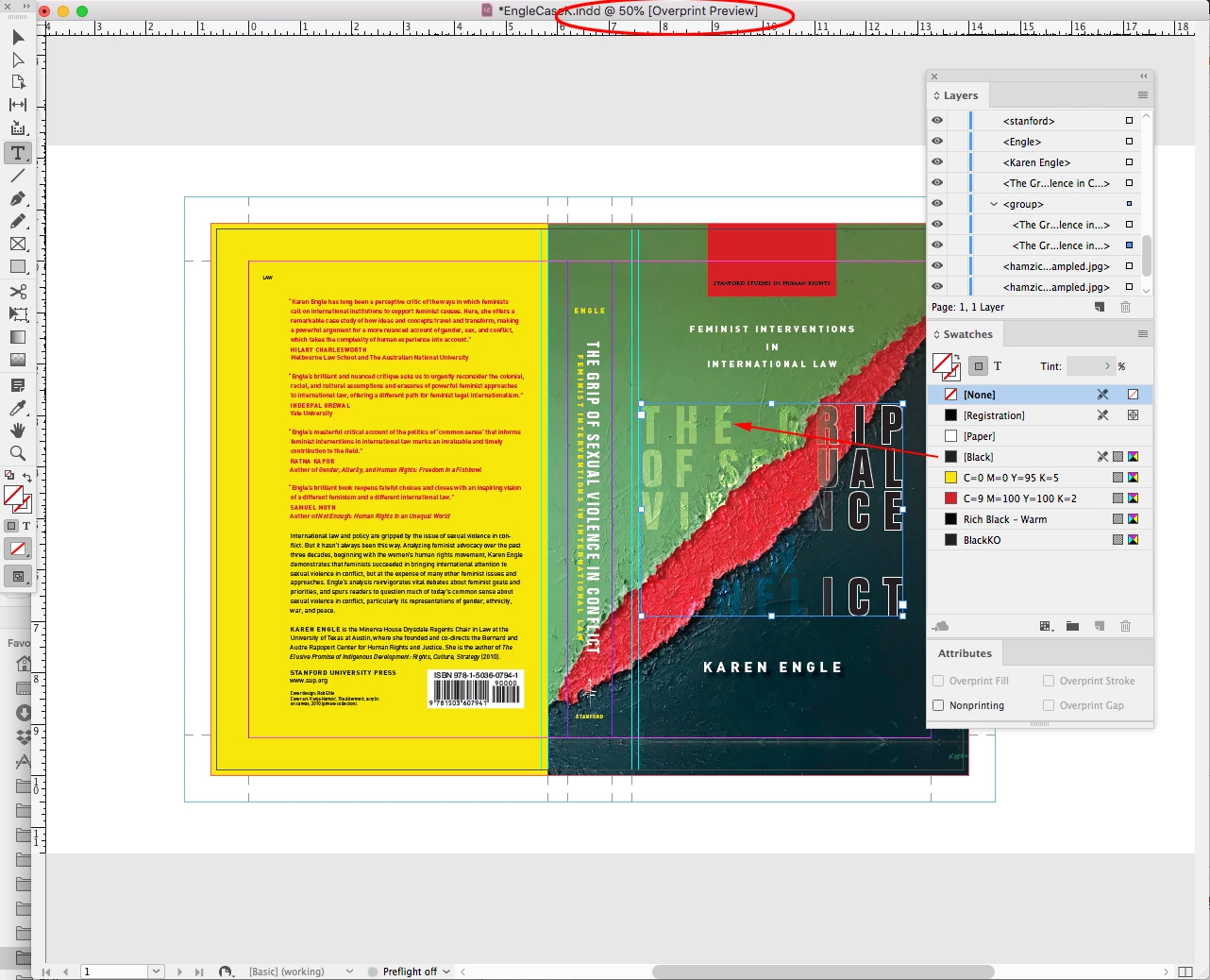
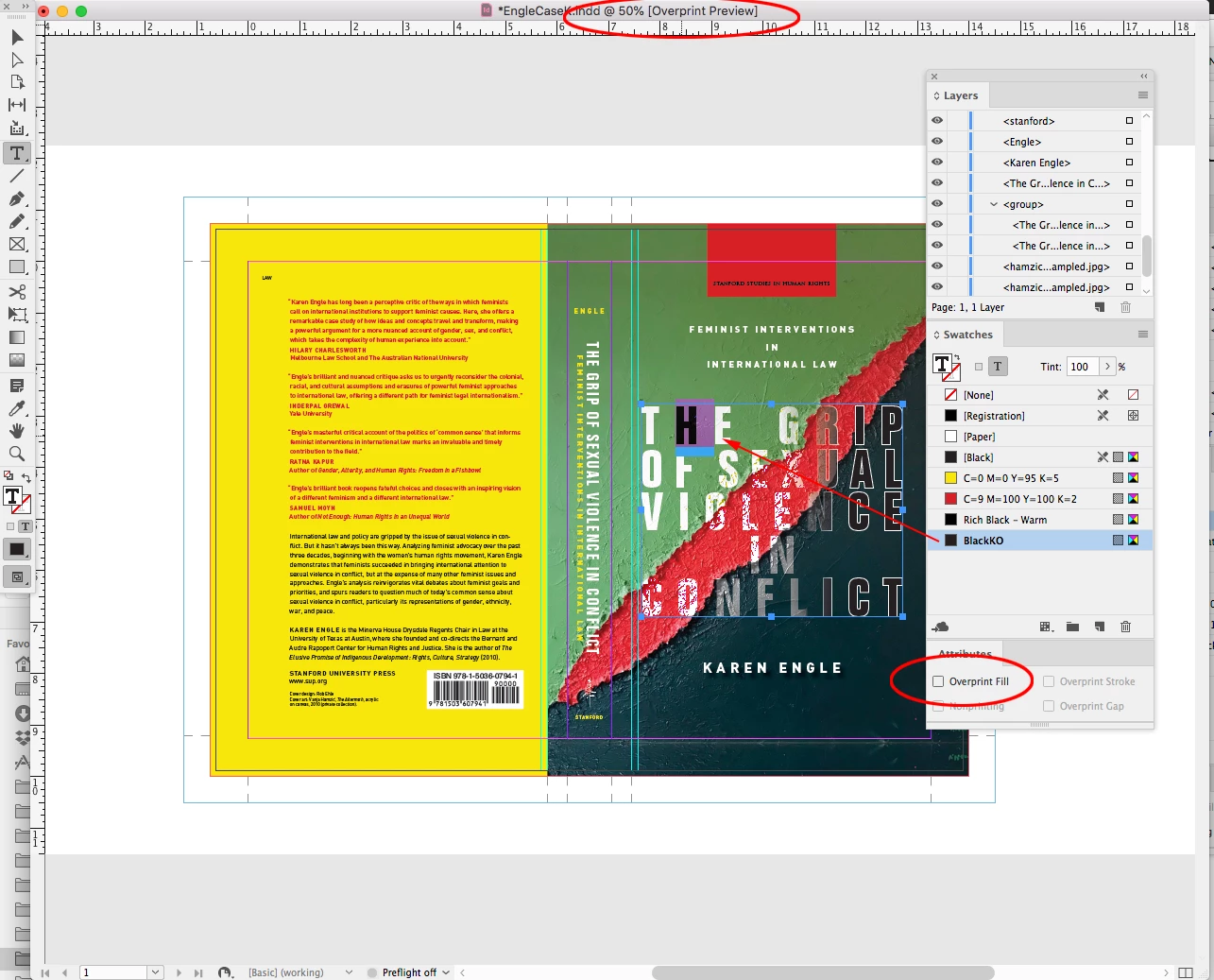
I have an ID file where the appearance of a color-dodged layer changes whenever I try printing the document . . . both with low-end printers in the office and with digital proofs from our printer. The only way I can get a hard proof that matches what I see on my screen is to do a screen grab. The resulting .png prints the way it looks on screen.
An X-1a PDF doesn't replicate the appearance of the ID file, though newer versions do. That said, even the newer versions lose the correct appearance when "simulate overprint" is checked off in Print Production / Output Preview. And whether or not that box is checked, no matter how the image looks on screen the file doesn't print correctly.
I'm assuming this has something to do with color settings and settings for source and destination, but honestly, I don't know what to do to fix it. I don't know if the image attached is helpful, but I'll answer any questions anyone has to try to narrow things down. (The image shows how I want the design to appear, with white type transitioning to black with white outlines, and a rough area in the mid-region.)
Rob

 AdChoices