
Participant
April 21, 2018
Answered

Unwanted page breaks in text in IndesignCC doc [Branched]

  • April 21, 2018
  • 1 reply
  • 443 views

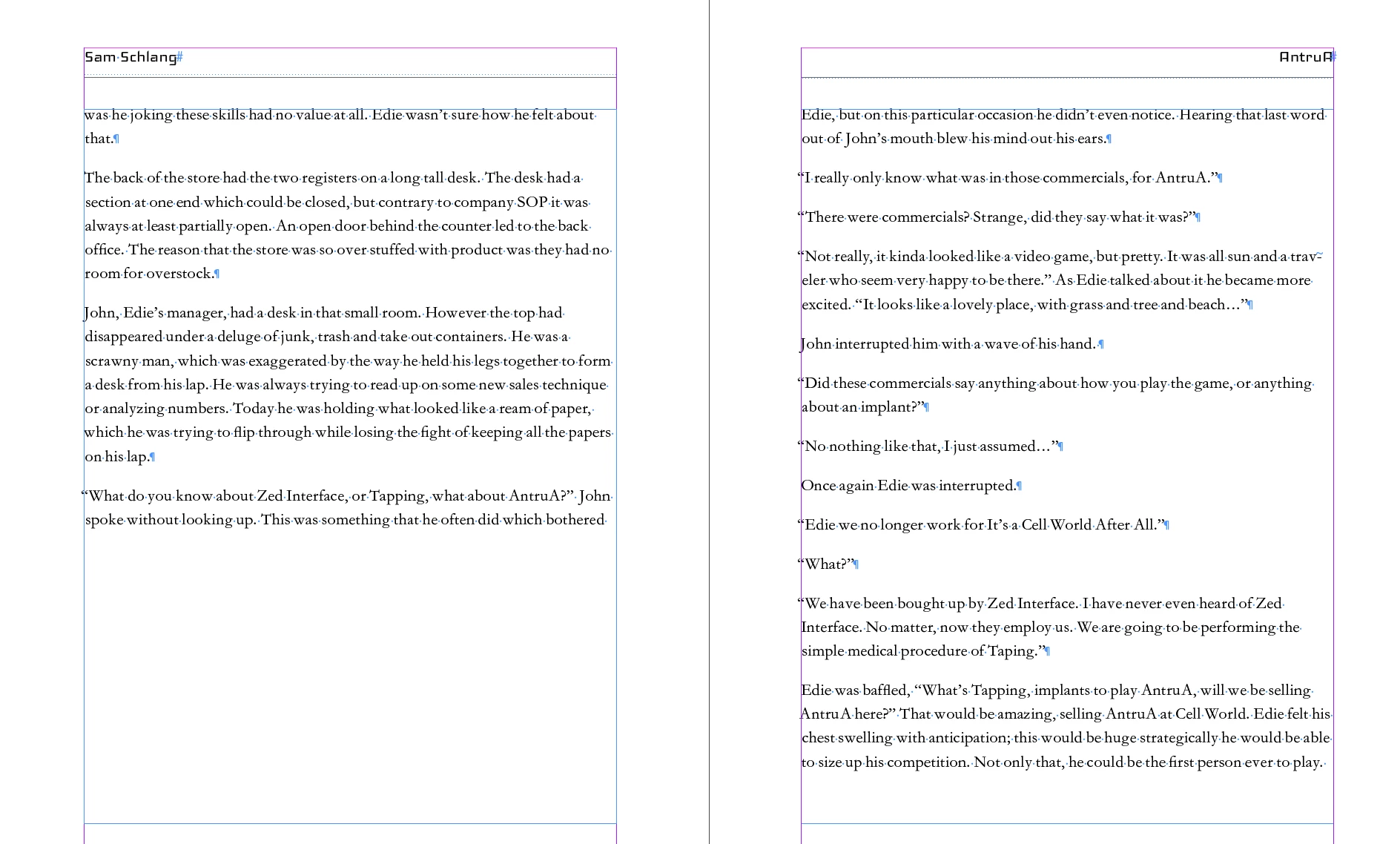
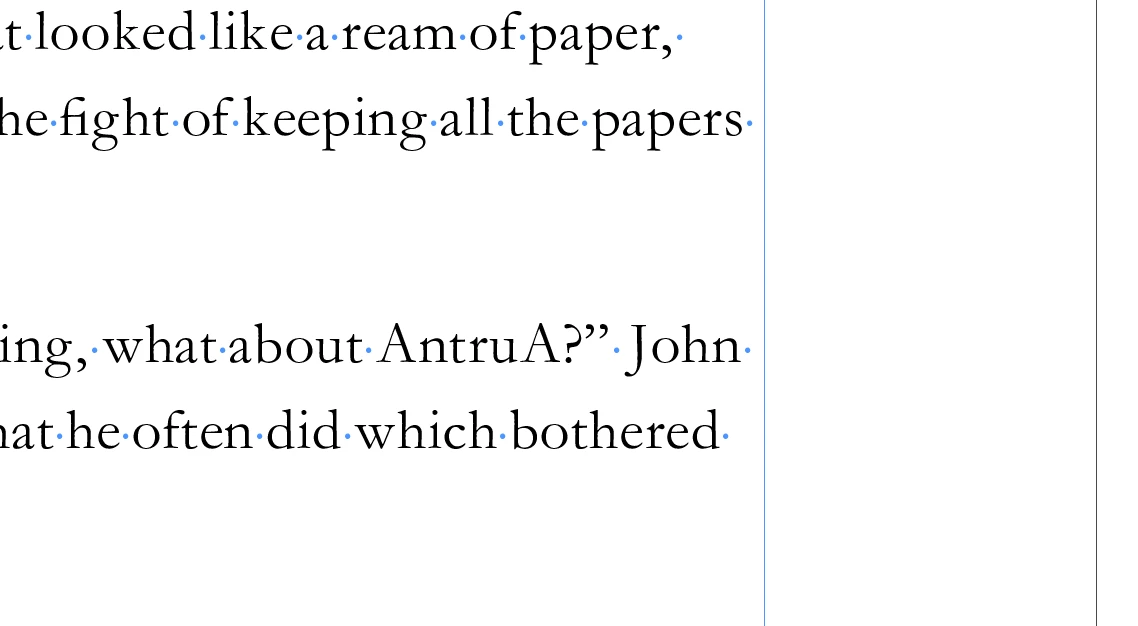
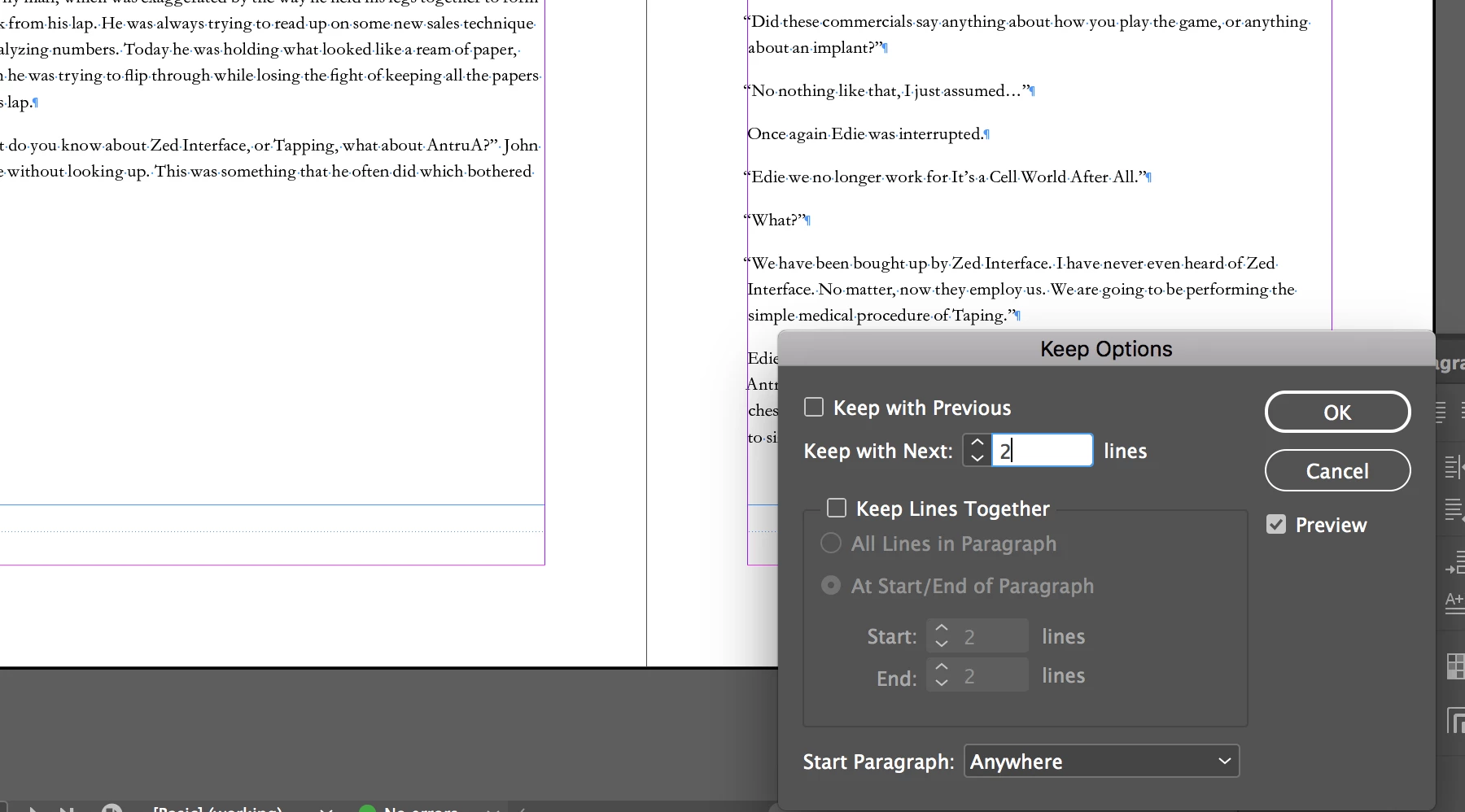
I'm having the same issue. One in every 5-10 spreads has an arbitrary page break. I have all the keep options turned off and there is no hidden page break character. See screen shots. Any help is appreciated.
[Branched from 2014 thread to new discussion by moderator ]
This topic has been closed for replies.
Correct answer jane-e

Never mind.

I just looked closer at your keeps options.

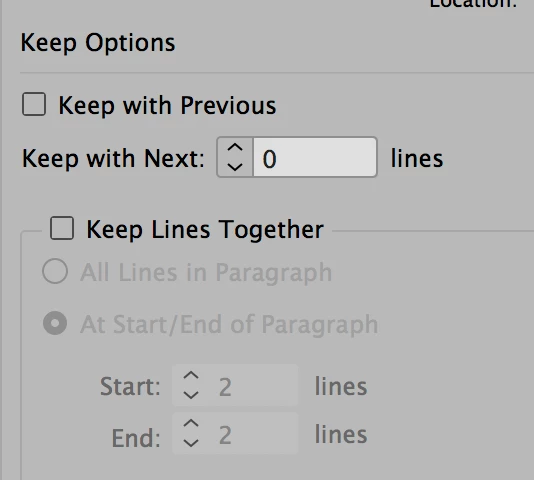
Turn off Keep with Next: 2 lines. Set it to zero.

Turn on keep lines together: 2 at start, 2 at end (if desired).

That will solve it.

1 reply

jane-e
Community Expert
Community Expert
April 21, 2018

You have looked at some of the obvious candidates already:

1. Keeps options

2. Hidden characters

It appears that your frames are full size.

  • Have you looked for something with text wrap?

  • Open your Layers panel for the spread and see if there is anything odd.

  • Click an insertion point and look in the Story Editor to see if there is anything odd.

  • Any chance these pages use a different Master? Look there.

  • With the Selection tool, do a Select all to see if anything shows up that shouldn't. Zoom out to see the pasteboard.

Those are just some things to try.

jane-e
Community Expert
jane-eCommunity ExpertCorrect answer
Community Expert
April 21, 2018

Never mind.

I just looked closer at your keeps options.

Turn off Keep with Next: 2 lines. Set it to zero.

Turn on keep lines together: 2 at start, 2 at end (if desired).

That will solve it.