Inspiring
July 3, 2023
Answered

Upload In5 file to Creative Cloud failure

  • July 3, 2023
  • 3 replies
  • 1548 views

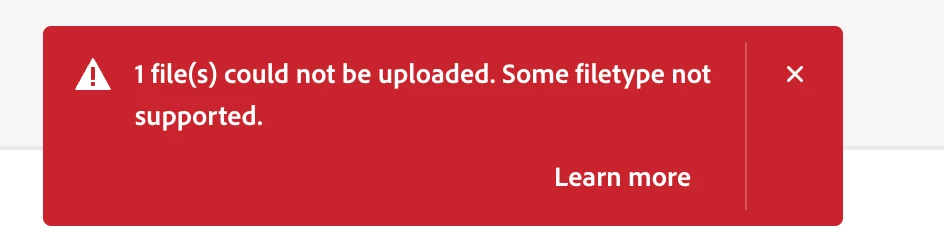
I keep trying to upload an In5 file Archive.zip to my Creative Cloud account but get the following alert (folder created in CC for it): 
 

Correct answer rob day

Hi @Michael5ED9 , Watch which directory you are in on your account. If you try to upload any file type other than .PSDC or .AIC to your assets.adobe.com/cloud-documents directory you will get the file type error you are showing—.zip, .html, .png, .jpg, .etc would all fail. The purpose of the cloud-document’s folder is to allow sharing between the desktop and mobile versions of Photoshop and Illustrator.
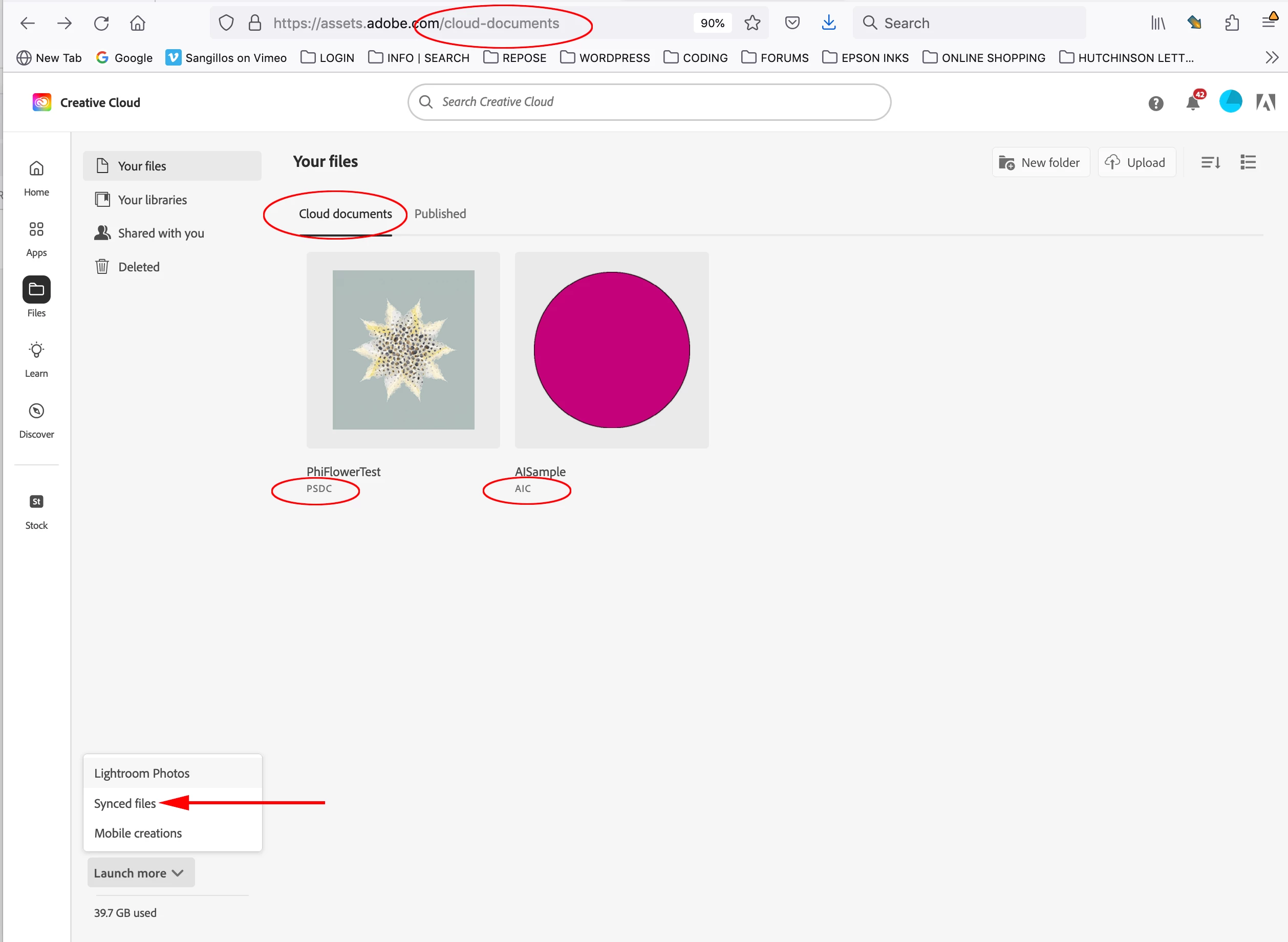


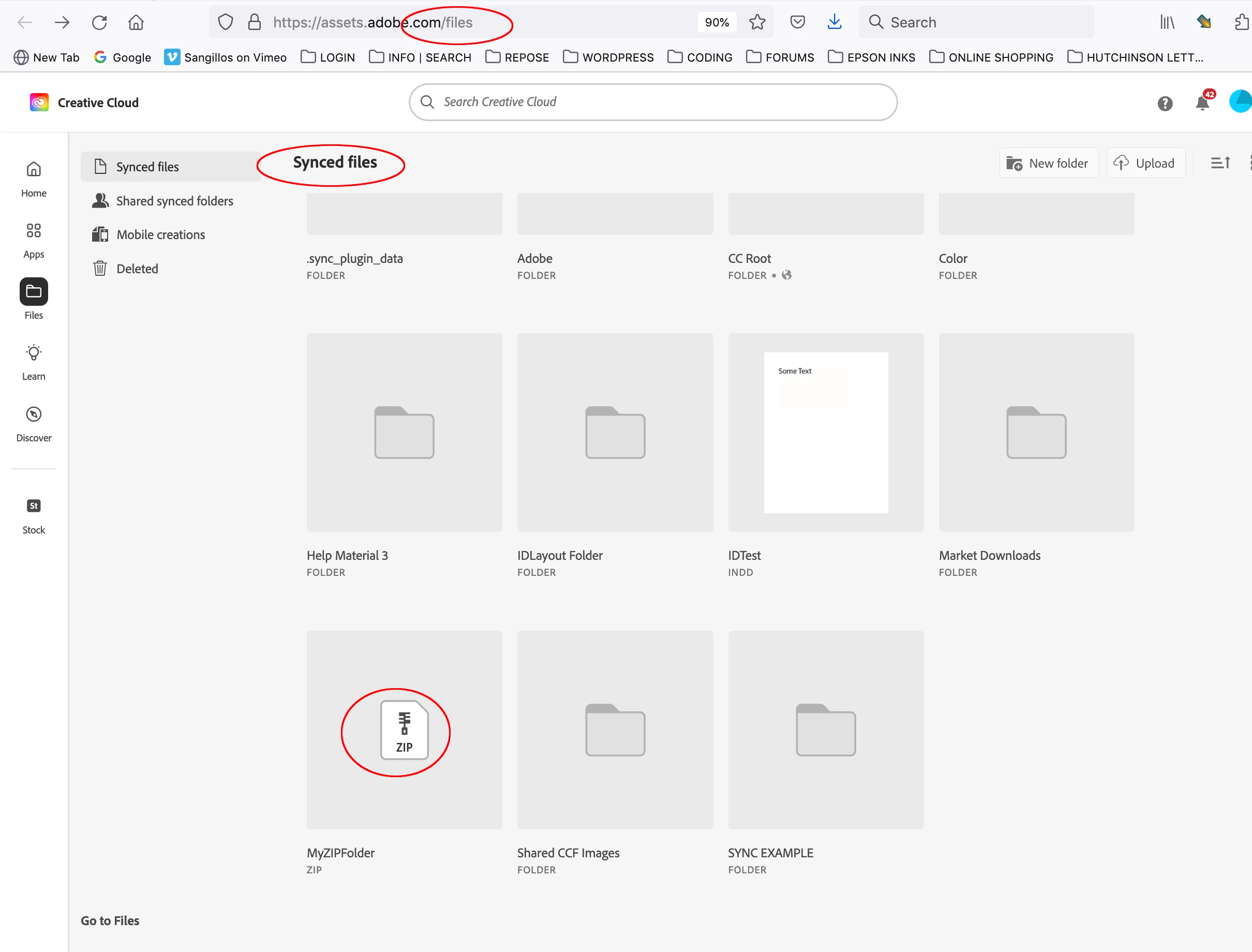
Your Files directory (assets.adobe.com/files) will let you upload or sync any file type—here you can see I‘ve uploaded a .zip file.. Any files you upload to Synced files will sync to your local Creative Cloud Files folder when you have syncing turned on in your account


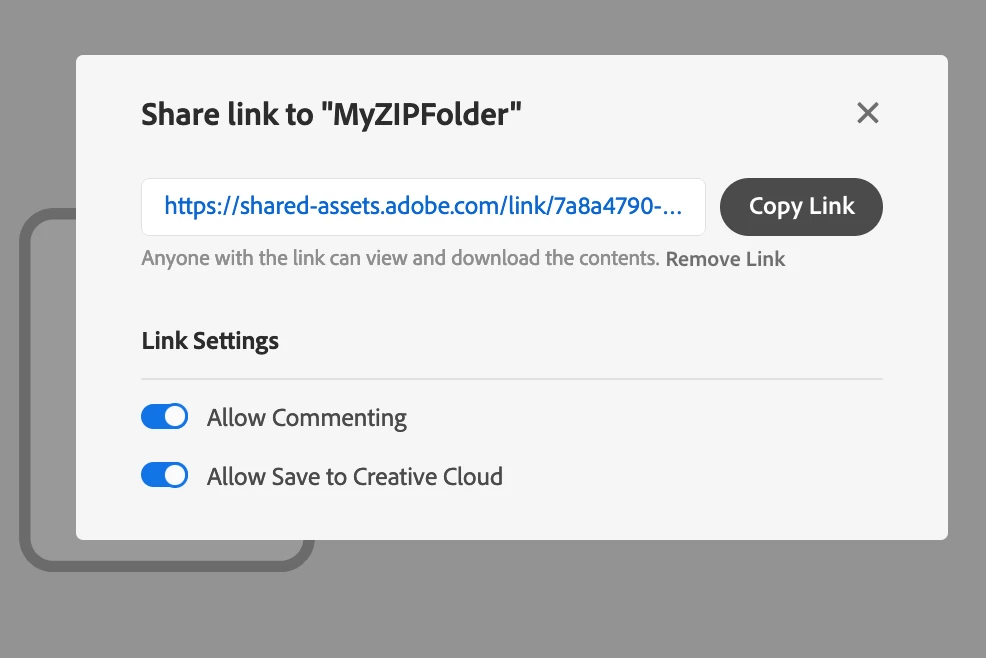
Once you have uploaded a file to your Synced files folder you can share the address with anyone:


3 replies

rob day
Community Expert
rob dayCommunity ExpertCorrect answer
Community Expert
July 3, 2023

Hi @Michael5ED9 , Watch which directory you are in on your account. If you try to upload any file type other than .PSDC or .AIC to your assets.adobe.com/cloud-documents directory you will get the file type error you are showing—.zip, .html, .png, .jpg, .etc would all fail. The purpose of the cloud-document’s folder is to allow sharing between the desktop and mobile versions of Photoshop and Illustrator.


Your Files directory (assets.adobe.com/files) will let you upload or sync any file type—here you can see I‘ve uploaded a .zip file.. Any files you upload to Synced files will sync to your local Creative Cloud Files folder when you have syncing turned on in your account


Once you have uploaded a file to your Synced files folder you can share the address with anyone:


Inspiring
July 4, 2023

Really appreciate you getting back Rob. Your response happened to cross paths with a most helpful email from Ajar confirming your advice. Looking at the tutorial video, for some reason it didn't click that it was an Assets.adobe.com web page and not the CC app she was showing. I've just really started to use Id's interactivity so starting at a slow learning curve but hopefully picking up speed as I go on.

BobLevine
Community Expert
Community Expert
July 3, 2023

I can't even begin to think of what this has to do with InDesign. You exported a project from in5, zipped it, and now you're getting an error saving to a CC folder?  Have you tried saving it to your synced desktop folder?

Inspiring
July 3, 2023

Sorry, Bob, but do you mean save it to my desktop which is synced to iCloud? If you do then yes it saves fine but it's already in my synced Documents folder.

BobLevine
Community Expert
Community Expert
July 3, 2023

Then I don't get what the issue is. It sounds like you may have just hit a bit of glitch but if the file is in your synced desktop folder, the file is already uploaded.

As for the files, there are quite a few ways to share them. The support there is fabulous so if you have questions, check with them.

I will say this, if you're doing this in hopes of creating a website, it's the one thing I can't recommend it for.

Steve Werner
Community Expert
Community Expert
July 3, 2023

in5 is not an Adobe product. Contact Ajar Productions for support:


https://ajarproductions.com/pages/products/in5/?ref=footer

Inspiring
July 3, 2023

Thanks, Steve, that's a very useful link. First-time user producing animated InDesign and struggling to understand html and how to share files.
