JayIKEA
Inspiring
July 19, 2023
Answered

Uppercase "B" is not working

  • July 19, 2023
  • 1 reply
  • 643 views

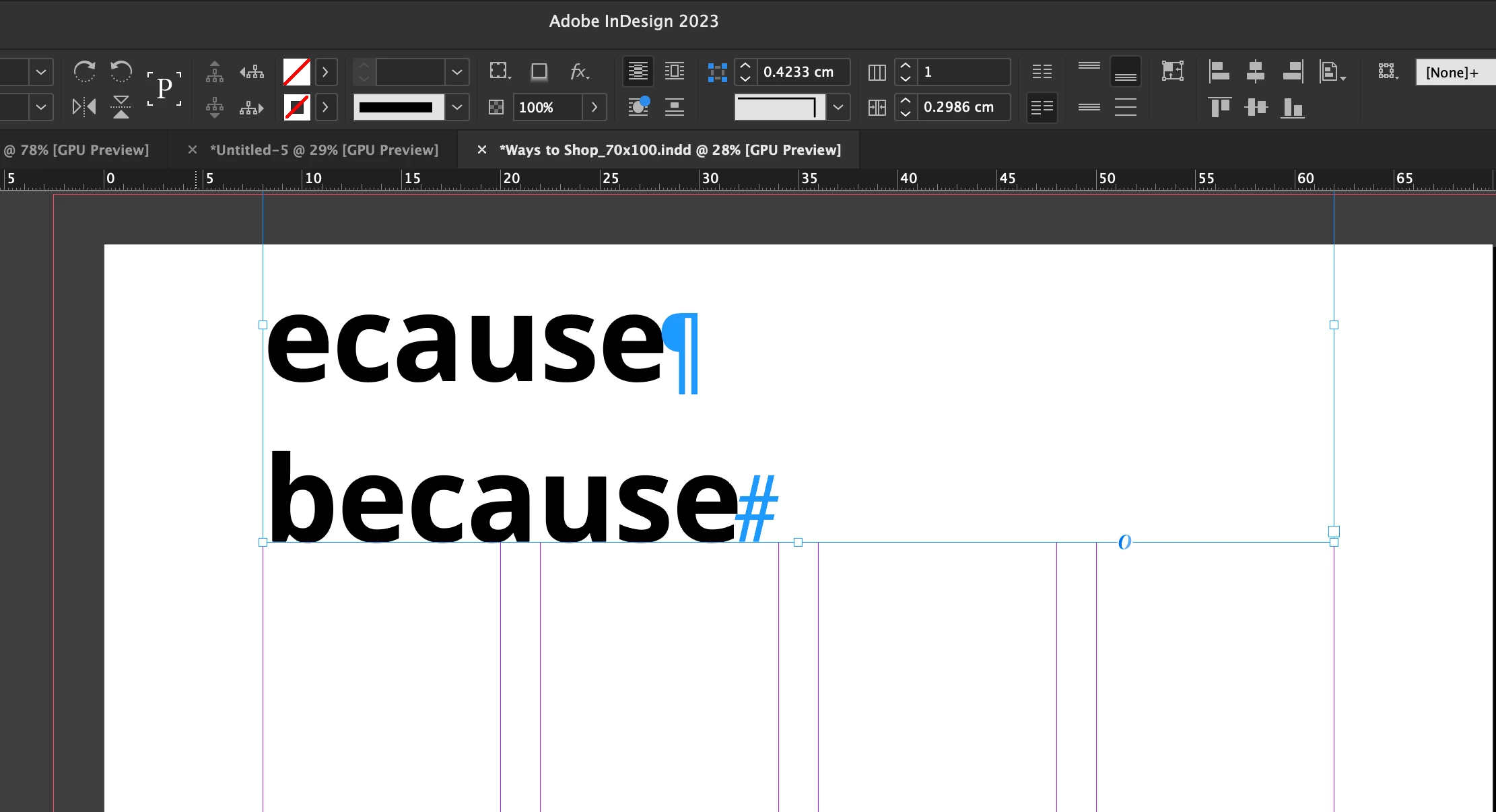
When i try to type an uppercase B, it doesnt work.  It will not type the letter out.  But when I type lowercase "b", it works.


All the other uppercase letters work.  Just not the "B".


Is there a font setting i need adjust?
This topic has been closed for replies.
Correct answer JayIKEA

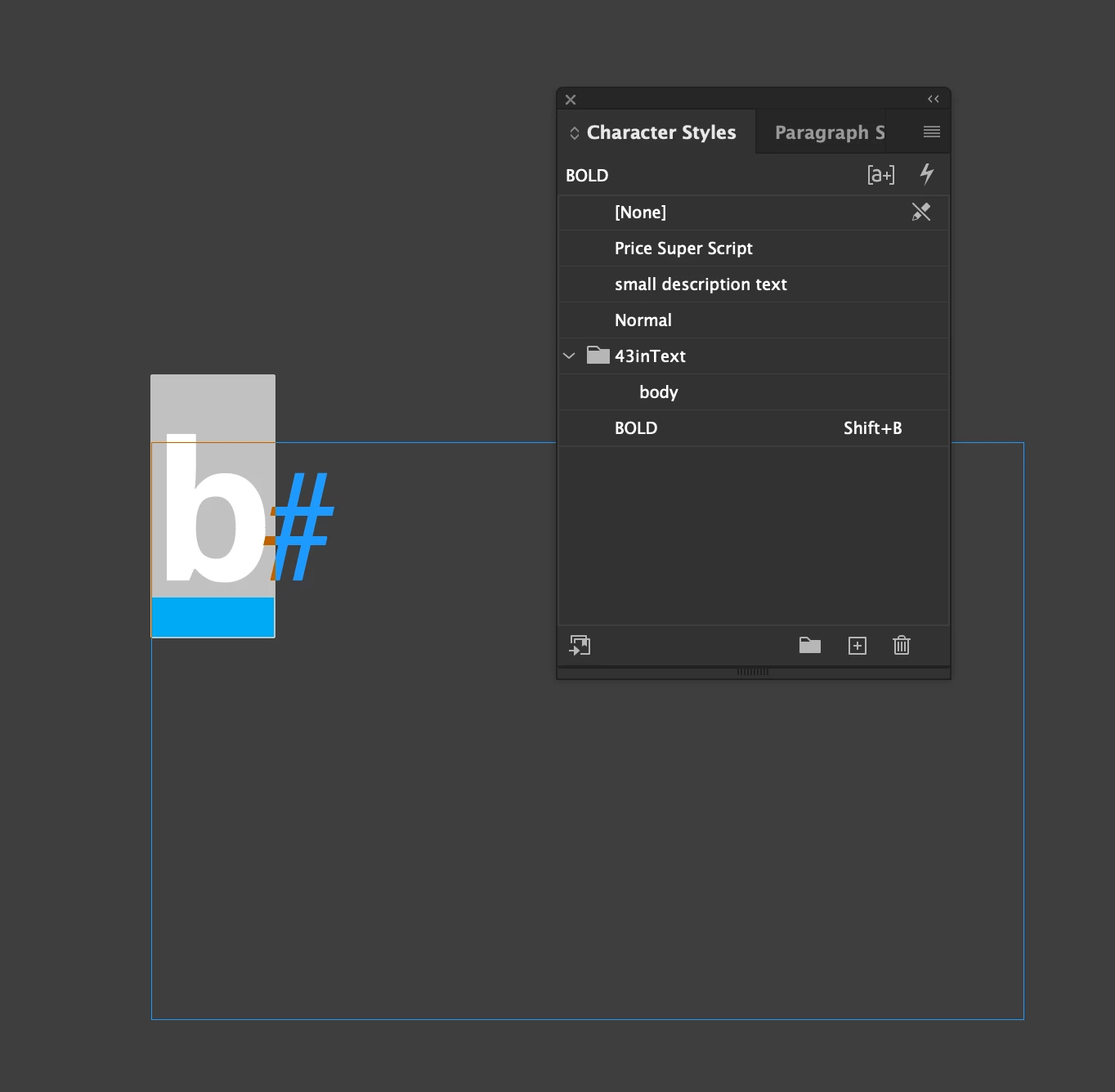
ah i figured it out.  Turns out there was a character style shortcut that was embedded into the document.  Thats why I couldnt type an uppercase B.  I deleted it.  Works again.

1 reply

Barb Binder
Community Expert
Community Expert
July 19, 2023

The uppercase B works elsewhere, though? Just not in InDesign?


I would first try a different font and next try it in a new document. If it still doesn't work, try rebuilding preferences. When InDesign begins to behave erratically, cache and preferences can restore normal behavior. The link below explains both the keyboard technique (which works most of the time) as well as the more thorough approach to deleting (or renaming) your cache and preferences, which tends to resolve the more stubborn issues not rectified by the keyboard approach.

See: https://www.rockymountaintraining.com/adobe-indesign-rebuilding-preferences-cache/ 

~Barb

~Barb at Rocky Mountain Training
JayIKEA
JayIKEAAuthorCorrect answer
Inspiring
July 21, 2023

ah i figured it out.  Turns out there was a character style shortcut that was embedded into the document.  Thats why I couldnt type an uppercase B.  I deleted it.  Works again.

Barb Binder
Community Expert
Community Expert
July 21, 2023

Phew! Glad you are back on track. 


~Barb

(I would sorely miss access to an uppercase B) 😂

~Barb at Rocky Mountain Training