
Participant
June 22, 2022
Pregunta

Urgent help! InDesign won't save my project!

  • June 22, 2022
  • 2 respuestas
  • 119 visualizaciones

I have been working on a project now all day, and when I went to save it, it comes up as this: 
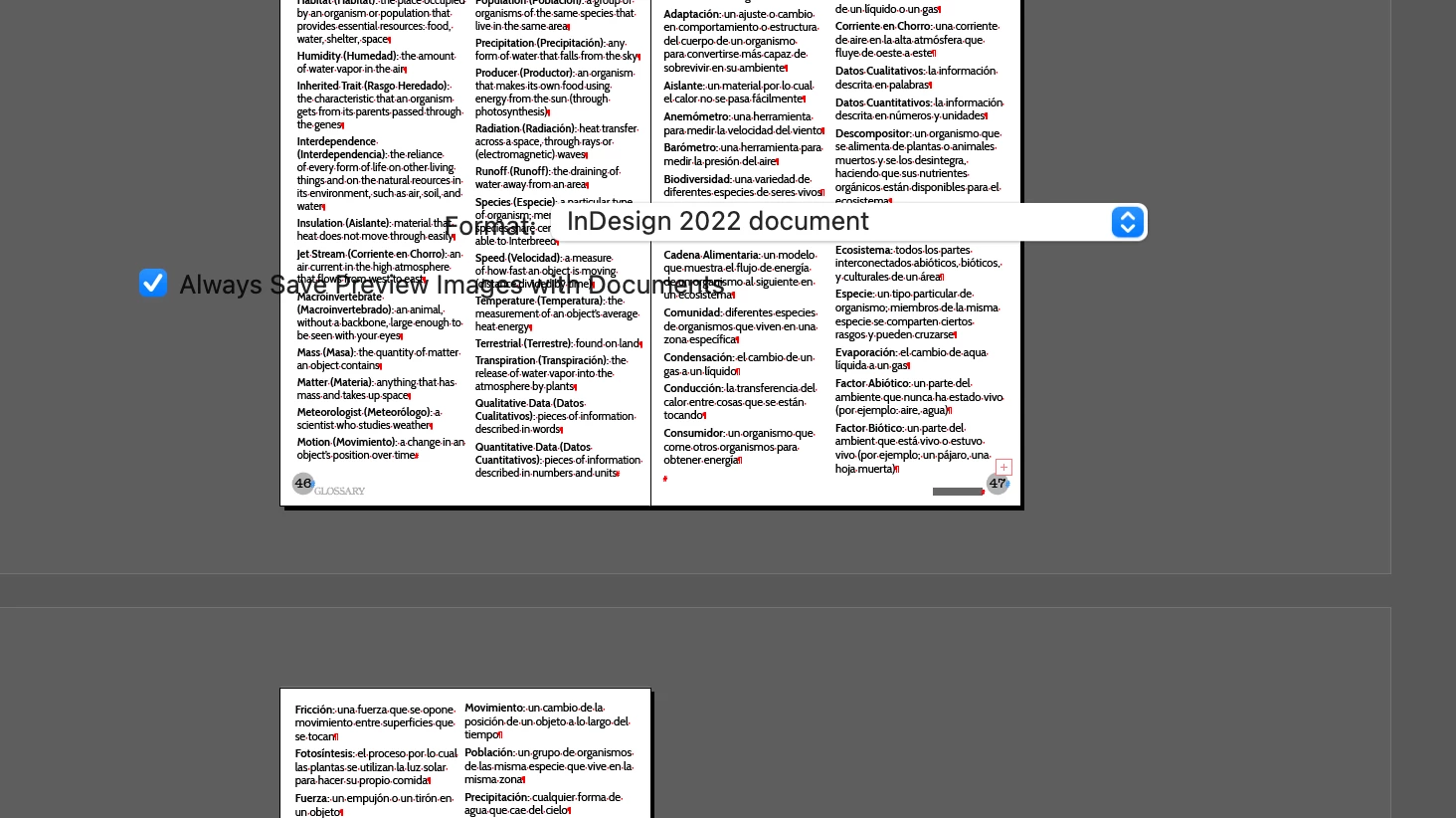
The "save menu" is non existent, and there's nowhere for me to click anything. I've tried save, save as, export, all brings me the same thing. If I try and exit out of the application, it asks me to save and I click that. It brings this same menu up! I assume this is a glitch that my application is not working correctly?? If I force quit, will I lose all my work???? Has anyone else experienced this?? I work on a Mac. Help please!

Este tema ha sido cerrado para respuestas.

2 respuestas

Derek Cross
Community Expert
Community Expert
June 23, 2022

Just to add to Peter's comment, it is vital that you save your InDesign documents regularly and also that you keep backup copies externally as a safeguard againt computer issues. In addition, if you've been working on a document for a long time Save it as an IDML document, rename it and open it up in InDesign again, this will clear out the crud that builds up and that can cause corruption. 

Peter Spier
Community Expert
Community Expert
June 23, 2022

No guarantees that you won't lose your work, but if you force quit and restart InDesing SHOULD open the file again from the last saved stae in the recovery data. That said, if you're unable to do any sort of save or export using normal commands I don't see a lot of other options.