Participating Frequently
May 6, 2022
Answered

Urgent: ID 17.2.1 English LTR book with any RTL text wrongly exports as RTL epub

  • May 6, 2022
  • 4 replies
  • 1386 views

I consider this urgent; until this is fixed I am stuck, and I cannot export books to epub. I have two waiting now, with more soon.


When exporting an epub 3.0 from an academic book written in English with some RTL text sections, typically tables with Hebrew and English text, the epub exports in reverse order. That is, the title page is at the end of the epub, and the last page of the text is the first in the epub. So far it seems that the presence of any RTL elements causes the epub to export as if it were an RTL book.


Exporting an English-only epub works properly.


I only need to do this every month or two, so I do not know for certain, but I think this bug was in introduced around 17.2. Historically such epubs have always exported properly in LTR.


The epub export General tab has the Content -> Order set to "Based on Page Layout". That is the only option available.


To reproduce, simply export to epub a document or book with a few RTL elements.


I made a 50 page ID file full of lorem ipsum placeholder text, then added three Hebrew words to the top of the file. That was sufficient to cause it to export an RTL epub, with the first page at the end of the epub.


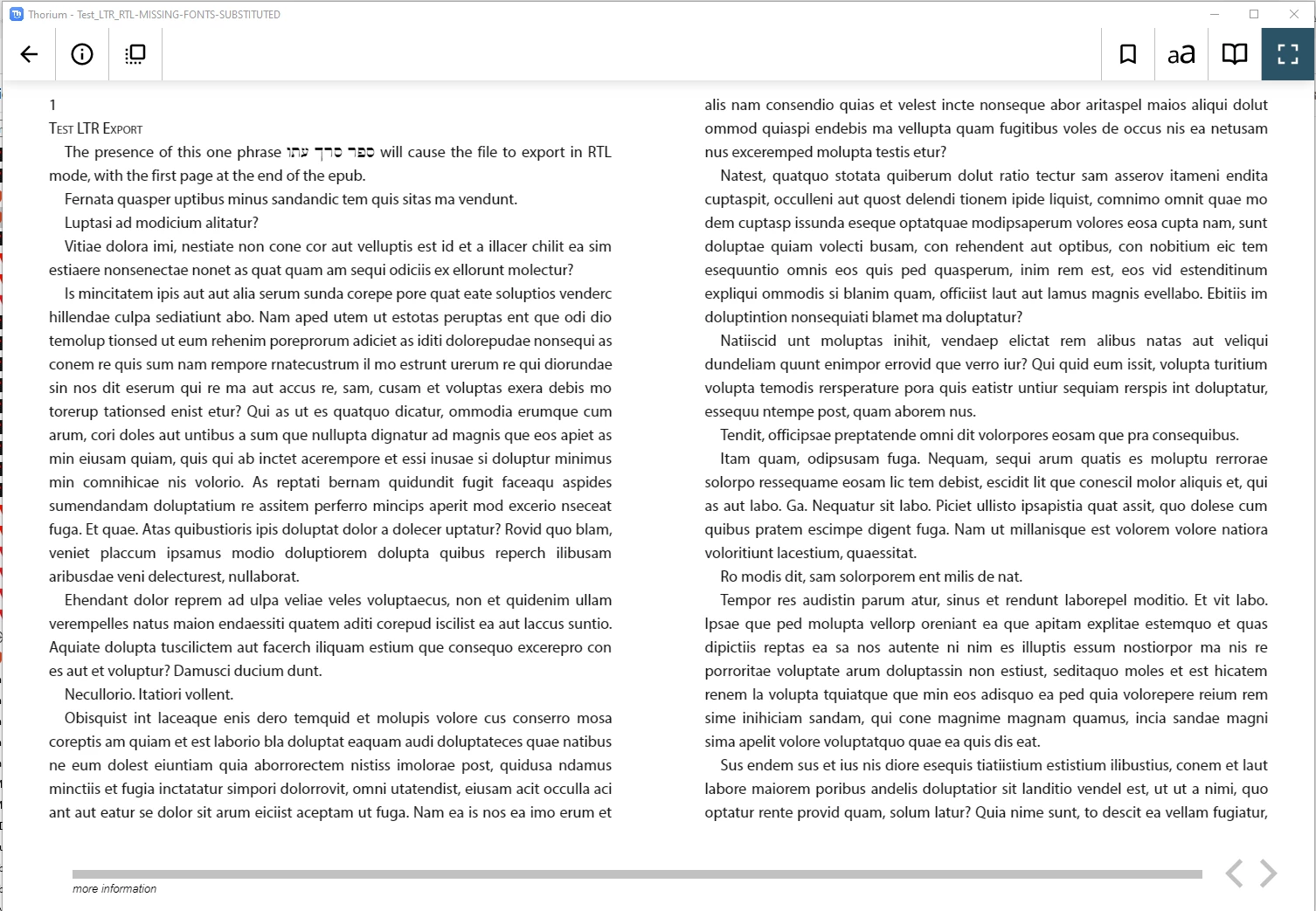
The attached screen snap shows the epub pages running right to left. The only RTL characters in the 50+ page document are the three Hebrew words in the first sentence.
This topic has been closed for replies.
Correct answer Laubender

Hi Michael,

now I did a quick test with your document.

More details after the weekend.


At first glance I cannot see the issue.


I'm with the German InDesign 17.2.1 on Windows 10. EPUB viewer was my default viewer for EPUBs on Windows 10, the calibre e-book viewer. Also have the Thorium reader installed.


The reflowable EPUB with the Thorium Reader on Windows. No issue as far as I can see:


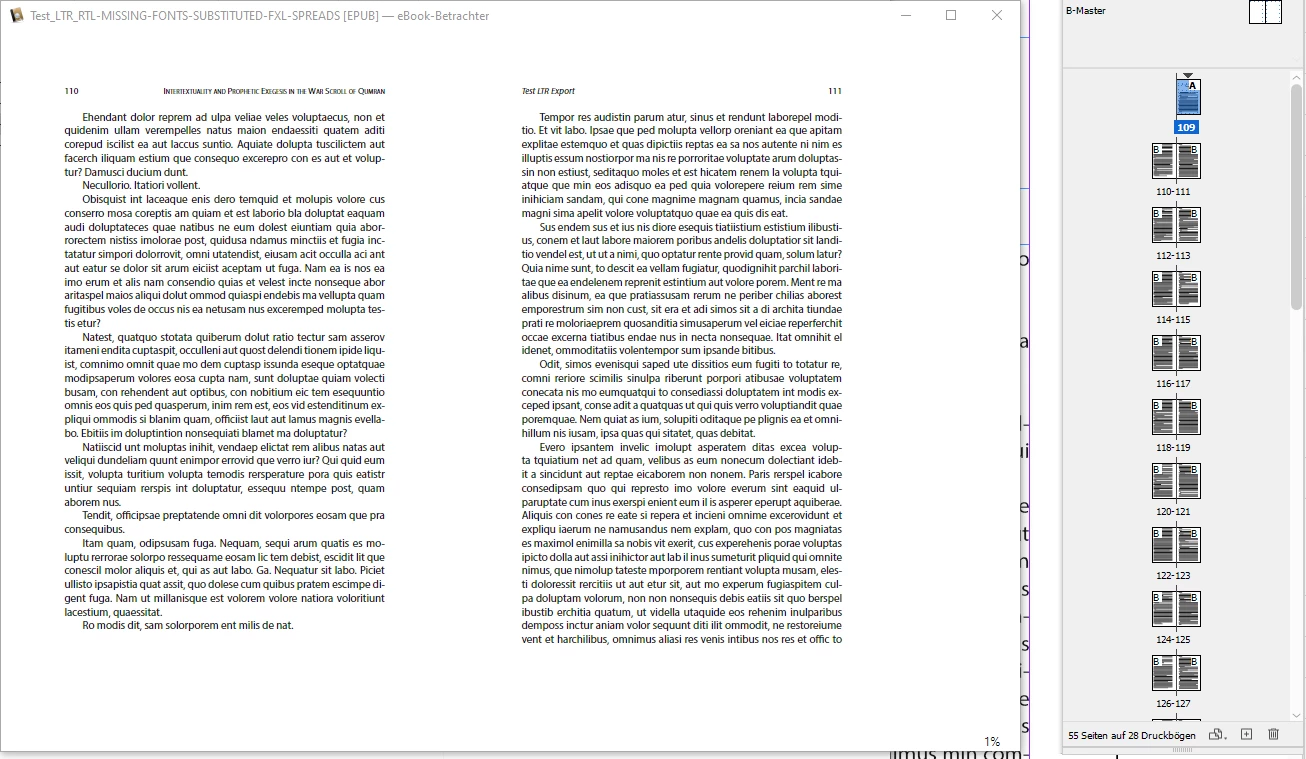
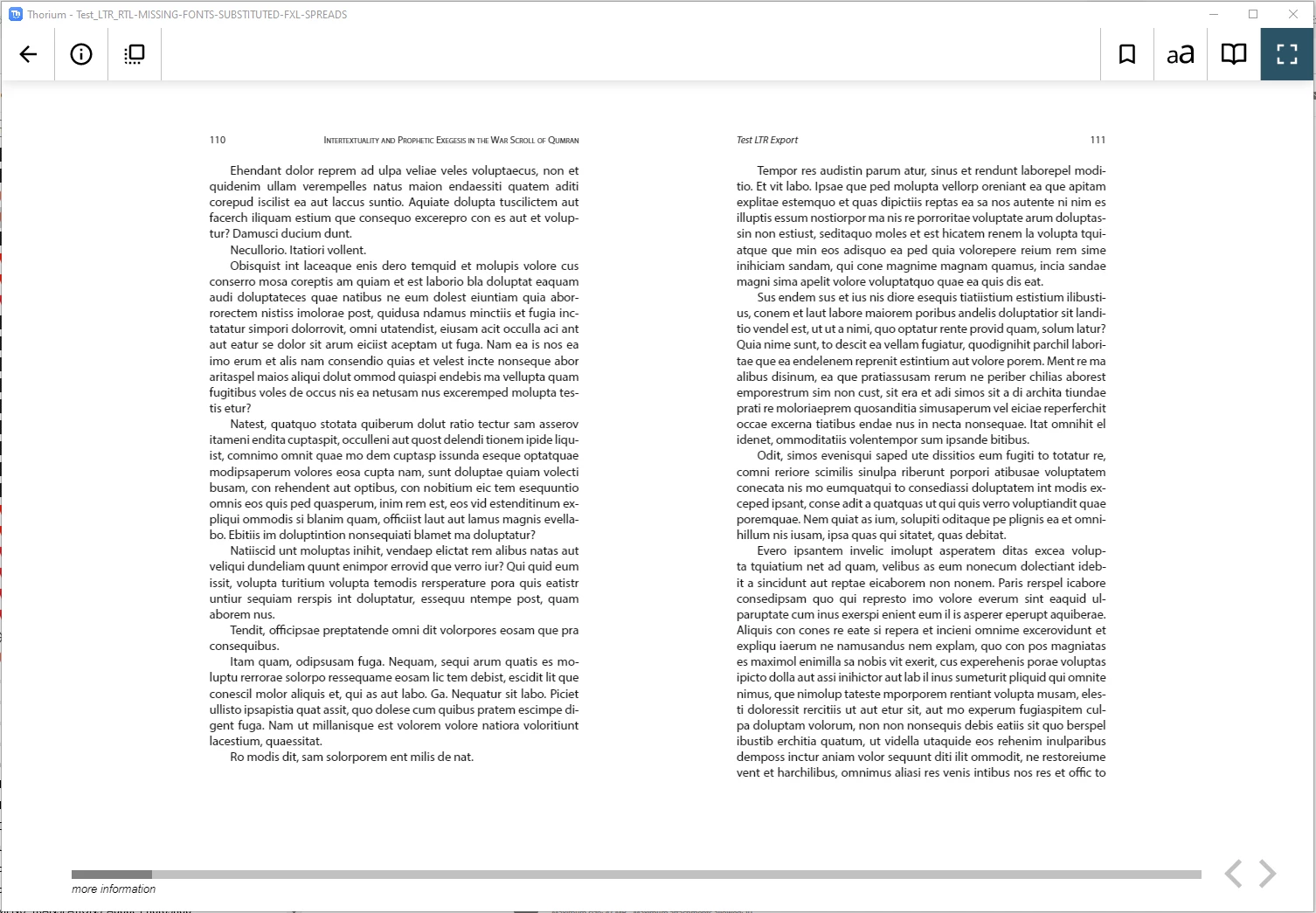
Here the result for an fixed layout  ( FXL ) version of the EPUB where spreads are defined.

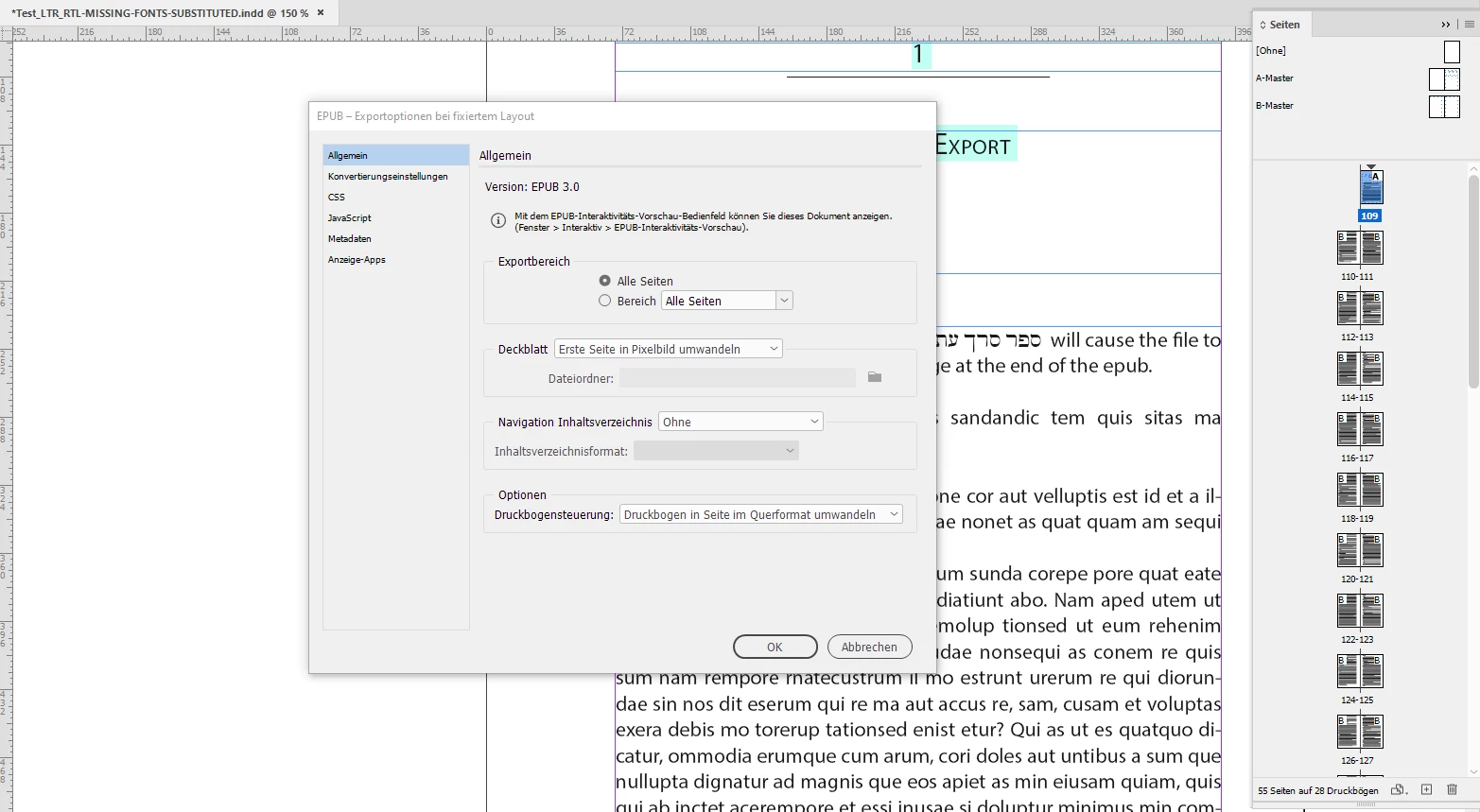
My setup was "Convert Spread To Landscape Page":


The result in the Calibre e-book reader showing spread 2. No issue as far as I can see:


With Thorium reader:


Regards,
Uwe Laubender

( ACP )

4 replies

LaubenderCommunity ExpertCorrect answer
Community Expert
May 7, 2022

Hi Michael,

now I did a quick test with your document.

More details after the weekend.


At first glance I cannot see the issue.


I'm with the German InDesign 17.2.1 on Windows 10. EPUB viewer was my default viewer for EPUBs on Windows 10, the calibre e-book viewer. Also have the Thorium reader installed.


The reflowable EPUB with the Thorium Reader on Windows. No issue as far as I can see:


Here the result for an fixed layout  ( FXL ) version of the EPUB where spreads are defined.

My setup was "Convert Spread To Landscape Page":


The result in the Calibre e-book reader showing spread 2. No issue as far as I can see:


With Thorium reader:


Regards,
Uwe Laubender

( ACP )

Participating Frequently
May 7, 2022

Uwe, thank you very much for your work. I had already posted a bug report on Uservoice, but now I need to retract it.


This is embarrasing, but now that I look at the epub with the Calibre viewer and with Sigil, I see that the problem is really the Apple Books reader, not the ID export. That had never occurred to me; I did not step back far enough to think about the problem differently. In Sigil I see that the content.opf file has these lines,


<dc:language>en-US</dc:language>
<dc:language>he-IL</dc:language>


and it appears that from the language specs that the Apple Books app decides to interpret the epub as an RTL book. The Calibre viewer and Kindle Preview 3 apps show the book correctly.


So there is no problem with ID export. Thank you again for helping me see this!

James Gifford—NitroPress
Legend
May 8, 2022

Two thoughts to add: Did you try any other documents, or create a new one fresh to make sure it was not a document corruption issue?


Also, EPUB is just a tad dependent on reader. Any time you are seeing reading bugs, it's best to try it in other readers before spending too much time trying to fix a particular error. My touchstone is Thorium Reader; if an EPUB presents there without problems, it will probably read fine in every other non-wonky reader. (Defined as those that have quirky features because the developer/s thought they would be a good idea.) Apple Books is... not one of the more standard readers.


Participating Frequently
May 7, 2022

I wanted to edit my original post to remove the urgent notice; the publisher does not want to publish this book as an epub, so the time pressure is off. I could not find a way to edit my post, so I will reply to it.


In further testing I have found that 17.2.1, 17.1 and 17.0.1 all export the same way.

In my view this is a basic flaw in the epub export system. So far I have not found a way to manually control the RTL/LTR export process. ID appears to assume that the presence of any RTL text – three words, or even a single character, it seems – means that the epub should be exported as if the entire text were RTL, which is incorrect.

Community Expert
May 7, 2022

Hi Michael,

did not have the time for testing your document.

But you should report that bug to InDesign UserVoice:

https://indesign.uservoice.com/forums/601180-adobe-indesign-bugs


There is a category for epub. Did a little search with "Hebrew".

See if there is already a bug report for your issue:

https://indesign.uservoice.com/forums/601180-adobe-indesign-bugs?category_id=209104&query=Hebrew


Regards,
Uwe Laubender

( ACP )

Willi Adelberger
Community Expert
Community Expert
May 6, 2022

I had a similiar problem. I run into that bug. What I had: A biblical commentary with Hebrew groups in the text. Always, when a number was followed the hebrew text (or as space and a pranth between) all text got wired in that paragraph. I created then a Character Style with only Left to Richt text direction, I applied this characterstyle only to a little section before and after the Hebrew text. That solved any output problems.

Participating Frequently
May 6, 2022

Thank you for your response. If I have understood your description, I have seen the same problem. Where there is Hebrew followed by a number, even if there is space or punctuation in between, the punctuation and number are thrown to the left of the Hebrew. So text that should look like this, where HHH… is any Hebrew text:


some text HHHH, 1 more text


is formatted like this:


some text 1 ,HHHH more text.


The way I fix that is to insert an 'i' – any small non-numeric character – in between the , and HHHH; the text then displays like this:


some text HHHHi, 1 more text


I then apply a character style to the i that makes it white (page color) and 0.1 point, so it effectively disappears.


I think this is what you are describing. There may be other ways to fix this layout problem, but this is what we worked out.

Community Expert
May 6, 2022

"I only need to do this every month or two, so I do not know for certain, but I think this bug was in introduced around 17.2. Historically such epubs have always exported properly in LTR."


Hi nmb52,

if the bug was introduced with 17.2 what is your exact version of InDesign? 17.2.0 or the recent update to 17.2.1 ?

//EDIT: Answered in your title. You are using 17.2.1. ( I obviously need more coffee this morning. )


Could you go back to 17.1.0 or 17.0.1 to get this project out?


What's the paragraph composer of your main text that does not have entries with Hebrew text?

I would test if it helps to work with the Adobe Paragraph Composer for all text but the one that contains Hebrew.


What is the EPUB viewing software for your tests?

Could you attach your sample InDesign document for some tests I like to do?


Thanks,
Uwe Laubender

( ACP )

Participating Frequently
May 6, 2022

Hello Uwe, and thanks for your response.


The epub viewer is the Mac Books app, latest Big Sur. I delete the epub from the viewer each time I try a new export to be sure that the viewer has no residual content from the previous test.


The attached test file uses Ezra SIL SR, available freely here: https://software.sil.org/ezra/


I downgraded to 17.1, then to 17.0.1. The test file uses Paragraph Composer for all except the short paragraph with the three Hebrew words, which uses World Ready Composer. I tried removing two of the Hebrew words, then tried with a single Hebrew letter. It exports as an RTL epub in all these configurations, with the first page of the book at the end of the file.


The only way I could make it export as an LTR book was to remove all Hebrew characters.


Now I don't know why previous exports worked or when it started exporting RTL epubs. As long as things work I give no attention to details such as version number, etc.


Thanks again...