Answered
Usage of icon sets
Hello, I need to use a few icons from a licensed icon set I have in my library.
How should I do to select the icons that I need to insert in my document?
Thank you in advance, S.C.

Hello, I need to use a few icons from a licensed icon set I have in my library.
How should I do to select the icons that I need to insert in my document?
Thank you in advance, S.C.
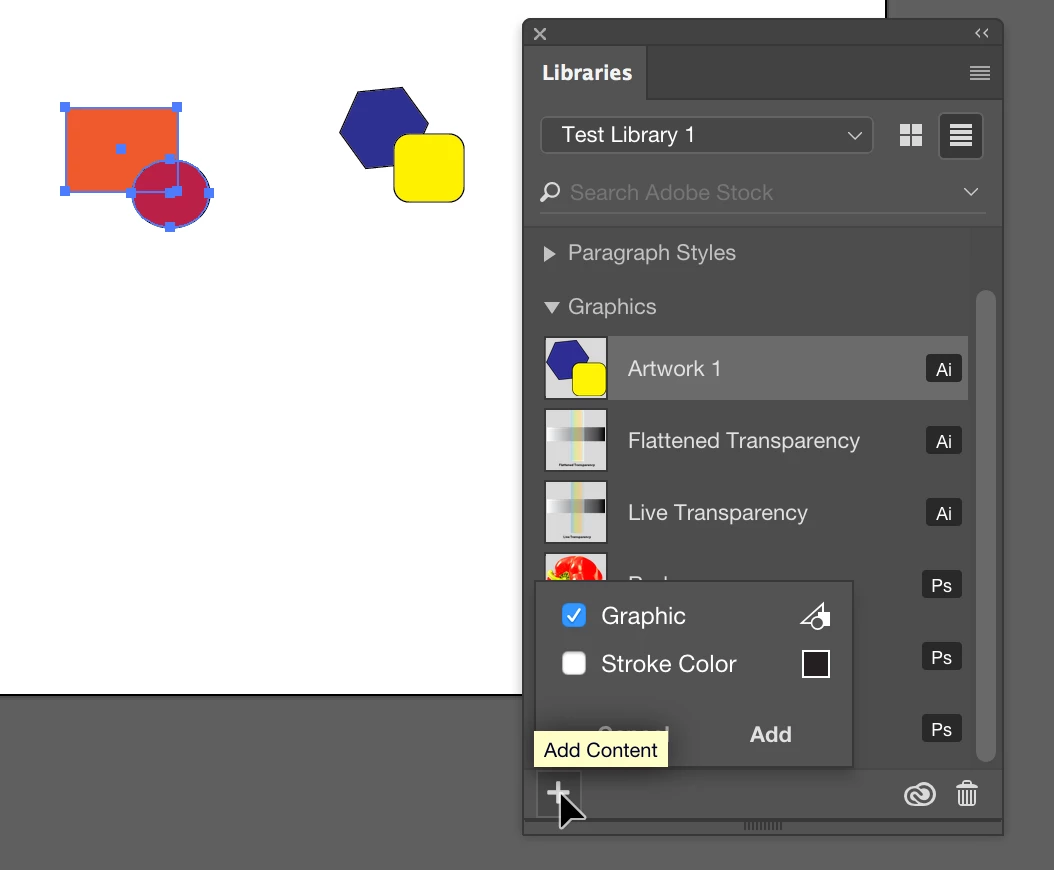
Open the icon set into Illustrator. In Illustrator, open the Library panel (Window > Libraries). Create a new library (choose Create New Library from the library panel menu). Drag each of the individual icons into the library you created and give them a name. As you see below, check Graphics as the category.
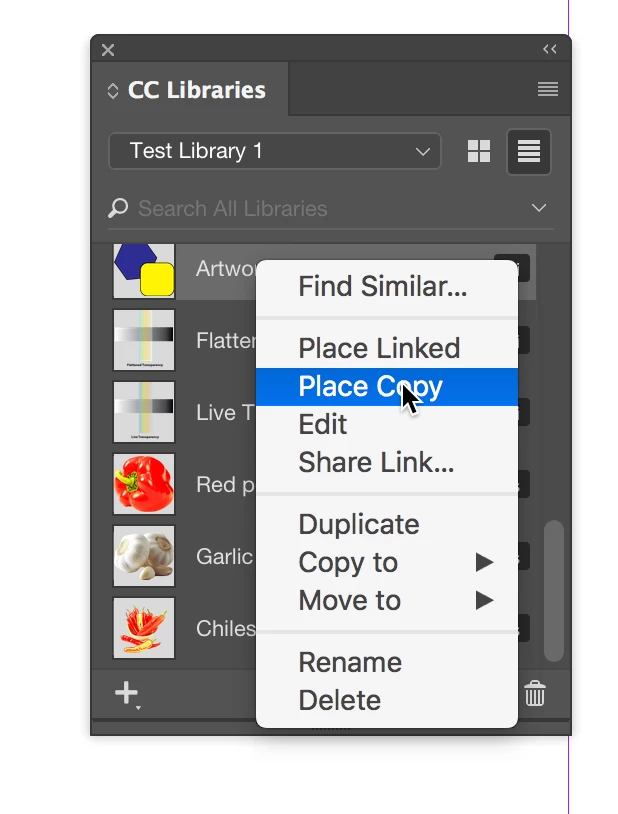
In InDesign, open the CC Library (Window > CC Library). Open the library you created. Right/Control-click on each icon you want to add to InDesign and choose Place Copy.
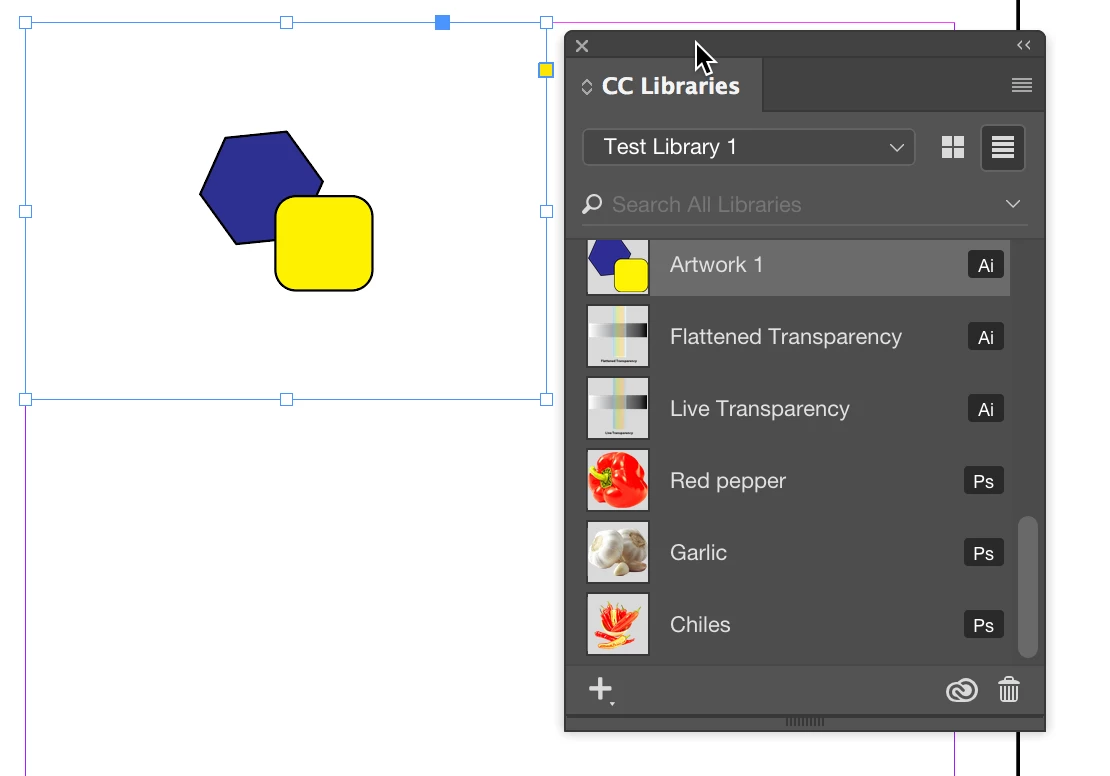
It will be placed into InDesign:
Already have an account? Login
Enter your E-mail address. We'll send you an e-mail with instructions to reset your password.
 AdChoices