

Answered
use page number format 01, 02, 03 visually but set 1, 2, 3 in the settings
Hello dear Adobe team
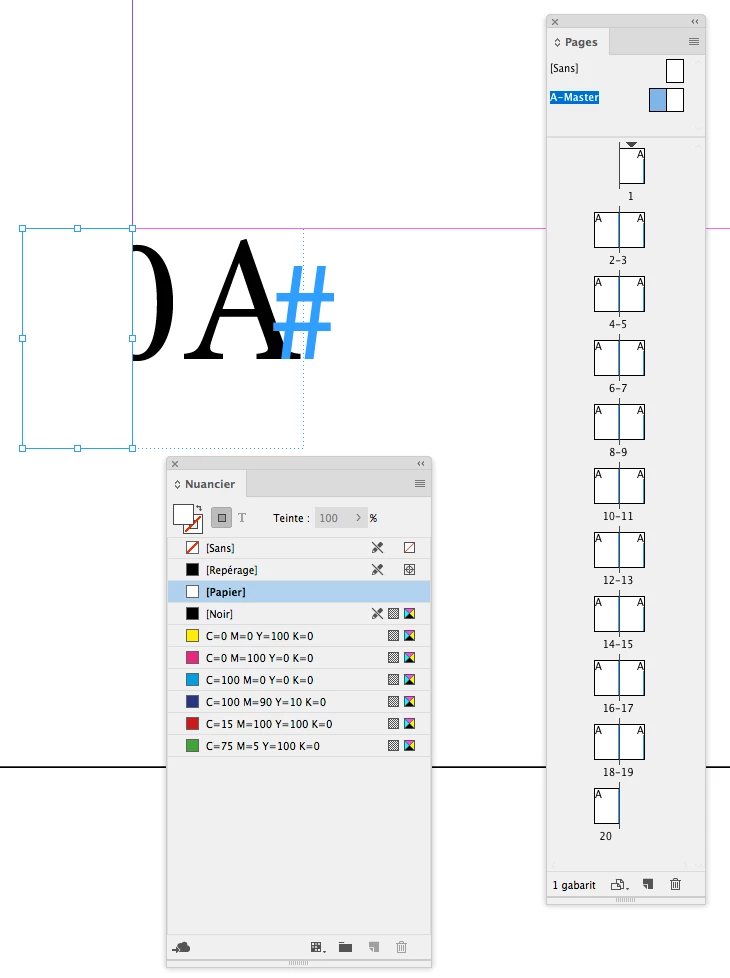
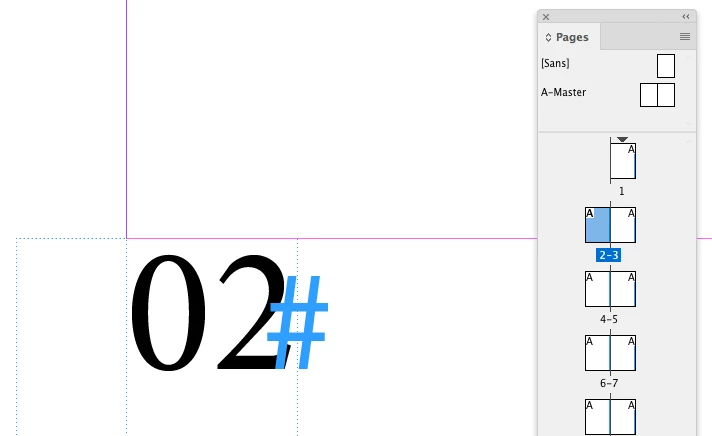
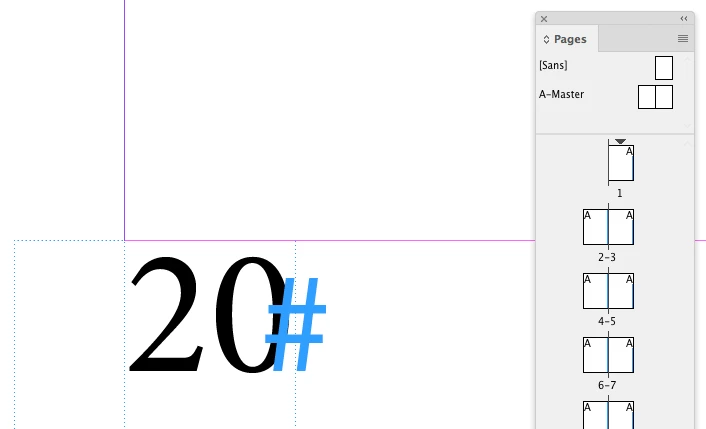
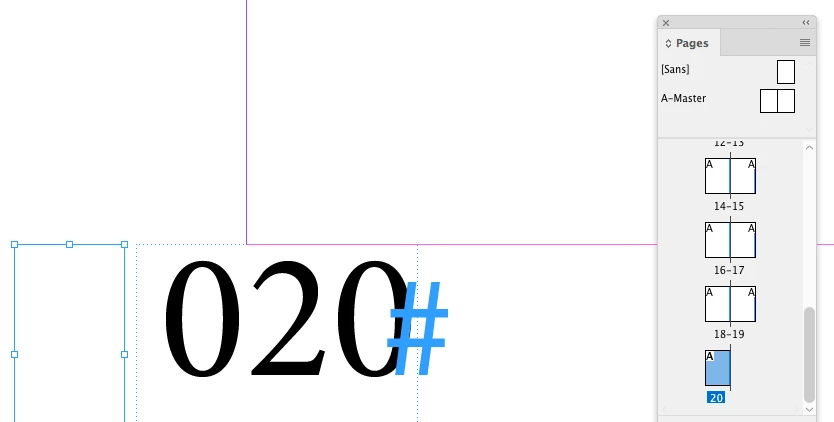
I'd like to have the page number format with 01,02,03,04... in my layout instead of 1,2,3,4. However, I want this only visually because with the other page number format a third party plugin does not work. Just adding a 0 before the page number variable won't work because 10, 11, 12 … should be 10, 11, 12 and not 010, 011, 012 etc.
Now I would have wanted to solve this with GREP, but then realized that "current page number" is exactly one character and you can't use {2}, {3} etc. here. Otherwise I would have just done a find-replace (to the correct paragraph format, of course):
FIND: \d(?!\d+)
REPLACE: 0$0
Is there any way to solve this differently?
Thank you very much for your inputs.
Regards,
Noel Bürgler


 AdChoices