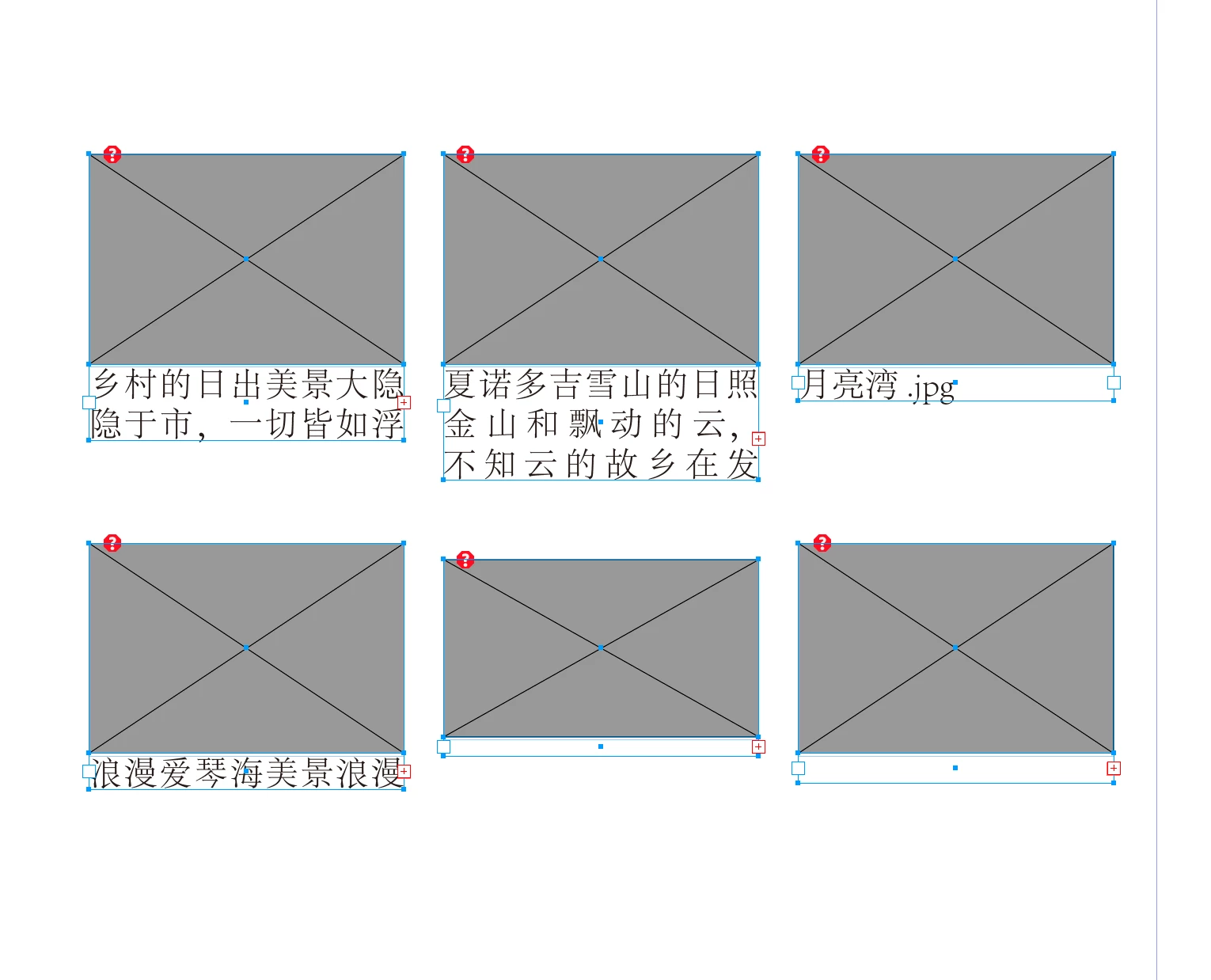
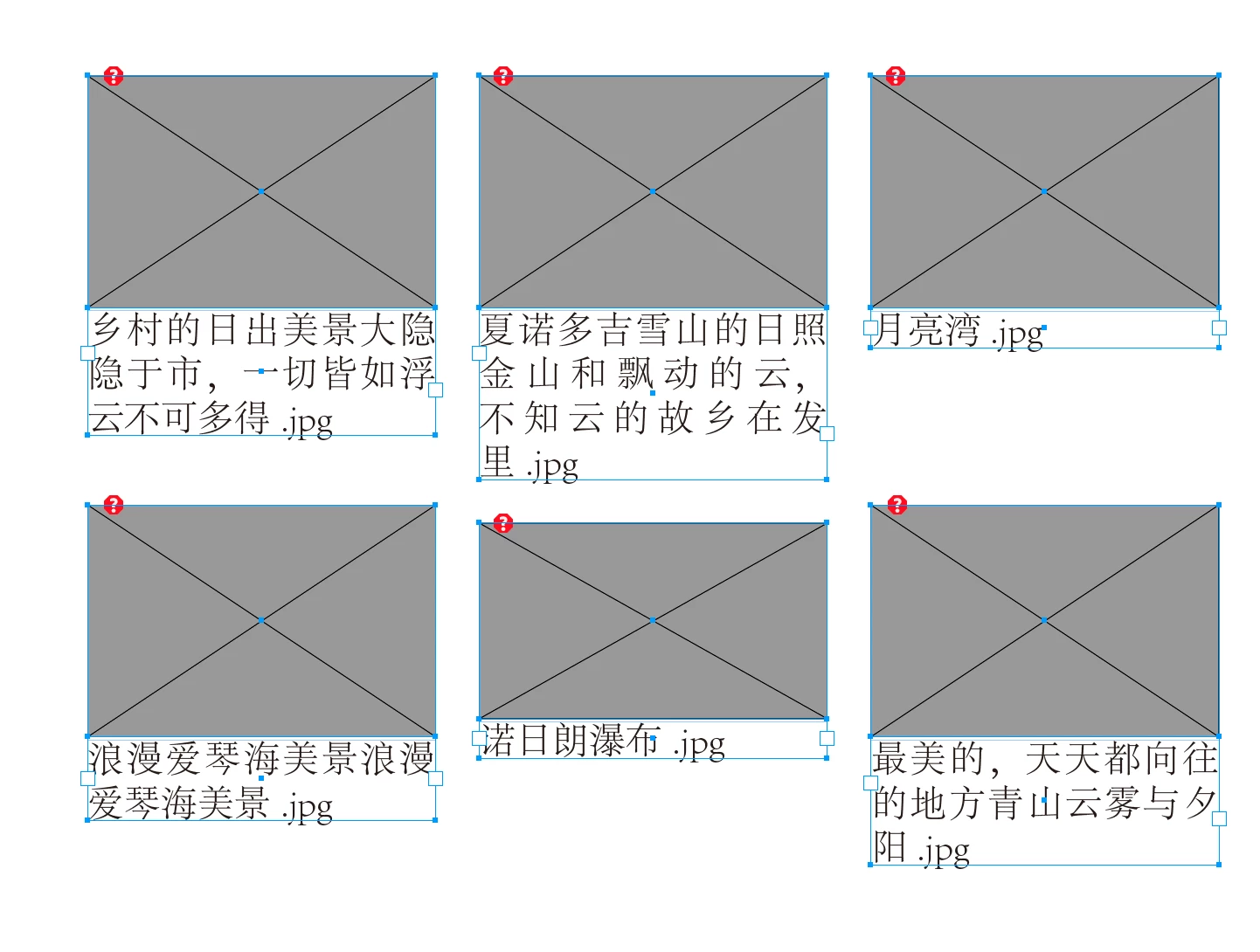
Answered
mytextFrame = app.selection[0];
if (mytextFrame.constructor.name == "TextFrame")
if (mytextFrame.overflows)
{
......
}If if (mytextFrame. overflow) is true, how to expand mytextFrame down 3-5 lines (or increase the height of the text box by 5mm)
You can use the textFrame’s fit() method on the selected text frames that have overflows:
var s = app.documents[0].selection;
for (var i = 0; i < s.length; i++){
//get the text frames that overflow
if (s[i].constructor.name == "TextFrame" && s[i].overflows) {
s[i].fit(FitOptions.FRAME_TO_CONTENT)
}
};


Sign up
Already have an account? Login
To post, reply, or follow discussions, please sign in with your Adobe ID.
Sign inSign in to Adobe Community
To post, reply, or follow discussions, please sign in with your Adobe ID.
Sign inEnter your E-mail address. We'll send you an e-mail with instructions to reset your password.