Participating Frequently
February 23, 2023
Question

Use shading on first line only

  • February 23, 2023
  • 3 replies
  • 488 views

Hi all,

I'm tryig to use paragraph shading to create a few "objects" smarter in a template I'm working on.
Example 1:
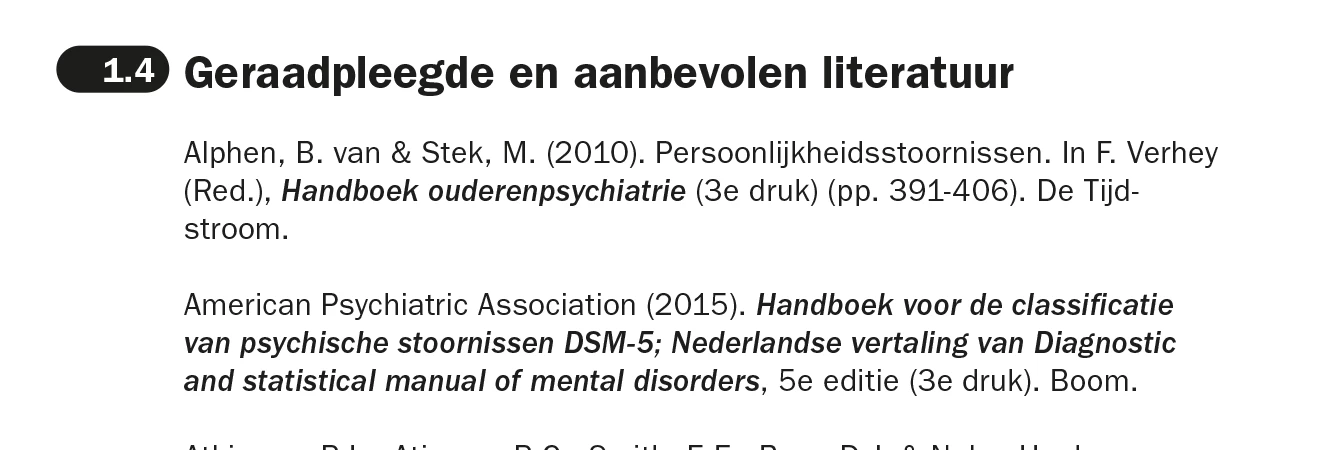
The designer wants all paragraph numbering to be white on black with rounded corners.

  1. Instead of manual numbering I have used numbering in the paragraph styles and it works.
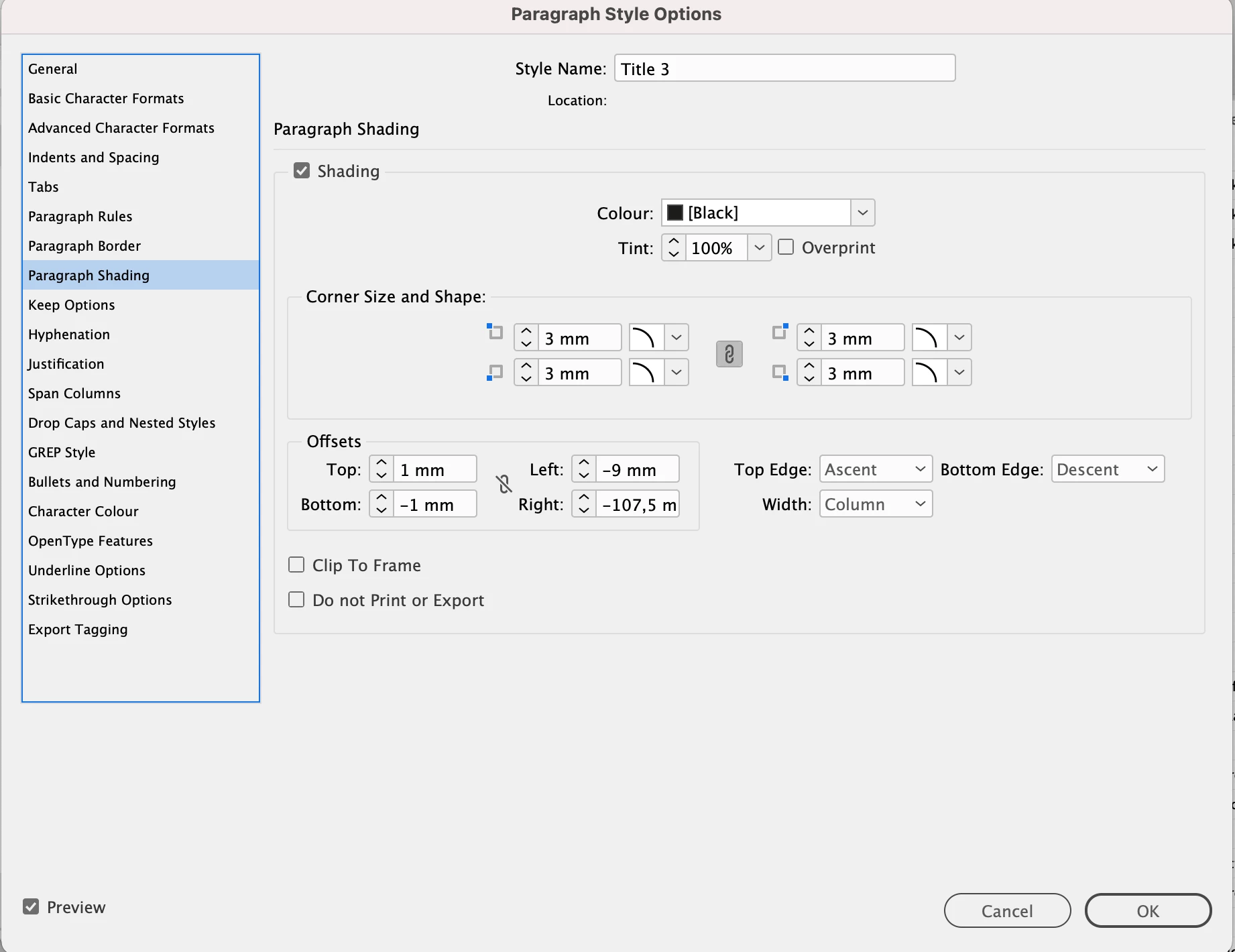
  2. I have used shading to create the black background. Se settings below.
 

The large negative right offset limits the shade to the numbers only. BUT...

When the numbered title becomes more than 1 row things go south:

Any suggestions on how to solve this?


This topic has been closed for replies.

3 replies

Barb Binder
Community Expert
Community Expert
February 23, 2023

Hi @janh24813240:


I tried approaching this with a custom underline, a paragraph rule, and using your approach with shading—none were sucessful. The best I can offer is to have two paragraphs styles: one for a single line, and one for two lines. Base one style on the other so if someone asks you to change something that impacts both, you can modify one, and the other one will follow.


EDIT: Michel is right. Somehow I enabled Rule Below and not Rule Above when I was working on it. Use a Rule Above with a large right indent. You can create a custom rule style in the Stroke panel with rounded endcaps. You will not have as much control over the corners as you do with shading, but it should work. I'll be back with a quick screenshot.

____________________


Here's the video clip: you can create a Custom Stroke style in the Strokes panel. Be sure to increase the dash length so that it goes all the way across (and you don't get a dashed line). And then choose rounded endcaps. Then you can define a rule above the paragraph style, give it the same right indent as your shading, pick the new custom stroke and adjust the offset so that it sits behind the numbers. Happy to elaborate if you need additional details.


~Barb

~Barb at Rocky Mountain Training
FRIdNGE
February 23, 2023

Para Rule Above!


(^/)  The Jedi

Jumpenjax
Community Expert
Community Expert
February 23, 2023

Can you separate the sections you want to add any effect you need into it's own text box?

Lee- Graphic Designer, Print Specialist, Photographer