
Participant
January 26, 2023
Question

Using a caption to display the swatch name of a shape

  • January 26, 2023
  • 3 replies
  • 331 views

Hello adobe folks! 

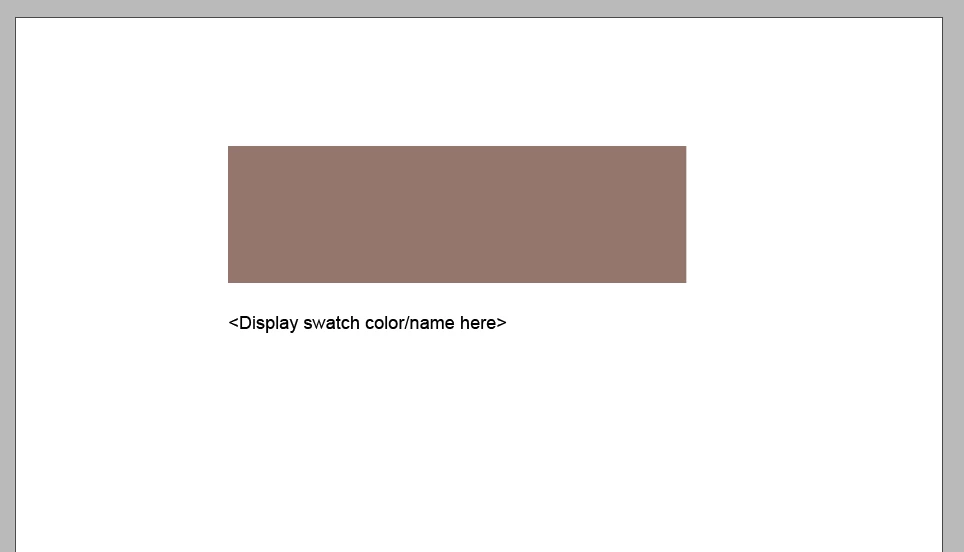
I frequently use templates that show multiple color swatches at a time, and I usually manually type in the swatch name below it - is there a way to link a text box to a shape in a way that would display the swatch name used? I attempted to use captions for this with no success (could be user error), is this something that is possible? Example below -  Thanks in advance everyone 🙂 
This topic has been closed for replies.

3 replies

brian_p_dts
Community Expert
Community Expert
January 27, 2023
Steve Werner
Community Expert
Community Expert
January 27, 2023

I agree with Rene. It would probably require scripting.


The only automated method of working with captions which is built into InDesign  is if you place an image which has metadata (things like title, description, keywords, etc). Metadata is usually added in a program with Adobe Bridge. But you can't automate what you're trying with InDesign's built-in features.

James Gifford—NitroPress
Legend
January 27, 2023

In other words, a feature that is as close to useless as I can think of. 🙂 (It's great for managed environments such as magazines, I guess.)


ID really needs a useful, working caption feature.


But as above, there isn't really any solution except for a grouped image/text box, and while a script could probably automate the process the OP wants, it wouldn't be easy and it would have to be adapted to almost every specific need.


Rene Andritsch
Community Expert
Community Expert
January 27, 2023

This might be possible with a custom script that creates a text frame below your swatch and uses the name of the applied color swatch as a text to fill the text frame. But I’m no script developer so maybe someone else will chime in on this.