
Participant
September 7, 2022
Question

Vector images from AI have totally different stroke sizes

  • September 7, 2022
  • 4 replies
  • 251 views

Hi. 


I've used ID for years and never encountered this problem.


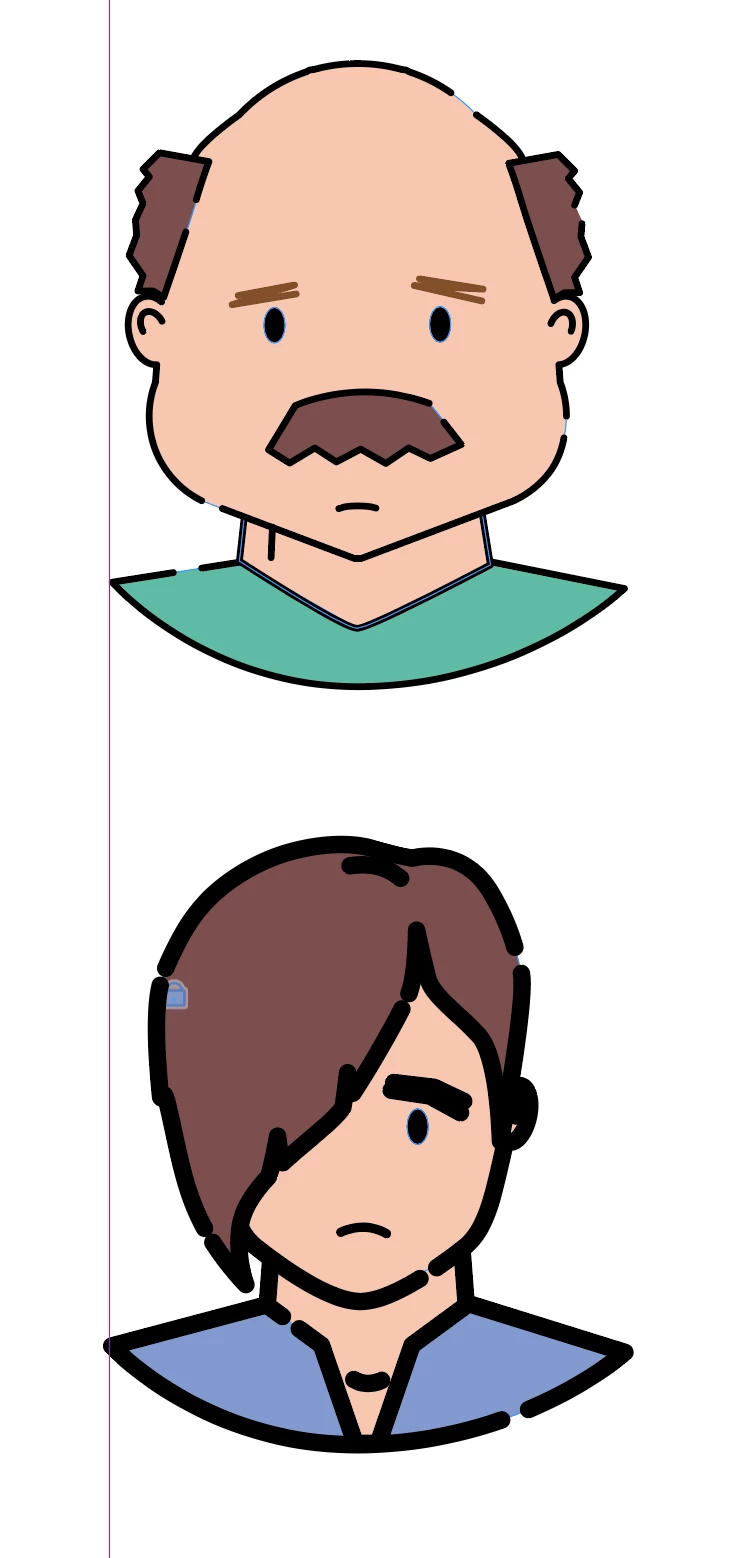
I'm bringing in vector illustrations from AI (just copying and pasting them) but the strokes aren't uniform at all. I have two pictures, both with "1.5 pt" but one is way way thicker than the other.


What's going on?? I've googled this but can't really find an answer.
 

This topic has been closed for replies.

4 replies

Legend
September 7, 2022

Your When Scaling: preferences have been set to Adjust Scaling Percentage instead of Apply to Content.

That's why you have the same stroke size appearing so differently.  

To fix current art, select all and choose Reset Scale to 100% in the far upper right application menu. That will set the lines to show their true weights. You will then have to re-set the line weight to your prefered size.

Change the preference to keep it from happening in the future. 

Brad @ Roaring Mouse
Community Expert
Community Expert
September 7, 2022

First of all, you should always PLACE .AI files as a rule. Copying and Pasting is not an effective workflow.

That being said, does the same thing happen if you DO "Place" them?

Peter Spier
Community Expert
Community Expert
September 7, 2022

Just to be sure this isn't caused by scaling, can you confirm that the two illustrations have the same overall dimensions for the art in Illustrator.

Rishabh_Tiwari
Community Manager
Community Manager
September 7, 2022

Hi,


Thanks for reaching out. Please try the suggestions shared here https://helpx.adobe.com/indesign/using/importing-files-applications.html and let us know if this helps or if you need any further assistance.


Regards

Rishabh