

Vertical spacing between pages.
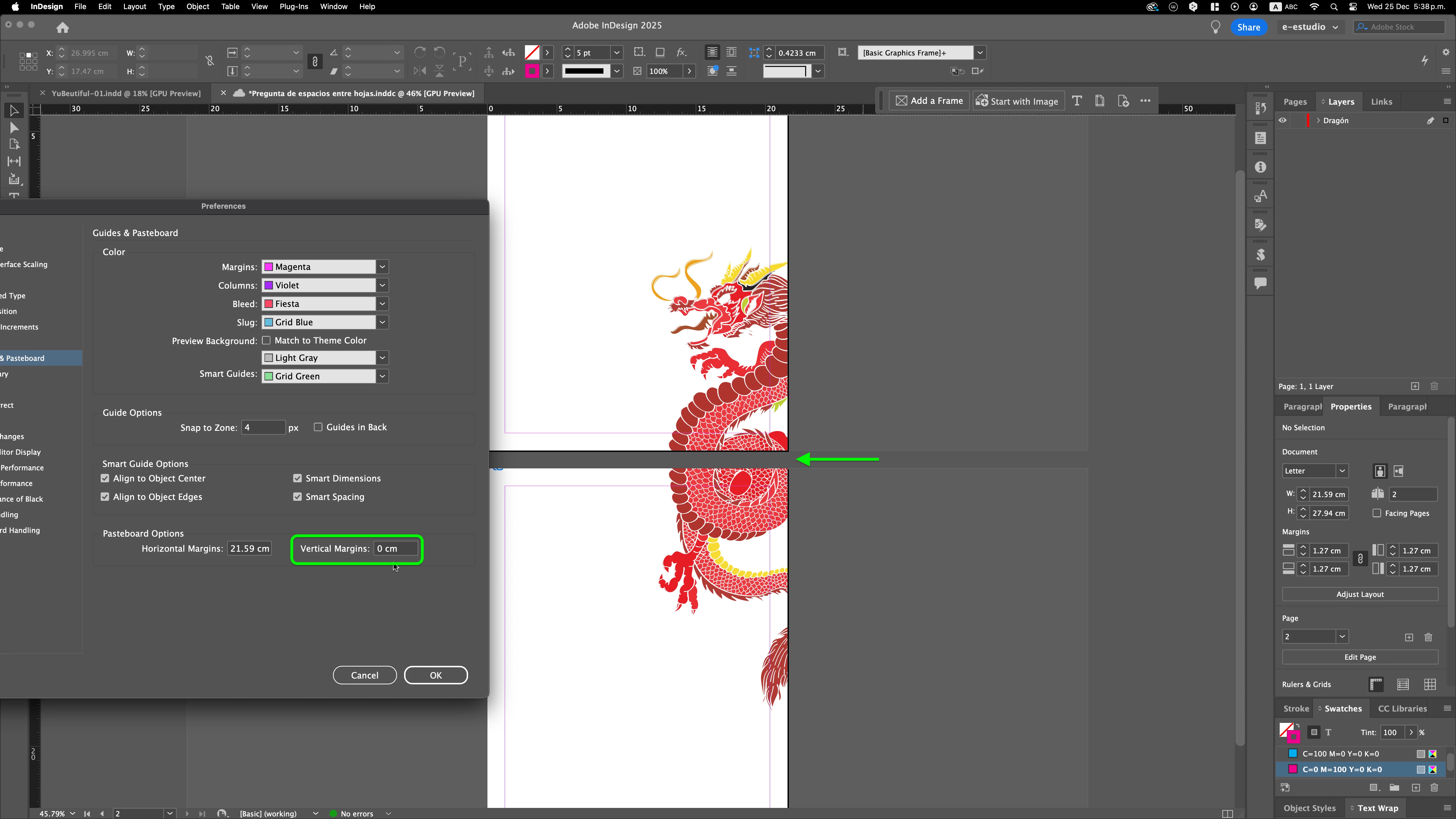
Is there any way for 2 or more pages to be visually joined and not vertically separated?
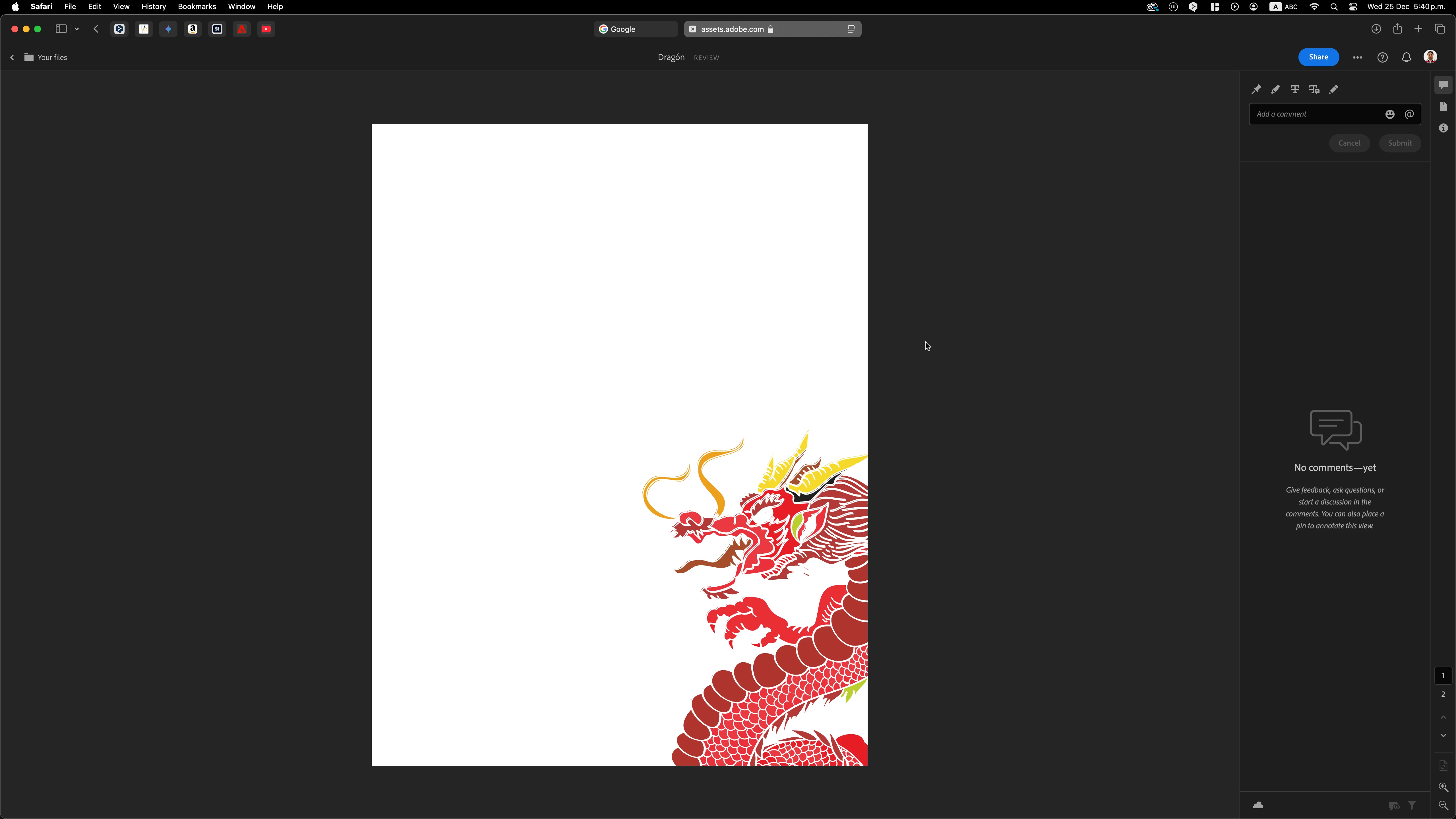
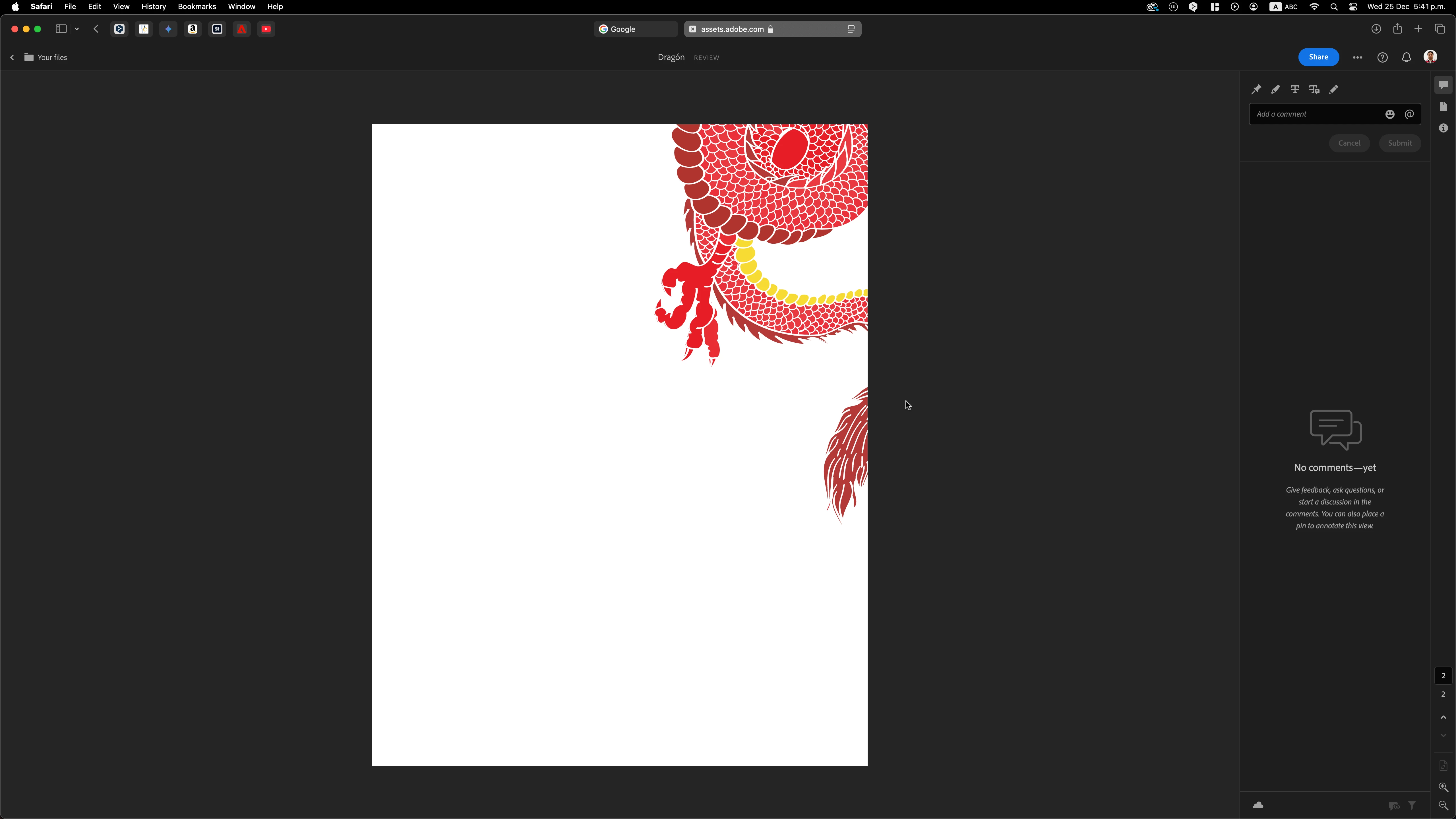
In the pasteboard I already reduced the vertical space to zero, and it is certainly at zero, but even so, there is separation, and I require the pages to be together because they have a background image that appears cut off when going to the Presentation mode, and also when sharing the file for review, the image is cut off because it goes from page to page, and the final file is supposed to look together, continuous.
The attached images serve only as a sample of the actual file, which is composed of almost 20 pages containing background vector images, generated in Illustrator and linked in InDesign, so that when going to Preview within the software or send the link, almost 20 cuts appear, which also generate a break in the concept, reading, focus etc ....
I thought of generating in both Illustrator and InDesign a single file with the dimensions of the almost 20 pages, but Illustrator does not have that work area, so there would still be cuts.
So... is there any configuration to eliminate that space between page and page so that in Preview, both inside and outside InDesign the file is viewed continuously?
Notes:
1-) The document I am working on, is not for printing, it is for preview only, and does not have the Facing Pages option active.
2-) I have read in the forum some similar questions, as well as their corresponding answers, but what is asked here is different.
Thank you!



 AdChoices