





Very very broken hyperlinks with Accessible PDF!
I have setup for this test a simple document:
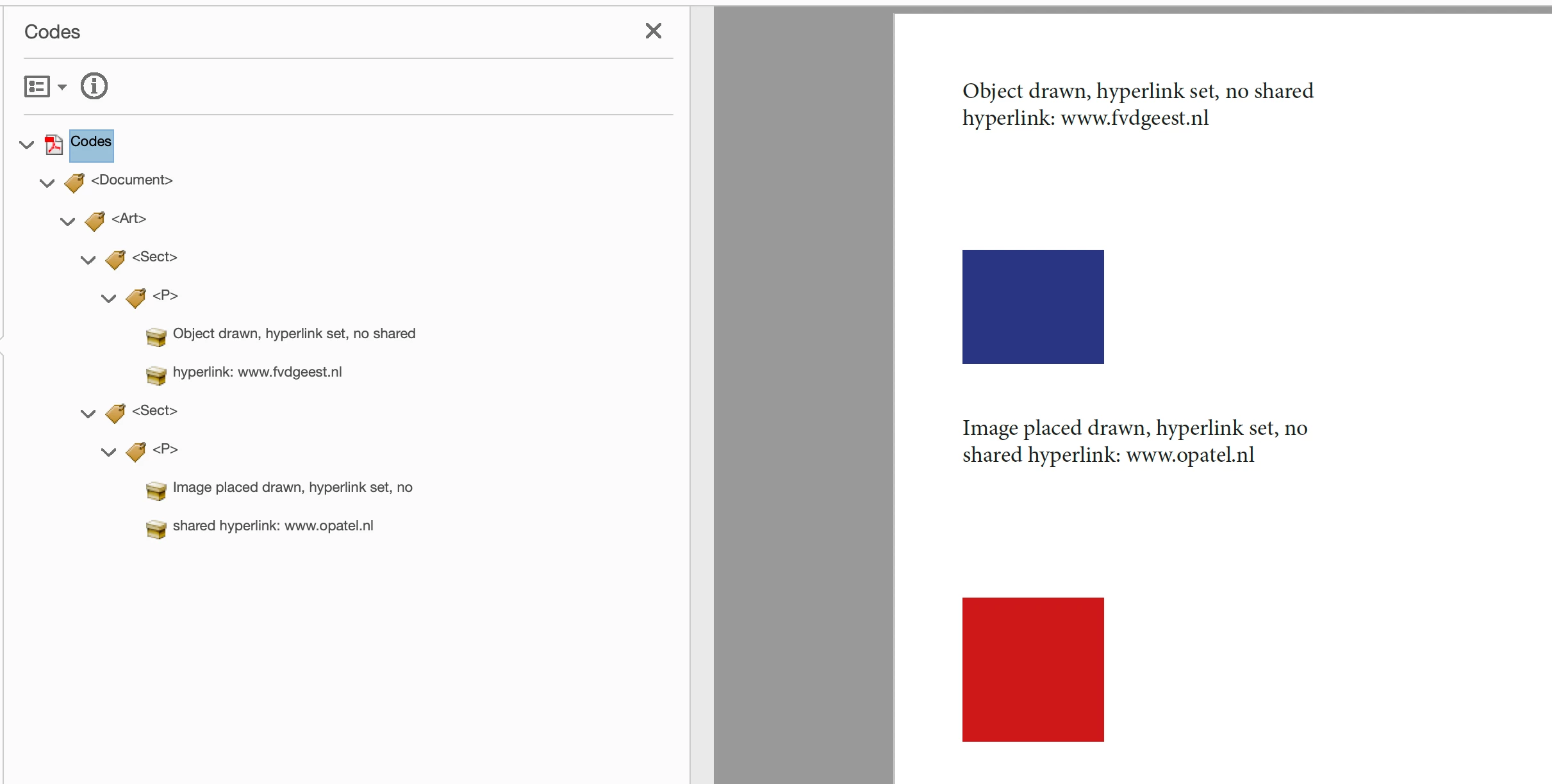
A frame, with a hyperlink set to it;
A placed image with a different hyperlink set on it.
Expected result would be:
link for the frame
Figure with nested Link for the image
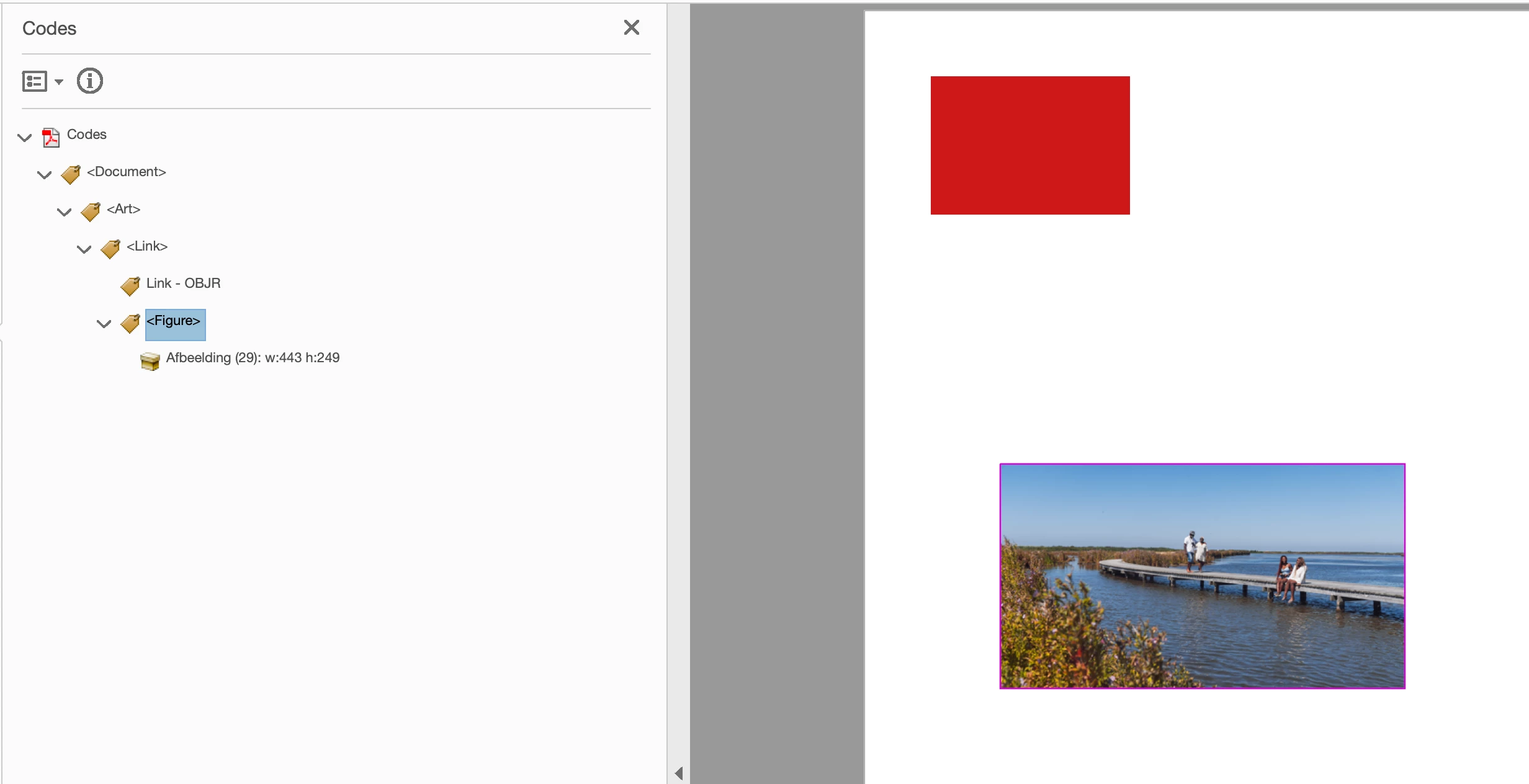
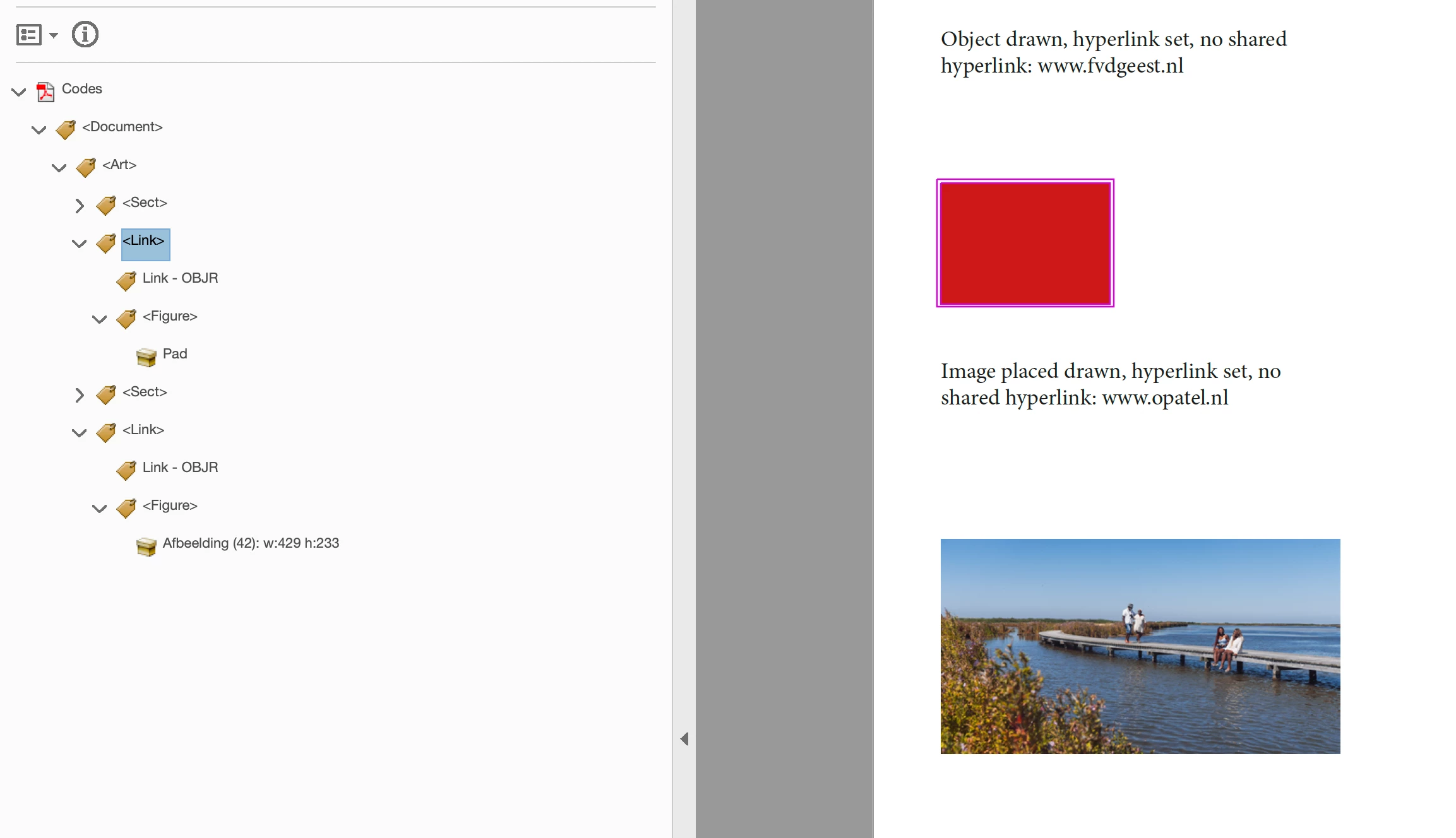
Instead we get ONE link for the frame and nested inside that is the figure without its and OBJR!
(Shared hyperlink is off, two different hyperlinks)
Worse:
when you draw to objects (say circles) and give them two separate, different, hyperlinks and export as Accessible PDF... no Link tag is created at all on any object!
Also: an image with hyperlink gets tagged as Link with nested Figure instead of Figure with nested Link!
Hyperlinks on objects and images are very, very broken and will not comply to PDF/UA!
The problem seems this: and object with hyperlink is no text, therefore does not show in the tags tree. But it should not get a link and then nest the first image it finds into that Link that belongs to the object!
An object with hyperlink should become a Figure with a path and Link.
[EDIT]
Ah wait, brain fog:
"If you add alt text to the objects in your document, they will not be tagged as figures. However, if you change the frame type to unassigned and add alt text, it will get tagged as a figure and the will be there." as Chad advised. In that case the strange ’nesting’ of object and image links will not occure!


 AdChoices