
Participant
April 5, 2020
Answered

Video element placement fail + media panel not working

  • April 5, 2020
  • 2 replies
  • 3113 views

Hello. When placing or dragging .mp4 H.264 videos to InDesign 2020 the videos do not actually import and show empty (see the picture), video image is not visible in the program neither after export in pdf. Actually, the same videos which were imported before and all was ok now not possible to import.
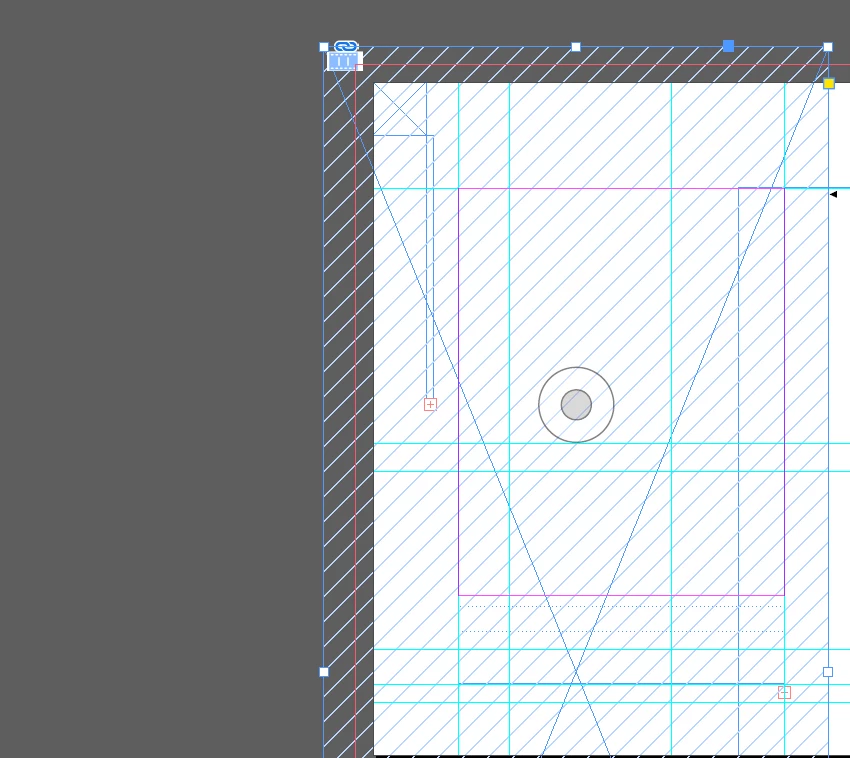


Additionally, some of already imported videos after export to interactive pdf and after enabling content play with Flash player just show gray box instead of the video.



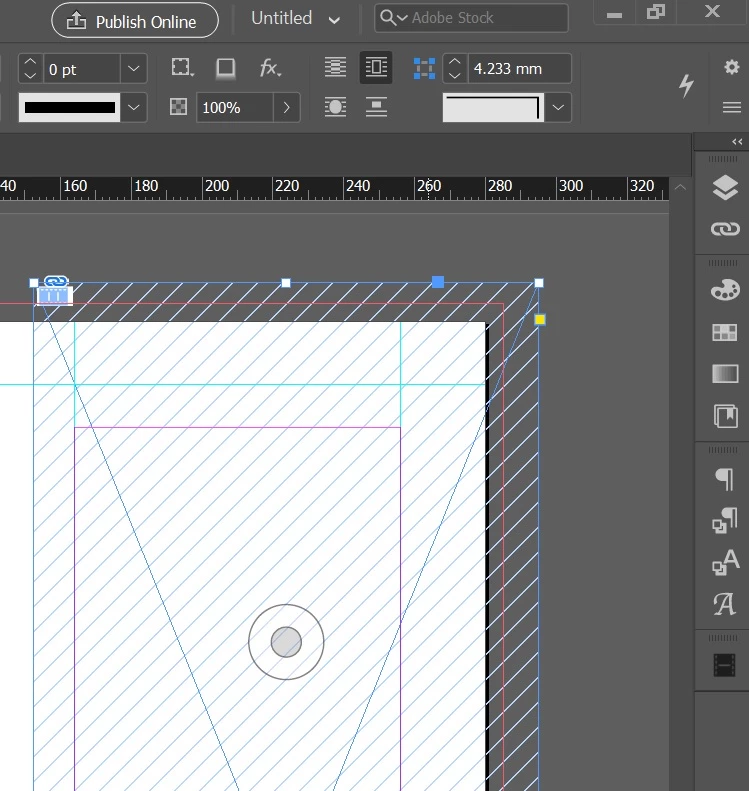
Also, Intercative - Media panel does not work. It is either ot appearing at all, either appering once and then not anymore. If the Media panel button is even visible in the interface it's not opening anyway. What's the issue? Please help.


This topic has been closed for replies.
Correct answer BobLevine
Adobe Digital Editions is, IME, garbage for fixed layout epub.

2 replies

Derek Cross
Community Expert
Community Expert
April 5, 2020

Re reading ePubs you can download the free reader:

https://www.adobe.com/uk/solutions/ebook/digital-editions/download.html

Flash and SWF have gone from InDesign 2020.

BobLevine
Community Expert
BobLevineCommunity ExpertCorrect answer
Community Expert
April 5, 2020
Adobe Digital Editions is, IME, garbage for fixed layout epub.
Derek Cross
Community Expert
Community Expert
April 5, 2020

You Place the video in your InDesign document, you can use the EPUB Interactive Preview to view the video in the InDesign document.

Flash is obsolete and Interactive PDF is limited. Instead consider using: InDesign's Publish Online, FXL ePub, HTML5 using in5, or possibly Apple Books (though that's Mac only).

Participant
April 5, 2020

epub requires installation of some additional program, which is a trouble, since it cannot be opened with Adobe Acrobat, isn't it?

Using video hosting links is not always a good solution, sometimes it is not an option at all .....

And Publishing Online is a whole other story.... Is there a size limit to how big can file be with all the media? How can I access/edit/update published document from another Adobe ID (if I loose it, after graduating from the university account is probably deleted)?


Anyways, as I said, I cannot even place the video or choose settings for it, and Media and Overlays panels are not working. Why is that?