
Inspiring
November 5, 2022
Answered

Visibility eye greyed out

  • November 5, 2022
  • 3 replies
  • 440 views


Dear all,

I have received an INDD with some missing links. 

One of this has a greyed out visibility eye, which I cannot select.

What does this mean? 

When I use the Links panel to try and access it I get this alert: 
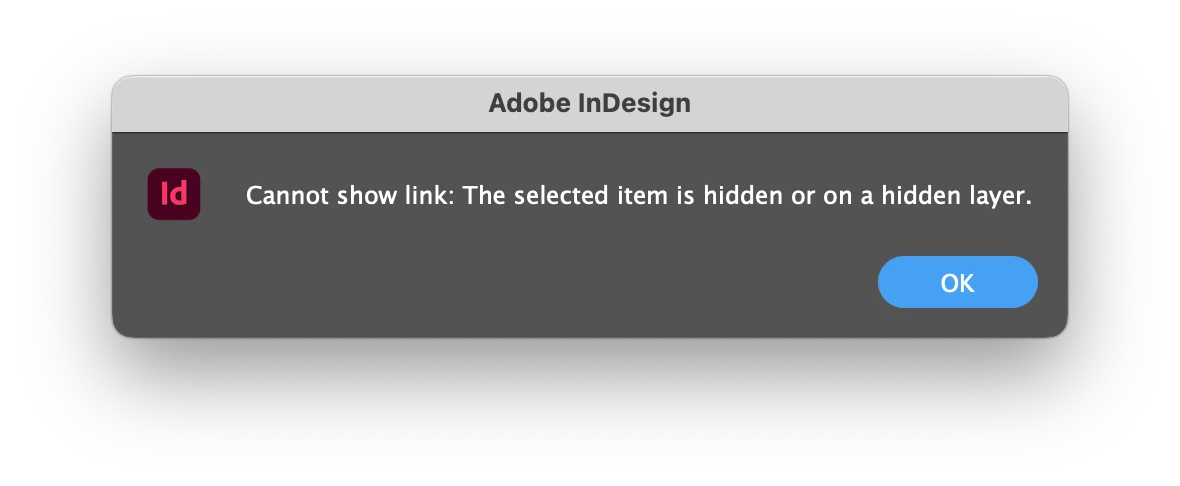
What should I do?

Thanks! 

This topic has been closed for replies.
Correct answer rudo123

Show your hidden vorlage layer to show their content (with your missing link).

3 replies

Frans v.d. Geest
Community Expert
Community Expert
November 5, 2022

Click on the left side before Vorlage where there is a grey square instead of an eye, now it will get an eye as well and the layer is now visible; the greyed out eye below now also will get visible.

In short: the Layer Vorlage is hidden (no eye) so anything in that layer will show a greyed out eye.


Community Expert
November 5, 2022

as per @rudo123 

The vorlage layer is not visible.

Click the empty space between the eyes to reveal the layer. 


rudo123Correct answer
Inspiring
November 5, 2022

Show your hidden vorlage layer to show their content (with your missing link).

Inspiring
November 6, 2022

I swear I had tried it ... but now it's working. Thank you!