Question
Weird result when importing ai file
Hi,
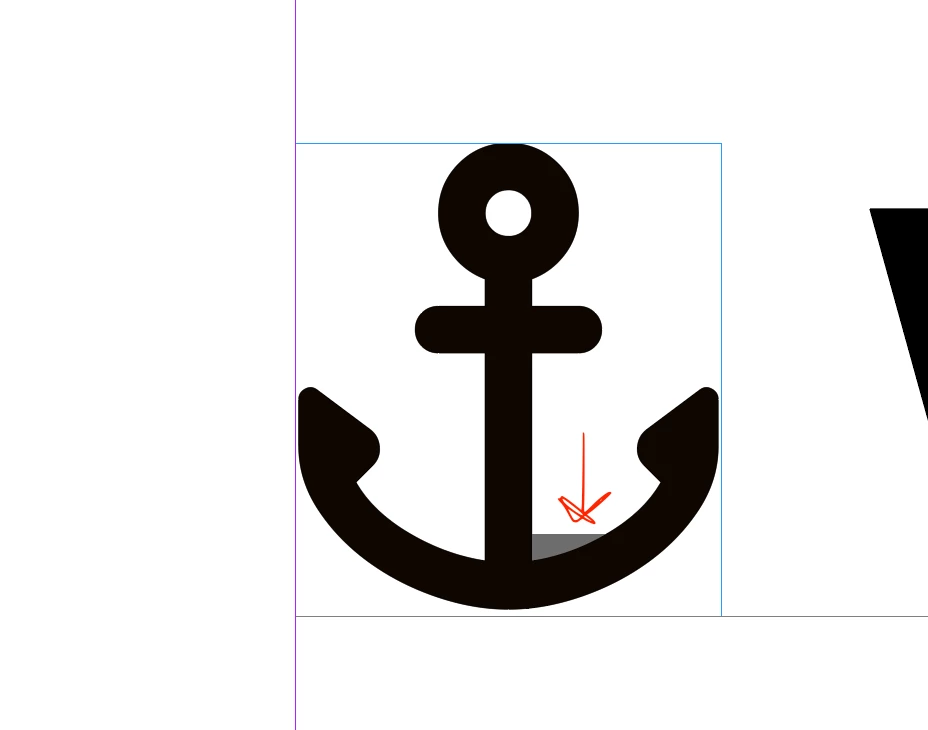
I am placing this AI file into InDesign, but for some reason, it doesn’t look the way I want it to. There’s a weird fill that’s not in the original version. Why might this be happening?
Thank you!

Hi,
I am placing this AI file into InDesign, but for some reason, it doesn’t look the way I want it to. There’s a weird fill that’s not in the original version. Why might this be happening?
Thank you!
Already have an account? Login
Enter your E-mail address. We'll send you an e-mail with instructions to reset your password.
 AdChoices