
What is causing this huge space between two lines of the same paragraph?
Edit to add it must be something to do with the page or on the page, because I shifted all the text to the next page and there was no gap or split and the gap is in the same place on that left page regardless of where the text is. I'm thinking it must be a bug, I deleted the pages so everything moved to the next spread and it's fine!
Hi everyone,
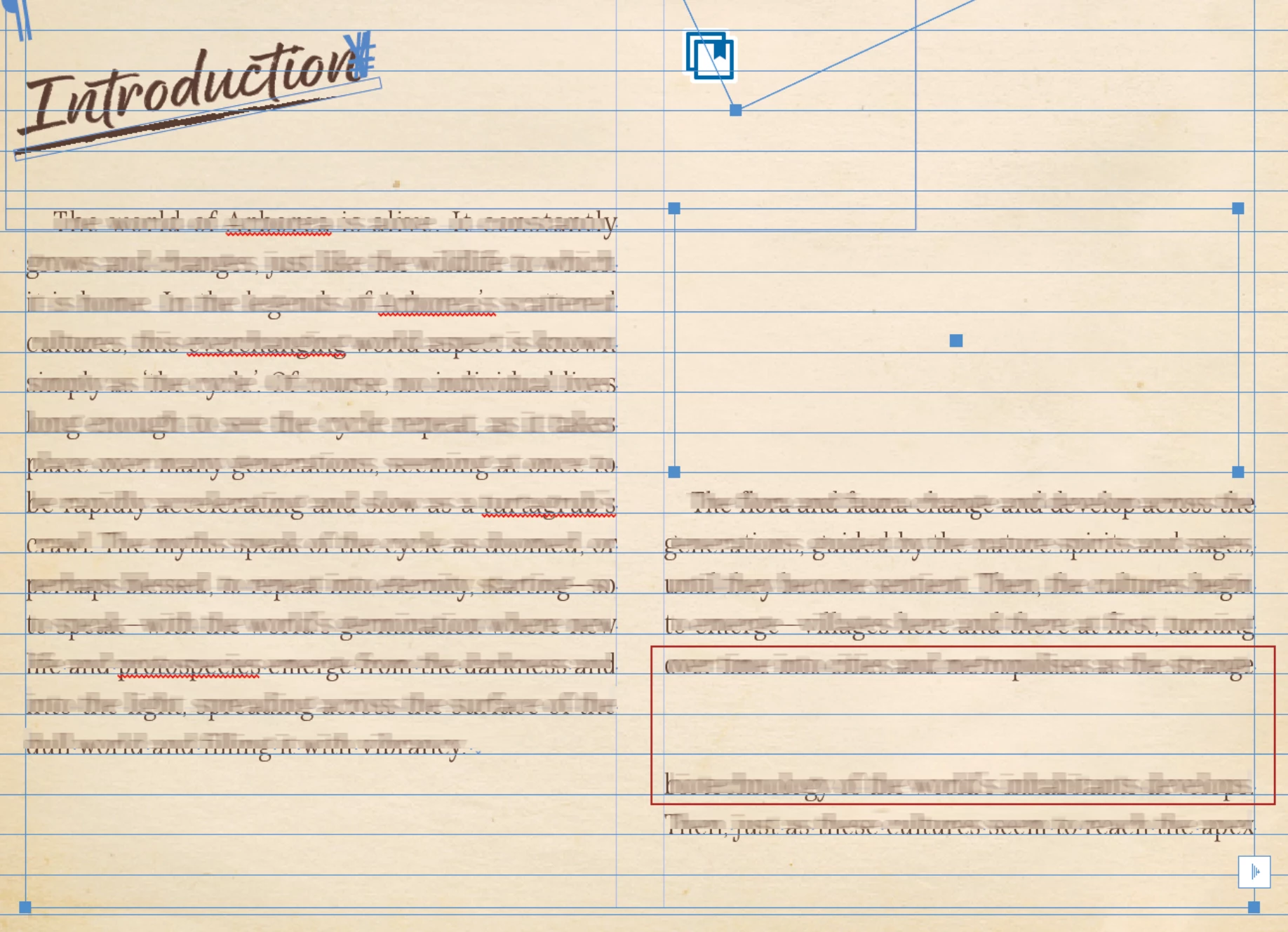
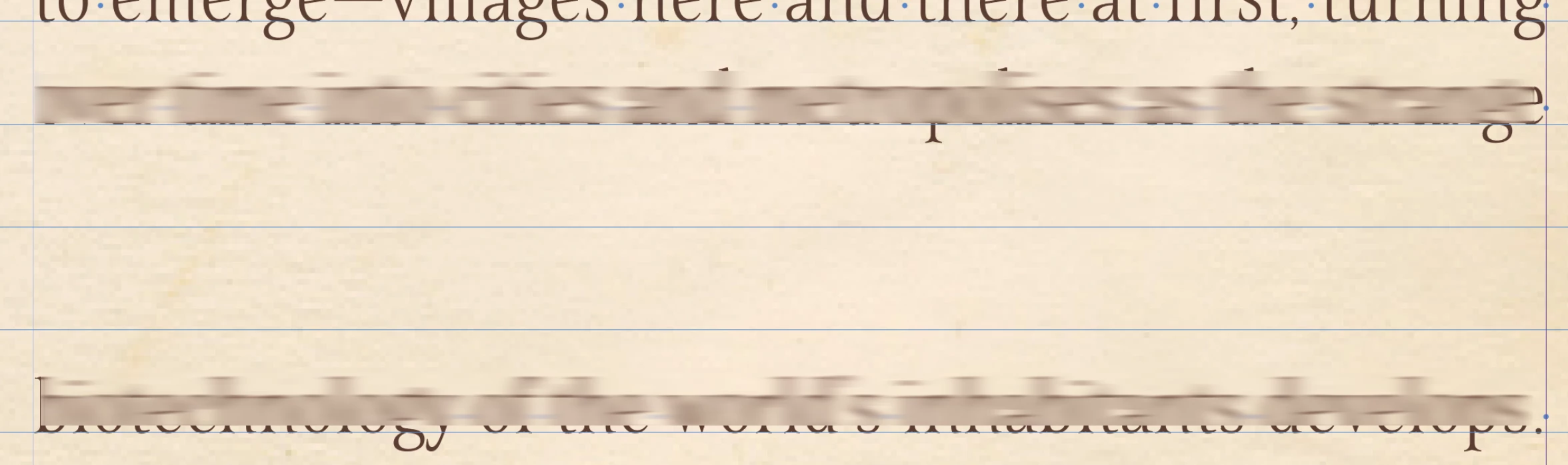
I have a really weird one I'm hoping someone can figure out for me! I have this page set up, the text in the right column is all the same paragraph, there are no returns or any other spaces of any kind other than a normal space between words, but there is a 2 line gap which I can't figure out. You can see the hidden characters are just normal spaces in the 2nd screenshot.
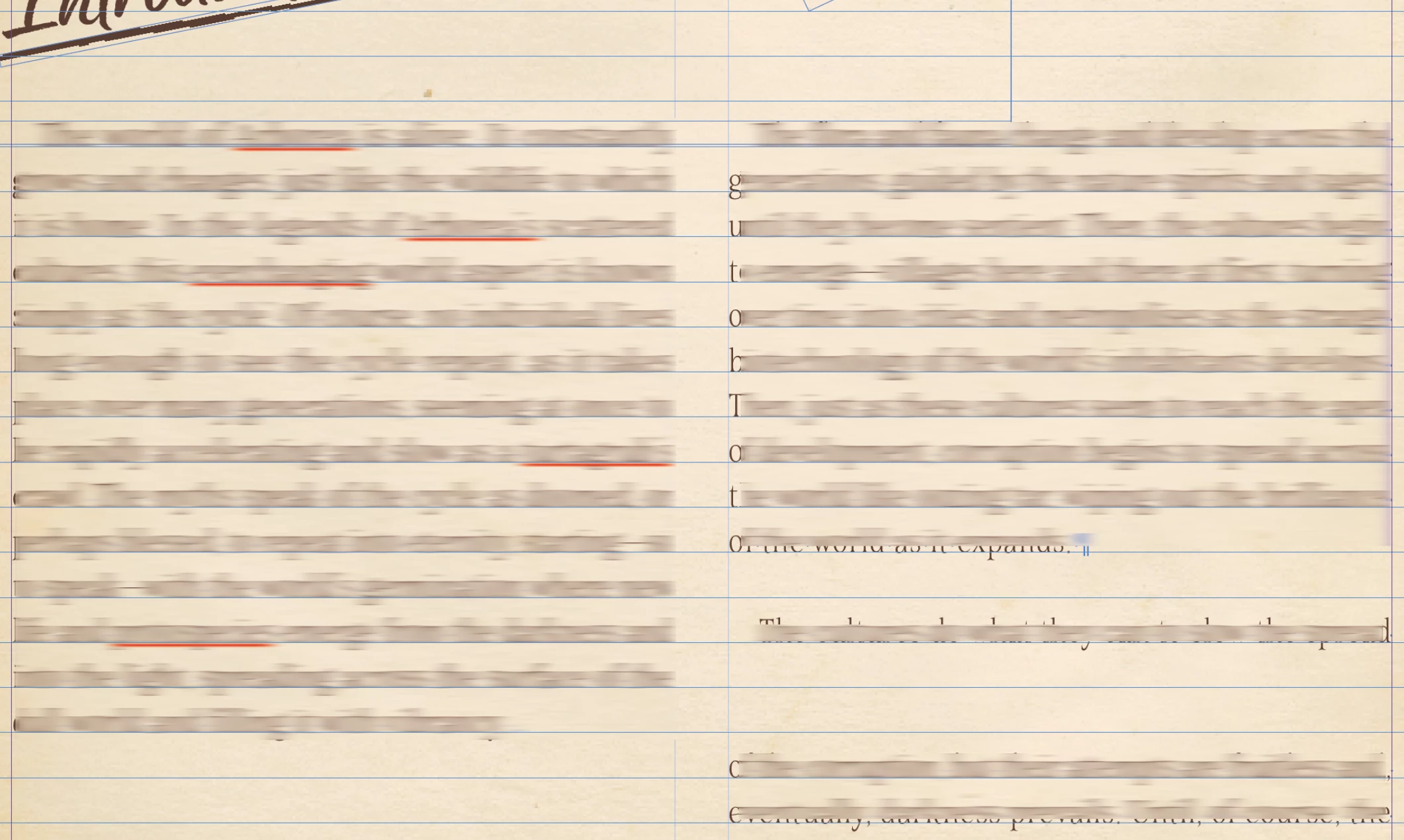
The gap is there if I add or remove text (3rd screenshot) which led me to think it was a stray box with a wrap, but I've unlocked all on the spread and then selected all and as you can see there is no box aside from the red one I've drawn around the area in question, which I added to the screenshot after I took it and is not in the InDesign document.
I've moved all the other images and boxes etc out of the way and none of them have a wrap which is anywhere near this gap. There is also nothing on the parent page.
Nothing in the paragraph style should be causing this as far as I'm away because it is the same paragraph, not a space between paragraphs using the same style.
Any ideas?? I'm totally stumped.


 AdChoices