
Known Participant
January 6, 2025
Answered

what is the best format to import icons from illustrator to indesign in?

  • January 6, 2025
  • 1 reply
  • 307 views

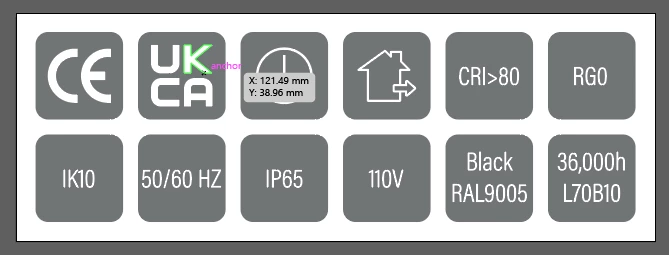
I'm creating different icons to work across different files in indesign, what is the best format to trnsfer these into indesign from illustrator? Also after importing how do I get the icons to all remain the same size across different files?

 

Correct answer BobLevine

Create and save at the correct size and place the AI file. You can also use a CC Library.

1 reply

BobLevine
Community Expert
BobLevineCommunity ExpertCorrect answer
Community Expert
January 6, 2025

Create and save at the correct size and place the AI file. You can also use a CC Library.

Known Participant
January 6, 2025

so file place into Indesign? and this retains all icons to the same size across different files?

Robert at ID-Tasker
Legend
January 6, 2025
quote

so file place into Indesign? and this retains all icons to the same size across different files?


By @James3669094303ct


By default, they'll be placed at the size you've created them in Illustrator. 


But if you resize them after placing - then they won't resize automatically if you resize them in the Illustrator and update your AI file. 


You could create an ObjectStyle and set size - but again - it will depend on the original size in Illustrator and you'll have to update this ObjectStyle between documents.