
Answered
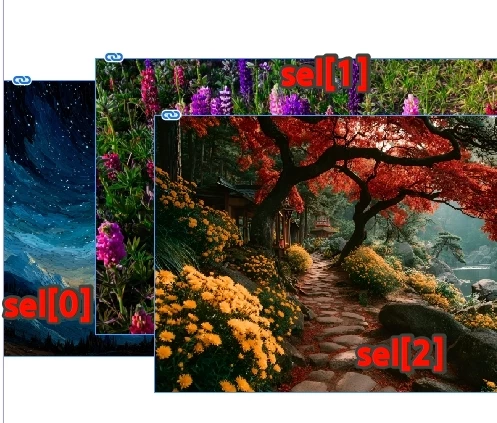
What is the code to move the currently selected object up one layer?
For example:
I want sel[j] to be positioned above sel[j-1];
var doc = app.activeDocument;
var item = doc.selection;
sel = items;
for (var i = 0; i < sel.length; i++) {

};

For example:
I want sel[j] to be positioned above sel[j-1];
var doc = app.activeDocument;
var item = doc.selection;
sel = items;
for (var i = 0; i < sel.length; i++) {
};
Hi rob day.
move()?
For example,
how do I use it? If possible, I'd like to get it done in one go.
how do I use it?
var d = app.activeDocument

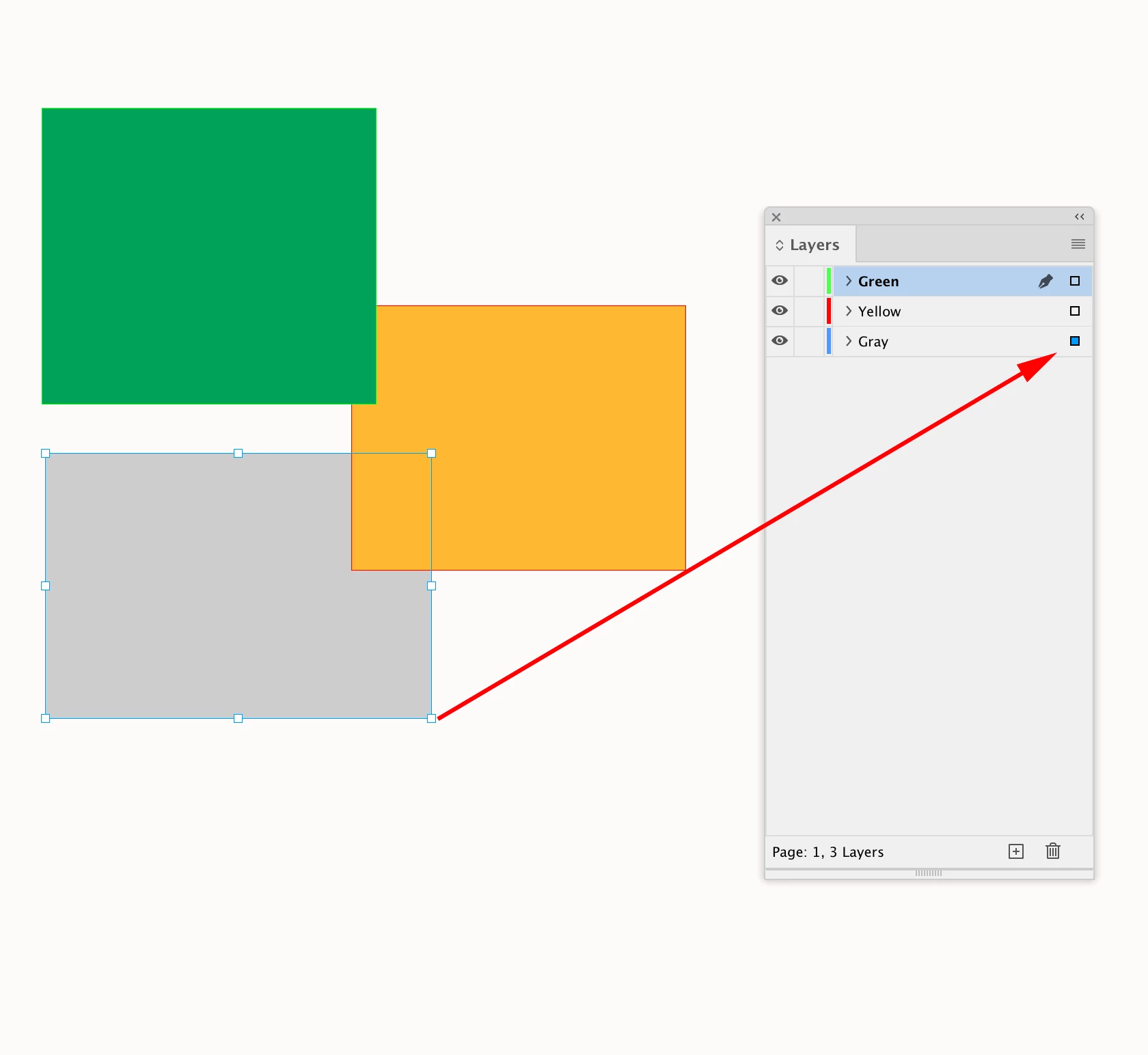
//a selection on the bottom layer
var s = d.selection[0]

//this doesn’t do anything because s
//is the only object on the item Layer named "Gray"
s.bringForward()

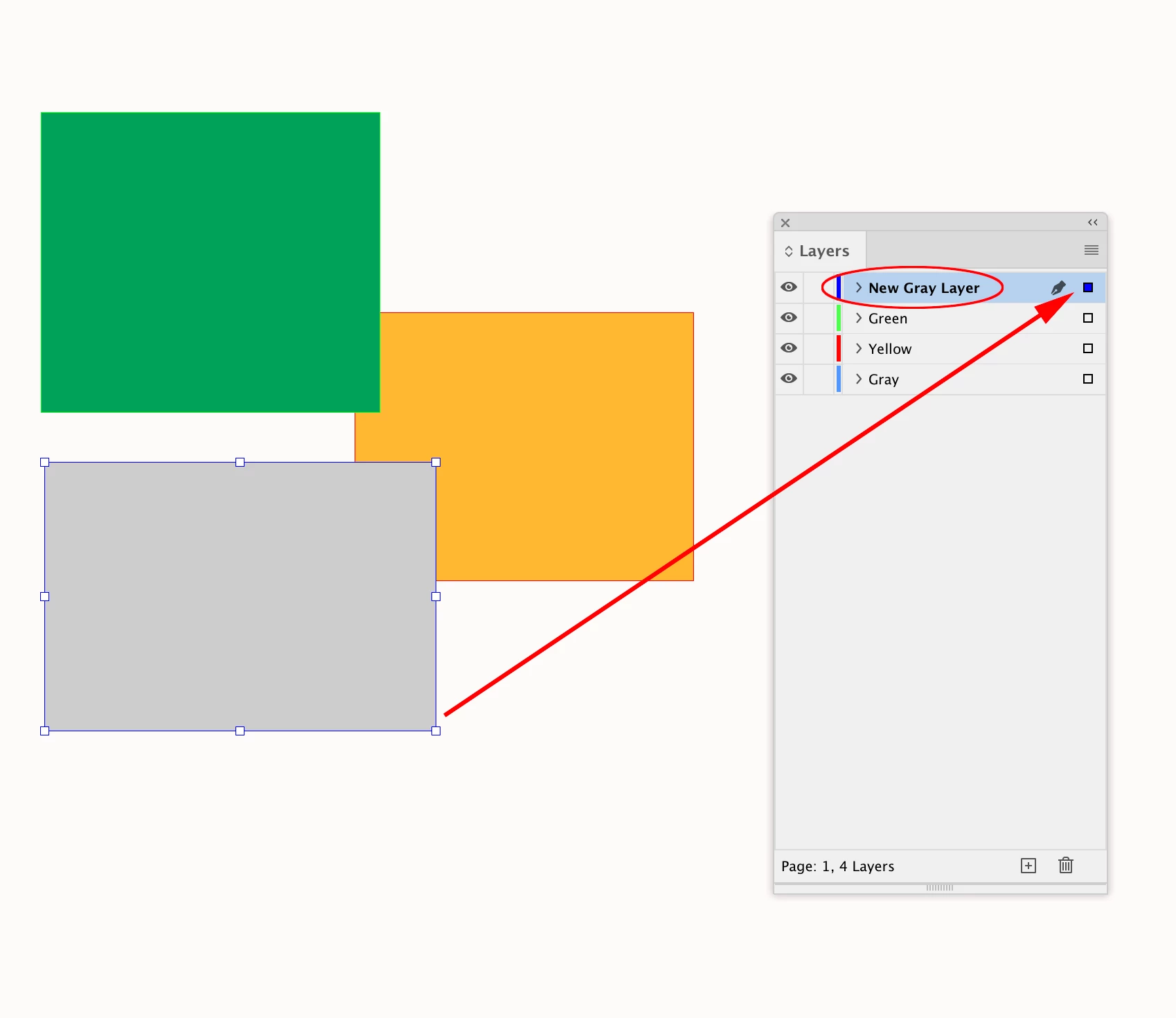
//make a new layer
var ns = makeLayer(d, "New Gray Layer");

//moves the selected page item to New Gray Layer
// note that the parameter has to be a reference to an item Layer
s.move(ns)

/**
* Makes a new named Layer
* @ param the document to add the layer
* @ param layer name
* @ return the new layer
*/

function makeLayer(d, n){
    if (d.layers.itemByName(n).isValid) {
        return d.layers.itemByName(n);
    } else {
        return d.layers.add({name:n});
    }
}
Already have an account? Login
No account yet? Create an account
Enter your E-mail address. We'll send you an e-mail with instructions to reset your password.


 AdChoices