Participant
August 17, 2023
Question

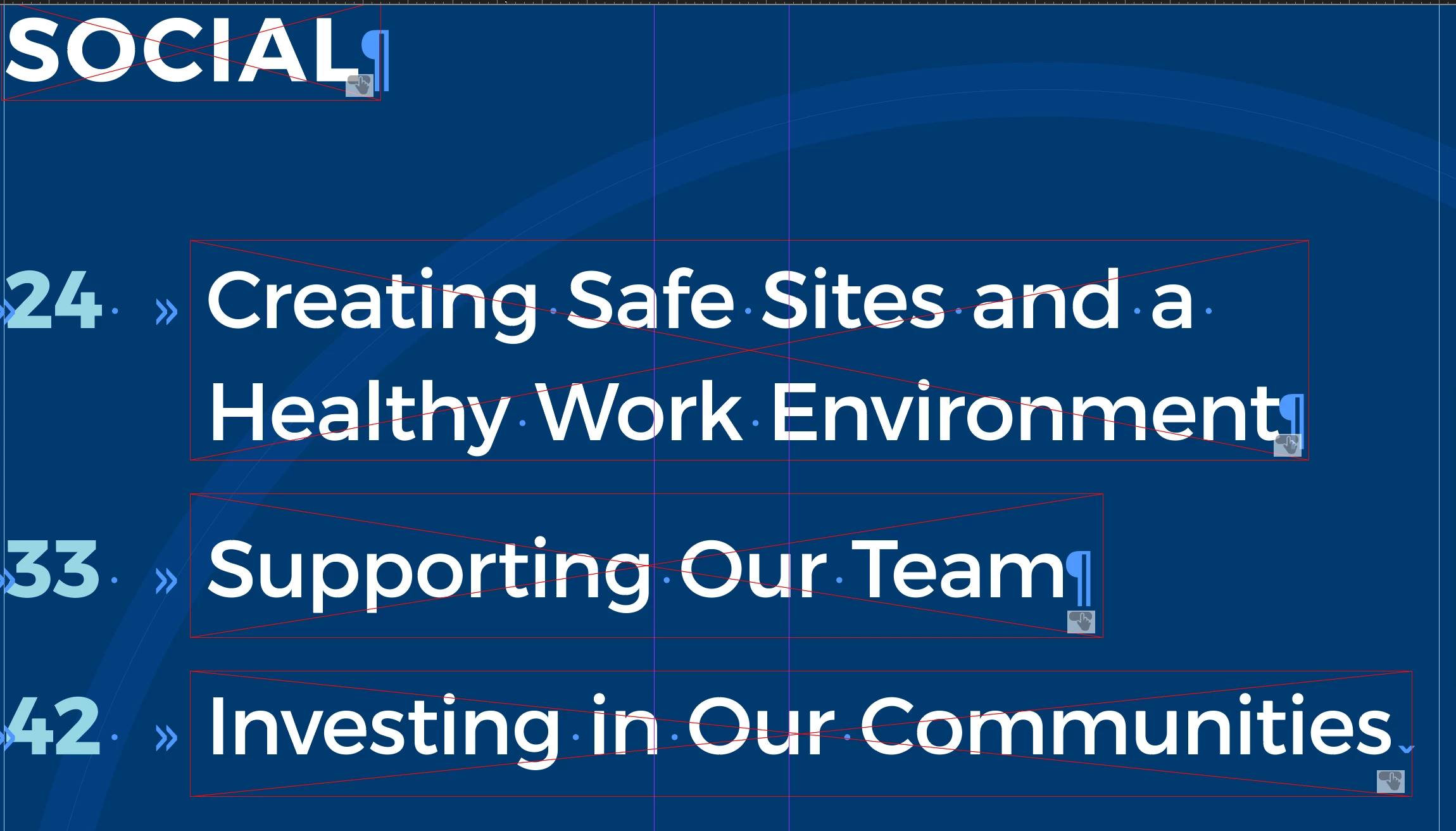
What is this symbol, it's on everything that is linked in the document

  • August 17, 2023
  • 1 reply
  • 101 views

Hi, 

I was just wondering what this symbol is relate to and if so how to update it, seems to be done a different way then what my collogues are used to. This indesign document is from an external vendor 


Please help! 

Thanks so much 🙂

Andrera

This topic has been closed for replies.

1 reply

Bill Silbert
Community Expert
Community Expert
August 17, 2023

That symbol means that the rectangles that are drawn above the type areas have been made into buttons using the Buttons and Forms Panel. These buttons will work when the document is exported to an Interactive PDF (File>Export>Adobe PDf (Interactive)) and then opened in Acrobat versions 9.0 or later. They will not work in a Print PDF or with most other PDF readers. Using a blank rectangle as an interactive element can also be done using the Hyperlinks Panel. In that case a Print PDF will read the interactivity and there is more of a chance that PDF viewers other than Acrobat will be able recognize it.