Participant
July 3, 2021
Question

When exporting to pdf a line appears

  • July 3, 2021
  • 4 replies
  • 270 views

When making a pdf file for print in 100cm*70cm this line appears:
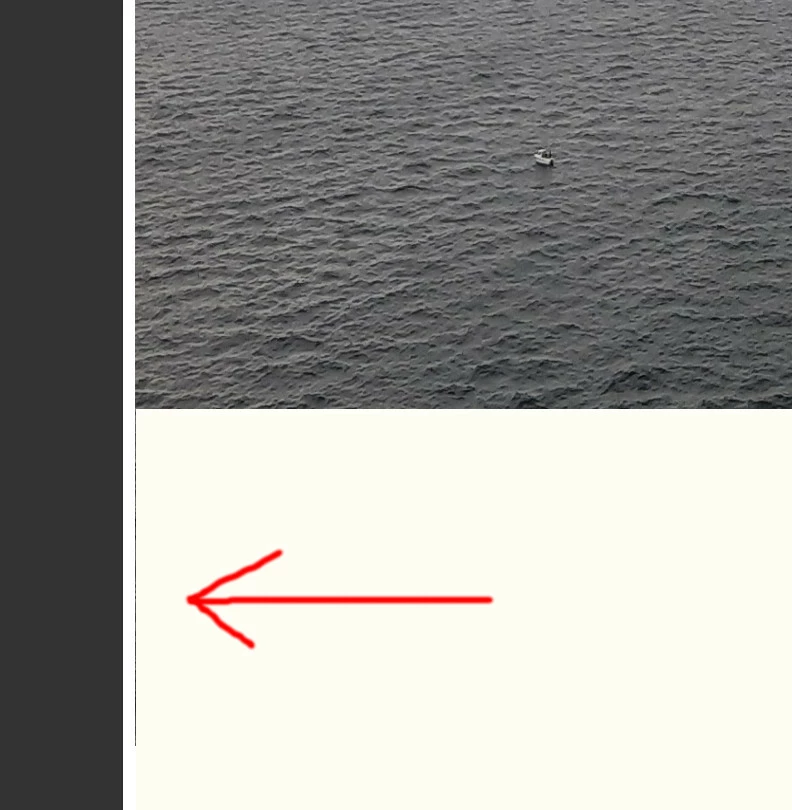
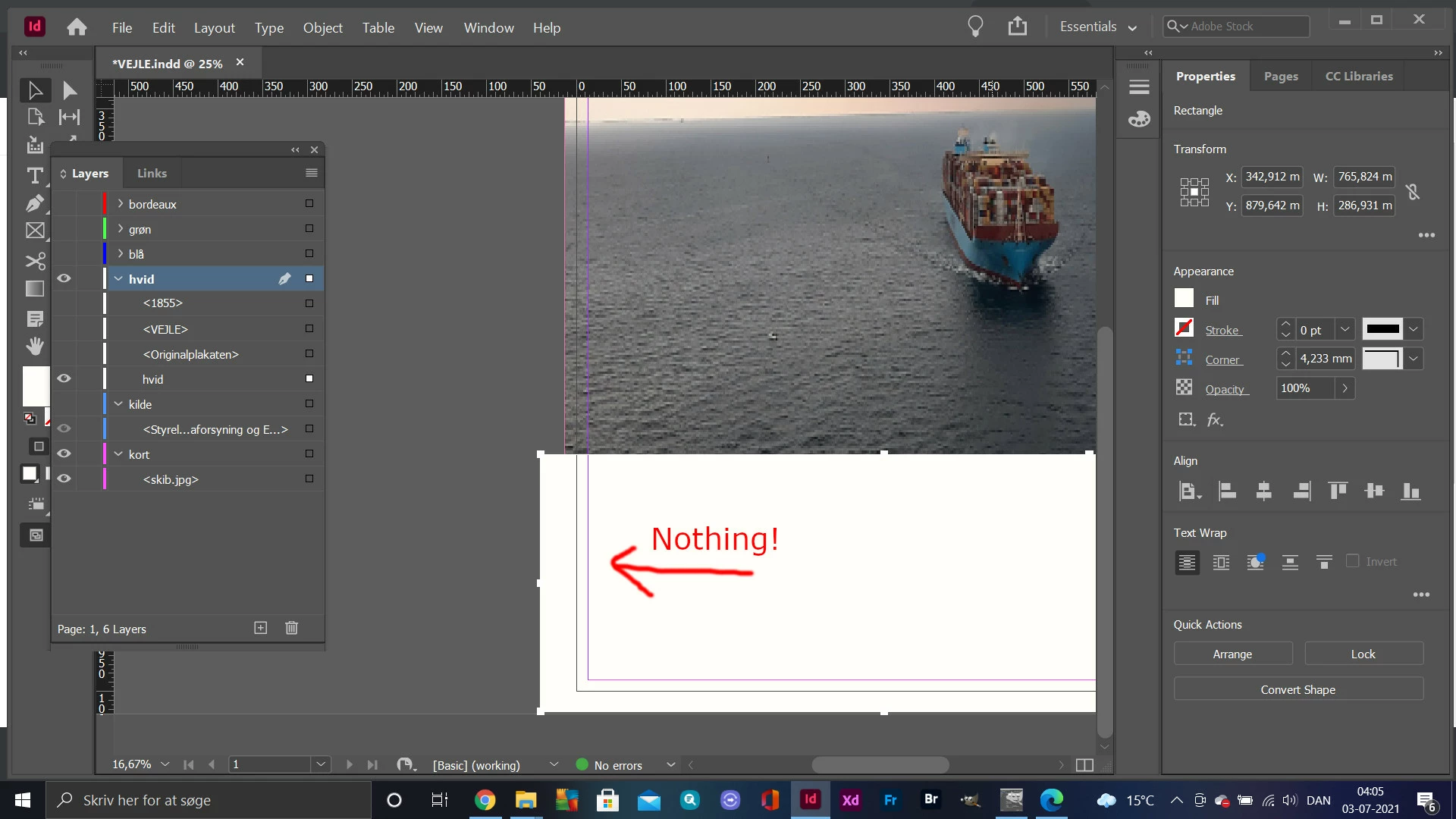
But it´s not in the working view, also the boundaries of the white rectangle are broader than whats is needed!


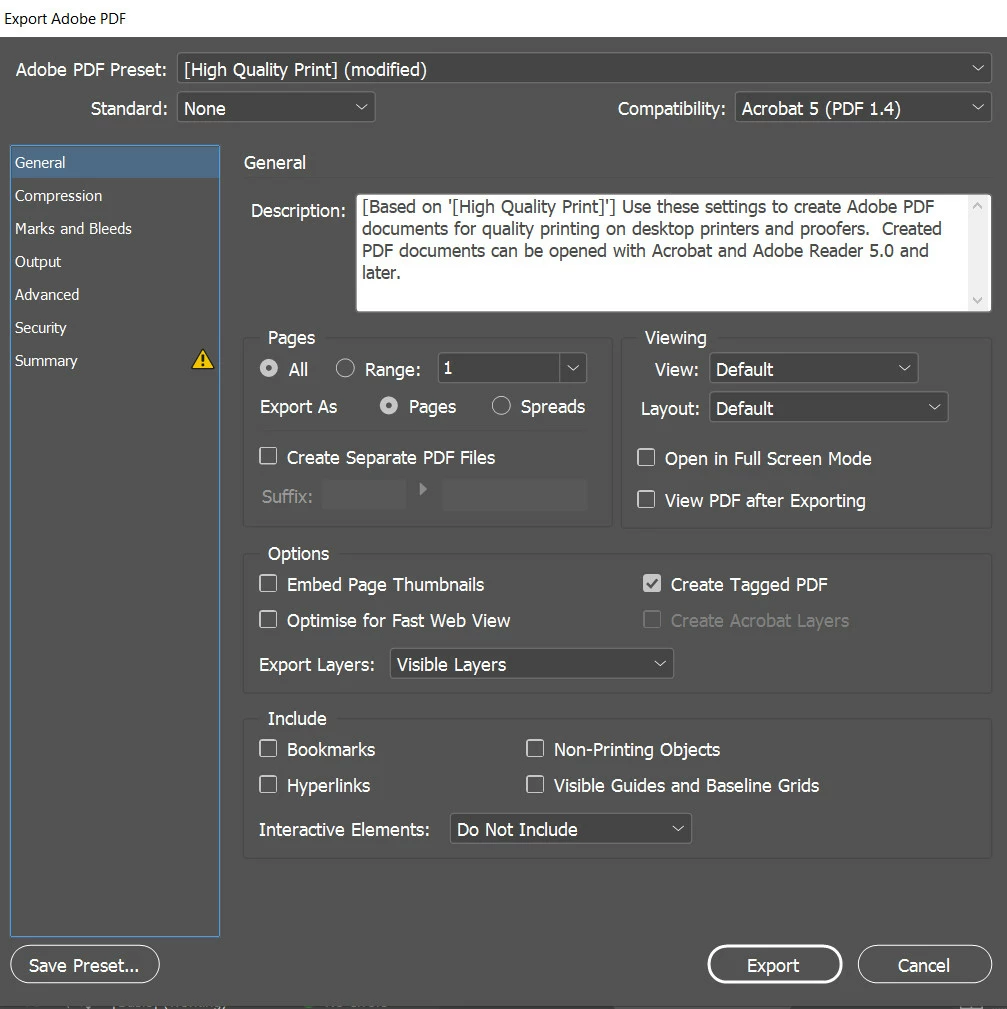
My settings:
 

What am I doing wrong?


This topic has been closed for replies.

4 replies

Brad @ Roaring Mouse
Community Expert
Community Expert
July 3, 2021

I know there are legitimate reasons to have a white box over an image, not just to fake crop it, so let's stay with the issue at hand:

I am assuming you are creating a PDF without bleed for viewing purposes.

How are you viewing the pdf where that line shows up? Does it still appear if you zoom in?

Is there any difference if you check/uncheck "Crop Image Data to Frames" in the Compression section of your PDF export?


As a test: open the PDF in Illustrator and see how the objects line up on that edge. Are they starting at same X point?

If it makes you feel  better, I have seen this effect before myself, but it never carried through to print, so I just took it as a viewing anomaly.

Jumpenjax
Community Expert
Community Expert
July 3, 2021

Like Eugene said, I would remove the white box and crop your frame to cover the part of the photo your do not want showing.

Lee- Graphic Designer, Print Specialist, Photographer
Community Expert
July 3, 2021

Why did you draw a white box over your image? 

You should resize your image frame.


Besides that - it shouldn't be like that - it's probably a screen artefact and nothing to worry about.

What PDF viewer, Apple Preview, Acrobat, ChomeReader?

Does it print with the line?

Legend
July 3, 2021

Hello @PeterViking 


Can you post your file for troubleshooting purposes?


Regards,

Mike