
jvanhuys
Participant
July 30, 2026
Answered

When I set narrow bullet indents, the second line always goes wonky and pushed far out

  • July 30, 2026
  • 3 replies
  • 29 views

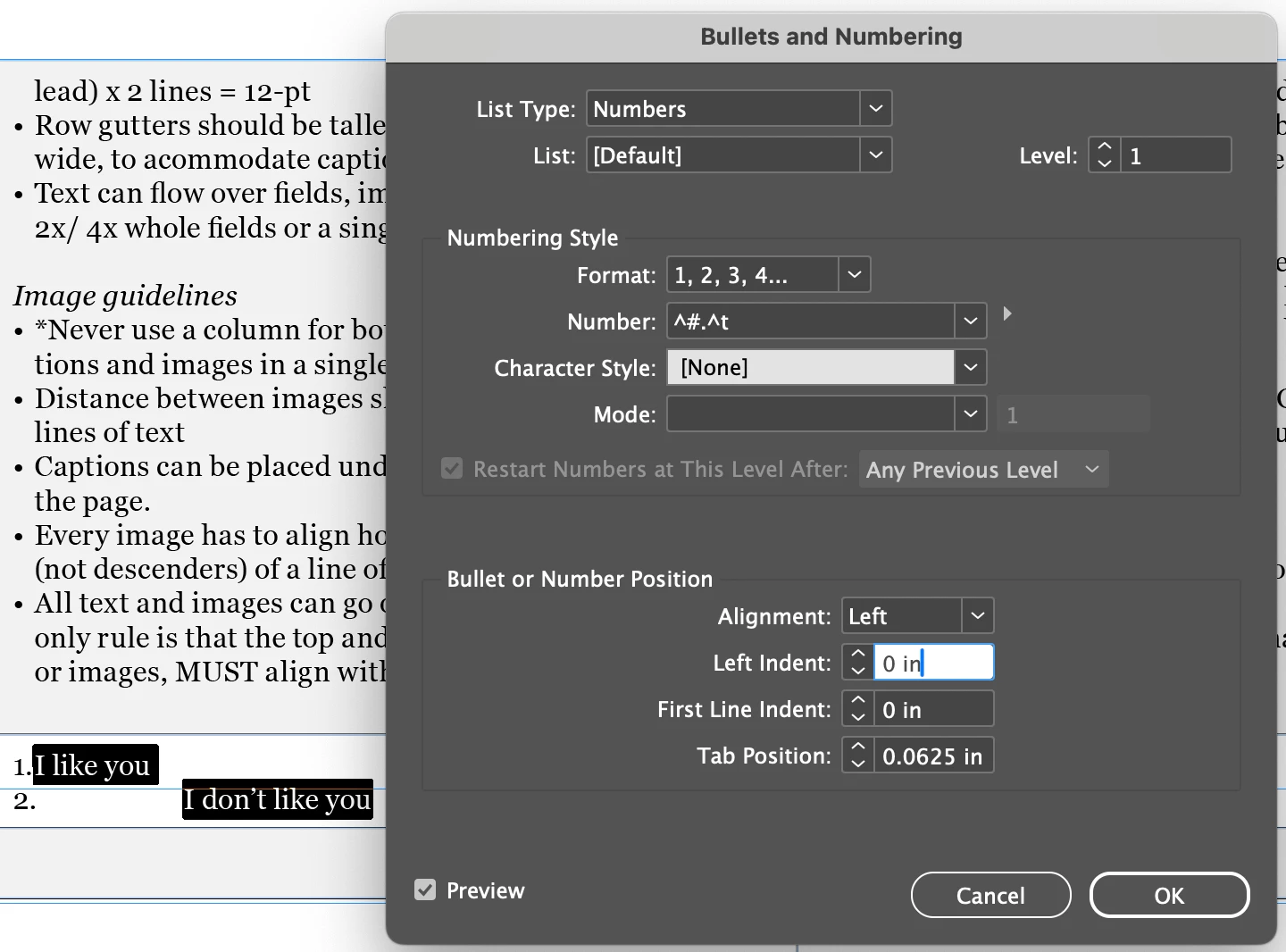
When I set narrow bullet indents, the second line always goes wonky and pushed far out. When I set it to higher values, they align nicely.

Font is Georgia 6pts, with 7.2pt leading. When I choose any larger font size than 6, it also works. 

I have:

  • No paragraph styles activated
  • No cell styles activated
  • No tab styles activated

I’d appreciate any advice on how to fix this. Thanks for your time.

__________________________________
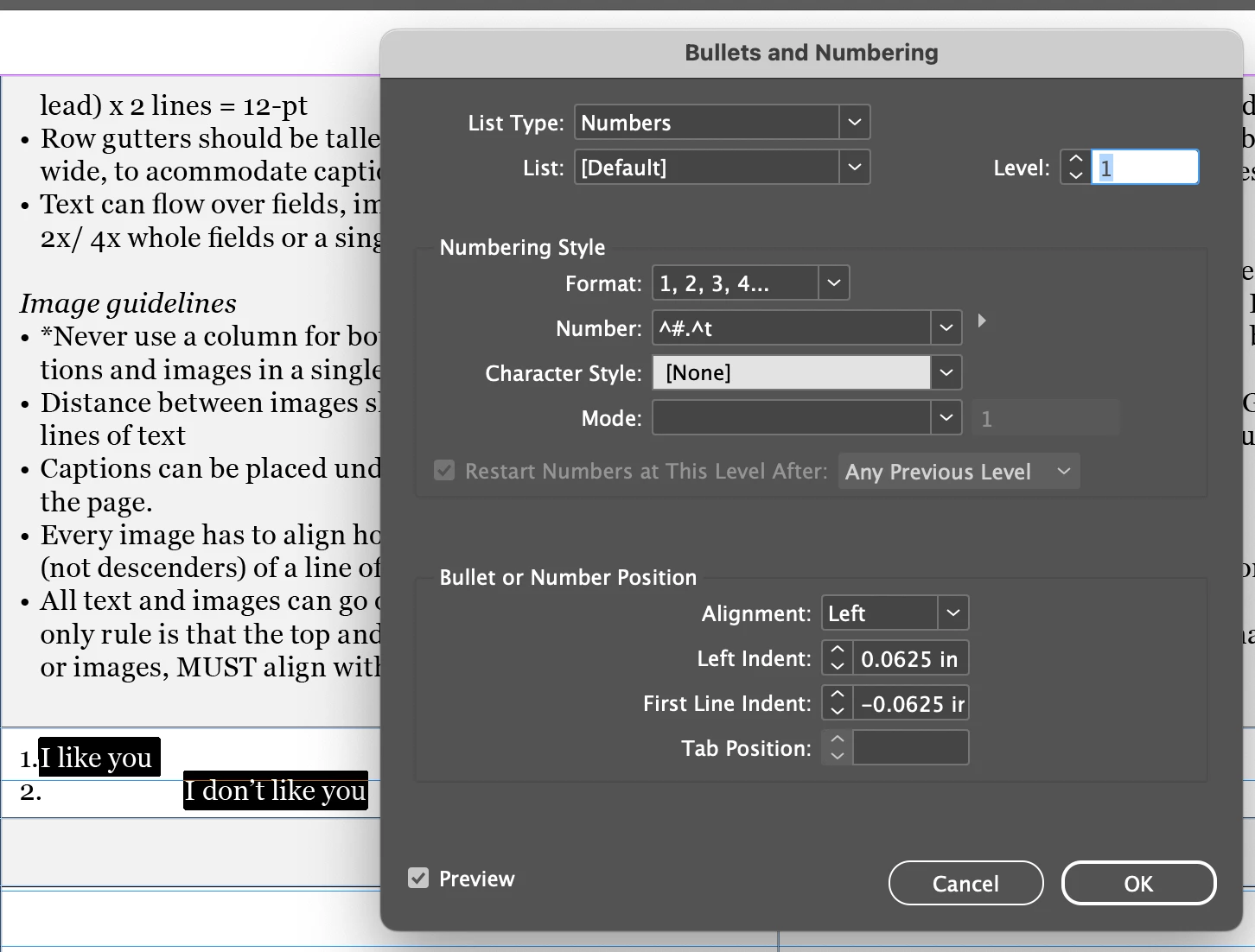
 

*I realized first line indent is not what I want either, so as you can see below, even with small tab position, the 2nd line gets pushed out:


    Correct answer Monika Gause

    It looks too tight to fit in a number 2 there. Also: turn on Invisbile characters to check if there is a space or something, that also needs to find space.

    3 replies

    Peter Kahrel
    Community Expert
    Community Expert
    July 30, 2026

    As Monika said: not enough space. You can see that the 2 is wider than the 1. You can change the OpenType attribute from proportional figures to tabular figures, then all numerals are the same width.

    Monika Gause
    Community Expert
    Monika GauseCommunity ExpertCorrect answer
    Community Expert
    July 30, 2026

    It looks too tight to fit in a number 2 there. Also: turn on Invisbile characters to check if there is a space or something, that also needs to find space.

    jvanhuys
    jvanhuysAuthor
    Participant
    July 30, 2026

    Great advice. Appreciate your time.