


EspenWiik
Participant
August 21, 2026
Answered

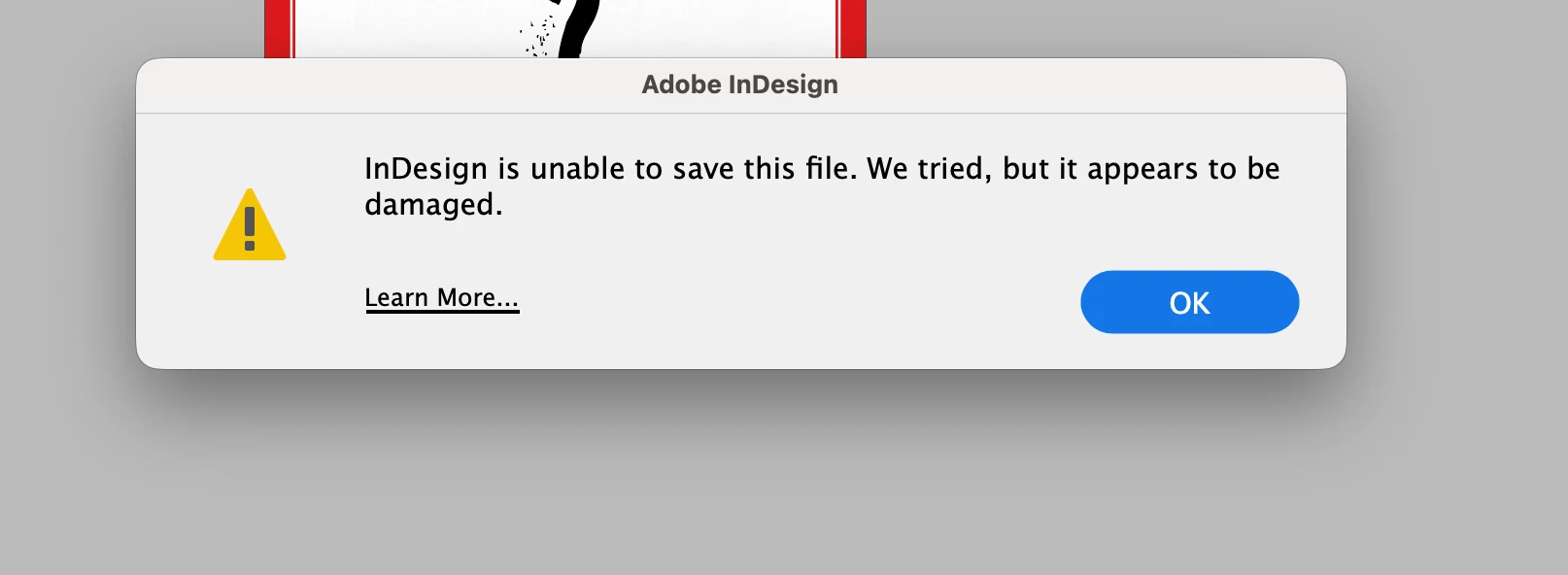
When I try to save a new document on my FileServer I get the message that "InDesign is unable to save this document. We tried but it appears to be damaged.." I am working on an iMac, have InDesign 21.5.1.
  • August 21, 2026
  • 12 replies
  • 160 views


I am not able to save to my FileServers ​​​​​​after updating to InDesign 21.5.1.

I am boring on an iMac with OS 26.6.2. When I try save the file locally it’s OK.
On the server a file is placed but it’s empty 0Kb.
I have tried on different servers with the same problem.


    Correct answer jonathant91319075

    @Steven.Jacob 

    I’ve sorted it! There was an item in my keychain that was activating the afp version. Deleted it and now it doesn’t load up on login.

    Thank you loads Stephen.jacob for your time & help!

    12 replies

    Participant
    August 28, 2026

    Hello, this issue is when you connect via afp to your fileserver; smb connection solves the problem.

    cmd + k in finder macOS and connect smb://ipadress-server or hostname when using dns server.

    Participant
    August 28, 2026

    thanks load ​@Steven.Jacob 

    That has worked! The problem i now have, is when i restart my mac - the afp version is still connecting as a login item (even though i’ve removed it from the login items). I’ve added the smb to my login items, so im now getting 2 servers showing? see screen shot. Any idea how i stop the afp from automatically loading up?

    Participant
    August 28, 2026

    Hello, you need to remove also all the references to afp share made in your dock next to the trash icon and also in your favorites in finder window and always make the smb connection via cmd + k in finder.

    Participant
    August 26, 2026

    I’m having the exact same problem and getting the same message as @EspenWiik. I can save .indd files on to my desktop without problem. I can copy those file from my desktop to my server without problem. If i open the files on my server they are fine as long as i just over ‘save’ them. The problem is when i want to save a new or existing file with a new name - i get the “indesign is unable to save….” message. Photoshop documents save fine on my server as do Illustrator files. No settings have been changed on my server. At the moment i’m having to resort to saving new .indd files to my desktop, then copying the files to my server, then opening that file from my server. Its a proper pain. Please can you help?

    Anubhav M
    Community Manager
    Community Manager
    August 27, 2026

    Hello ​@jonathant91319075 


    I’m sorry to hear you’re having similar trouble with InDesign. Could you share more details, like the exact version of the OS/InDesign installed and a brief screen recording of your workflow when the problem occurs, so we can better assist you?


    Looking forward to hearing from you.
    Anubhav

    Participant
    August 28, 2026

    Hi ​@Anubhav M 

    Thanks for replying. I’m using Tahoe 26.6.2 OS and im using Indesign 21.5.1. I’m on a mac studio 2023 (Apple m2 max)

    I’ve added a video so you can see the problem im having. I’ve sure all my server firmware etc is up to date and that the server is running ok. Any help you can give me would be greatly appreciated.

    thnaks

    Mike Witherell
    Community Expert
    Community Expert
    August 22, 2026

    Can you describe more details about your File Server? Is it a cloud-based service?

    Mike Witherell
    leo.r
    Community Expert
    Community Expert
    August 21, 2026

    What version did you update from? If you revert back to that version, does the problem go away: Creative Cloud app > InDesign > 3-dot menu > Other Versions?

    BobLevine
    Community Expert
    Community Expert
    August 21, 2026

    Have you checked all permissions? Can you save on your local harddrive?

    EspenWiik
    EspenWiikAuthor
    Participant
    August 21, 2026

    I can save as IDML on the servers.


    nik.m
    Community Manager
    Community Manager
    August 25, 2026

    Hi ​@EspenWiik, thanks for the additional context. If there is an issue with the file, we recommend exporting it as an IDML file, as you’ve already done, reopening it, and then saving it as an INDD file. This should recreate the file and help eliminate any underlying issues.

    Let us know how it goes! If the issue persists, please share more details about the server, as requested by Mike.

    Thanks,
    Nikunj