

Question
When importing an image into an InDesign file, an incomplete compatibility message appears.
Hello,
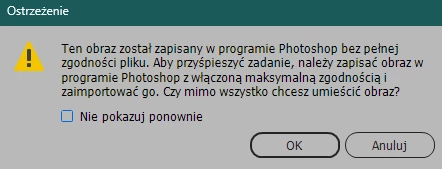
when I imported an image from the files in Creative Cloud (to save it in an InDesign document for later printing) I got this message:
This image was saved in Photoshop without full file compatibility. To speed things up, save the image in Photoshop with maximum compatibility enabled and import it. Do you still want to place the image?
In Polish:
Will the imported image now lose quality and print poorly?


 AdChoices