Participating Frequently
September 11, 2025
Question

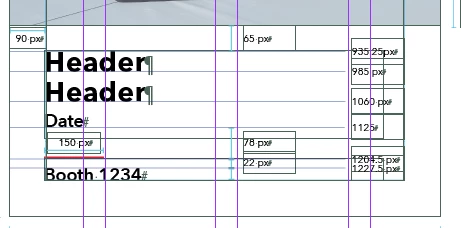
When pasting and coping from one page to another the copy is overset when I paste it into a new page
  • September 11, 2025
  • 3 replies
  • 139 views

What is happening here? I grouped it before I copied it. Is that the problem?


3 replies

jmlevy
Community Expert
Community Expert
September 11, 2025

Maybe that the text is aligned on the baseline grid, and when you paste the frames there is not enough room to lock on the baseline grid.

nela_5553Author
Participating Frequently
September 11, 2025

On the left side of the page there are text boxes that are linked throughou the document of 20 page.

When I pasted the copied content on to the new page it was over 200% larger than the document. The art covered the whole document and more. I am wondering if I some how linked my pasted art to the linked copy? if so, how would I unlink it?


BobLevine
Community Expert
Community Expert
September 11, 2025

Impossible to say for sure without both files but one guess would be conflicting styles and another would be a text wrap.

nela_5553Author
Participating Frequently
September 11, 2025

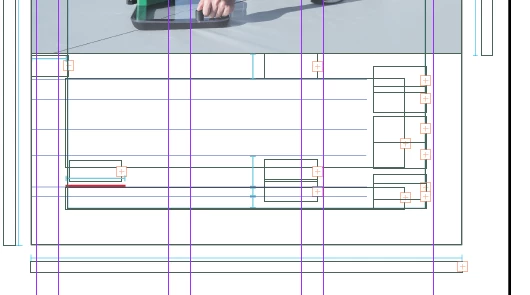
The copy is fine on the work space, but once I drag it onto the document page, It changes to over set.

There is on type page of the document that is linked from page to page. Did I accidentally hit something I am unaware of?
