
Participant
March 10, 2018
Answered

When placing an image the content resizes

  • March 10, 2018
  • 2 replies
  • 269 views

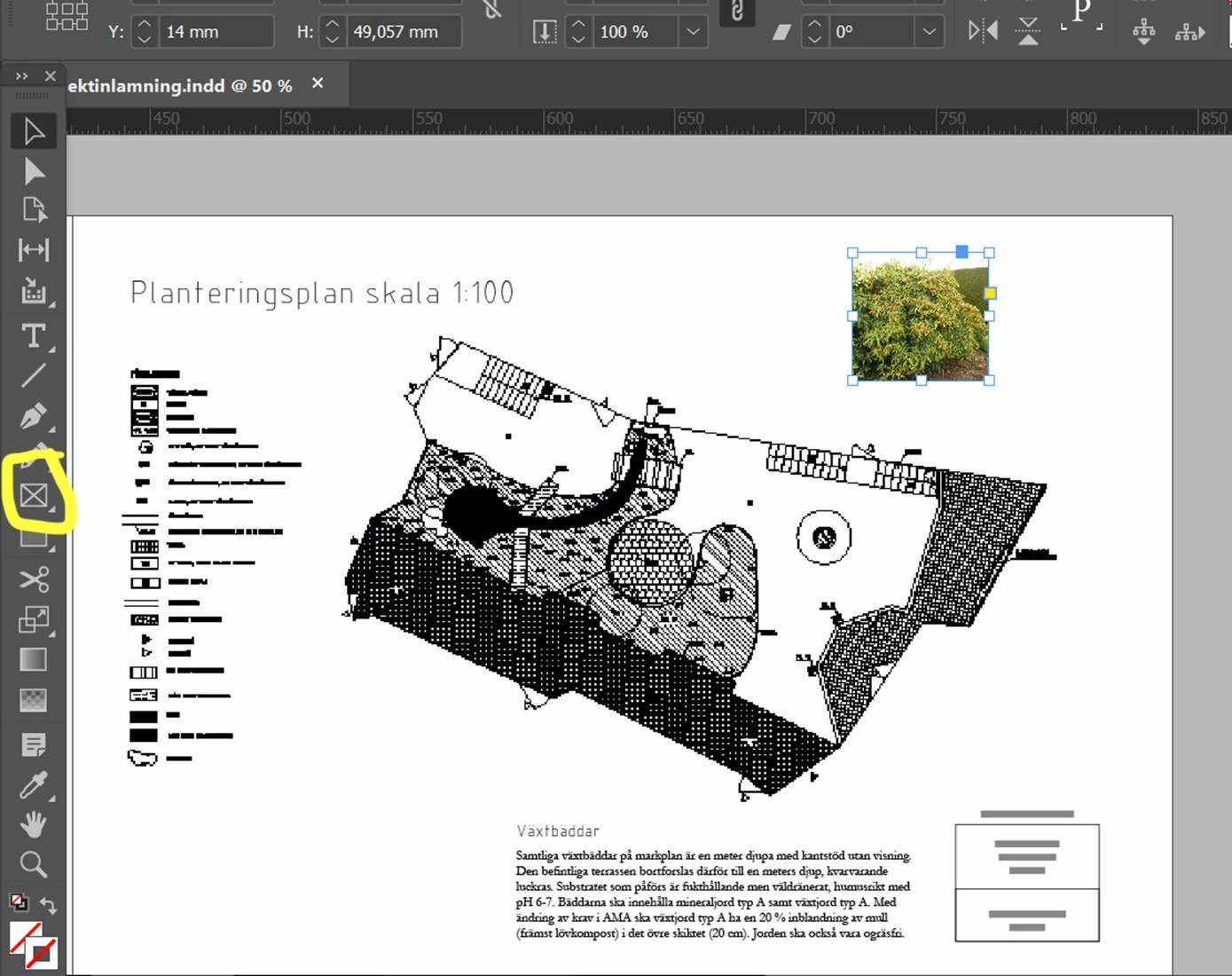
When placing an image in InDesign 13, the content resizes when using the diagonal control (and sometimes also when using the horizontal and vertical controls). The content is not supposed to be affected by using the resize controls, but now it is suddenly being resized instead of being cropped as it is supposed to be. Is this a bug or a feature? It's very annoying!
    This topic has been closed for replies.
    Correct answer Geоrge

    You use it one of automatic frame resizing (fit). Check your object style and turn off the feature.

    Or your rectangle frame tool have it some auto-fit enabled. Check this tool without any selected object, go to menu object - fitting - frame fitting options and uncheck auto-fit.

    Work with frames and objects in InDesign

    2 replies

    Participant
    March 10, 2018

    Thanks a lot George, it works great!

    Geоrge
    GeоrgeCorrect answer
    Legend
    March 10, 2018

    You use it one of automatic frame resizing (fit). Check your object style and turn off the feature.

    Or your rectangle frame tool have it some auto-fit enabled. Check this tool without any selected object, go to menu object - fitting - frame fitting options and uncheck auto-fit.

    Work with frames and objects in InDesign

    Remember, never say you can't do something in InDesign, it's always just a question of finding the right workaround to get the job done. © David Blatner