dublove
Legend
August 2, 2025
Answered

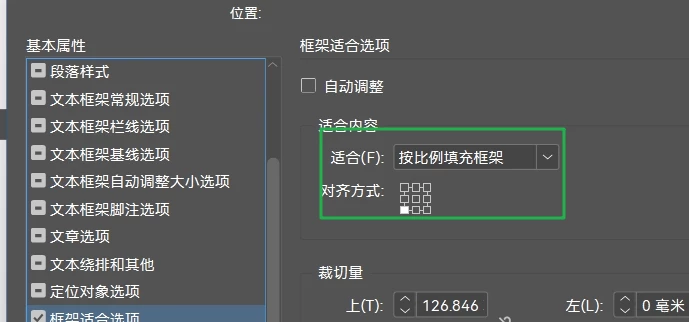
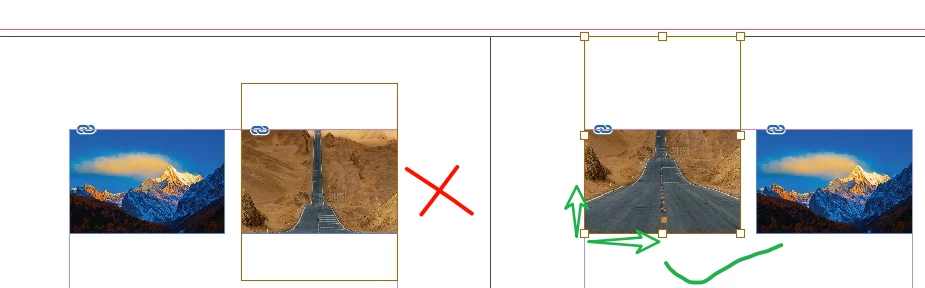
When using FitOptions, is it possible to set the image expansion or contraction direction?

  • August 2, 2025
  • 1 reply
  • 365 views

For example, I want to zoom in with the lower left corner as the base point so that the left and bottom sides remain fixed.


  var sel = app.documents[0].selection;

Perhaps I need to set the automatic adjustment option for my sel[j] frame.
How do I add it?
Correct answer rob day

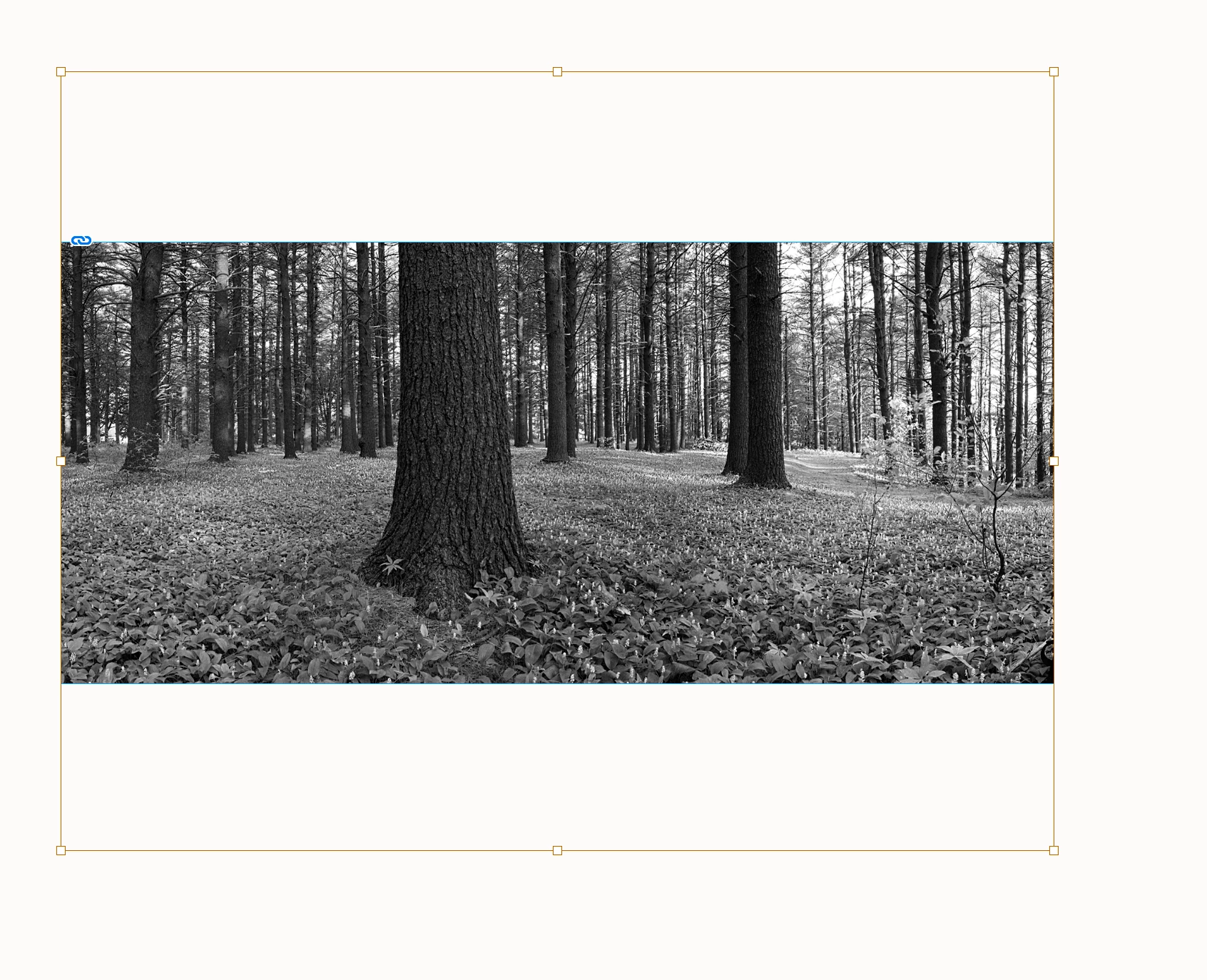
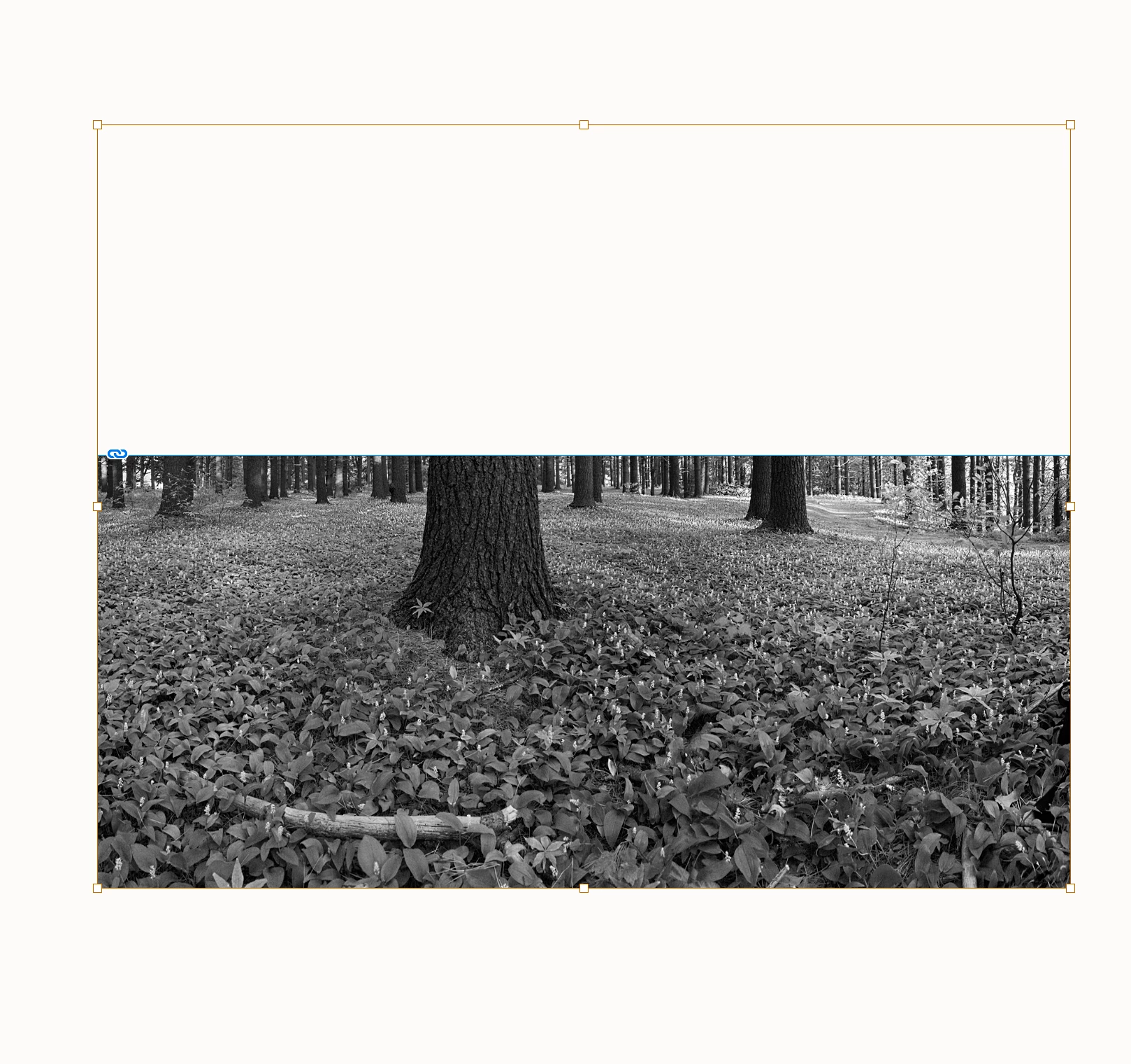
FitObtions won’t help, you’ll have to move the image relative to the frame:


//a selected frame
var sel = app.documents[0].selection[0];
//the image in the frame
var img = sel.images[0];
//get the move distance, the selection bottom - the image bottom
var m = sel.geometricBounds[2] - img.geometricBounds[2]
//move the image
img.move( [ 0 , 0 ] , [ 0 , m ] ); 


1 reply

rob day
Community Expert
rob dayCommunity ExpertCorrect answer
Community Expert
August 2, 2025

FitObtions won’t help, you’ll have to move the image relative to the frame:


//a selected frame
var sel = app.documents[0].selection[0];
//the image in the frame
var img = sel.images[0];
//get the move distance, the selection bottom - the image bottom
var m = sel.geometricBounds[2] - img.geometricBounds[2]
//move the image
img.move( [ 0 , 0 ] , [ 0 , m ] ); 


dublove
dubloveAuthor
Legend
August 3, 2025

My sel is like this:
var sel = app.documents[0].selection;


It seems that the content has not been moved, but the frame has been moved.

It seems unsuitable. It moves every image, but some don't need to be moved.


            var img = sel[j].images[0];
            var si = sel[j].geometricBounds[2] - img.geometricBounds[2]
            sel[j].fit(FitOptions.PROPORTIONALLY);
            sel[j].fit(FitOptions.FILL_PROPORTIONALLY);
            img.move([0, 0], [0, si]);


rob day
Community Expert
Community Expert
August 3, 2025

Either delete the 2 fit() lines , or move them before the geometricBounds line.