casual_Flower98C6
Participating Frequently
April 14, 2021
Answered

Which CMYK standard is InDesign using?

  • April 14, 2021
  • 2 replies
  • 3979 views

I've been trying to find out which CMYK standard InDesign is using as default. Basically: what am I looking at, when creating native InDesign objects with CMYK colors—softproof being disabled.
Who defined e. g. that magenta? Is it the same pure magenta that is being used by my printing house?


My guess (and hope) would be it's the one defined by ISO 2846 which also the print color producers relate to. It's what the standard target color profiles are based on in Europe (created by the ECI) as well.


Bonus question: if my assumptions are true, was there a time before the international ISO 2846 standard, in which you either

  • were unable to use InDesign reliably outside the US, because it's software from there and therefore using US-American standards?
  • got a different version of the software, depending on the region you bought it in?


This must have nothing to do with ICC color profiles that can bet set and attached to files (and are used for conversions, PDF output and softproofing etc.), but a software internal that can't be adjusted by users.


Maybe this is still even a problem between different regions. I hope somebody can shed some light an the topic.
This topic has been closed for replies.
Correct answer rob day

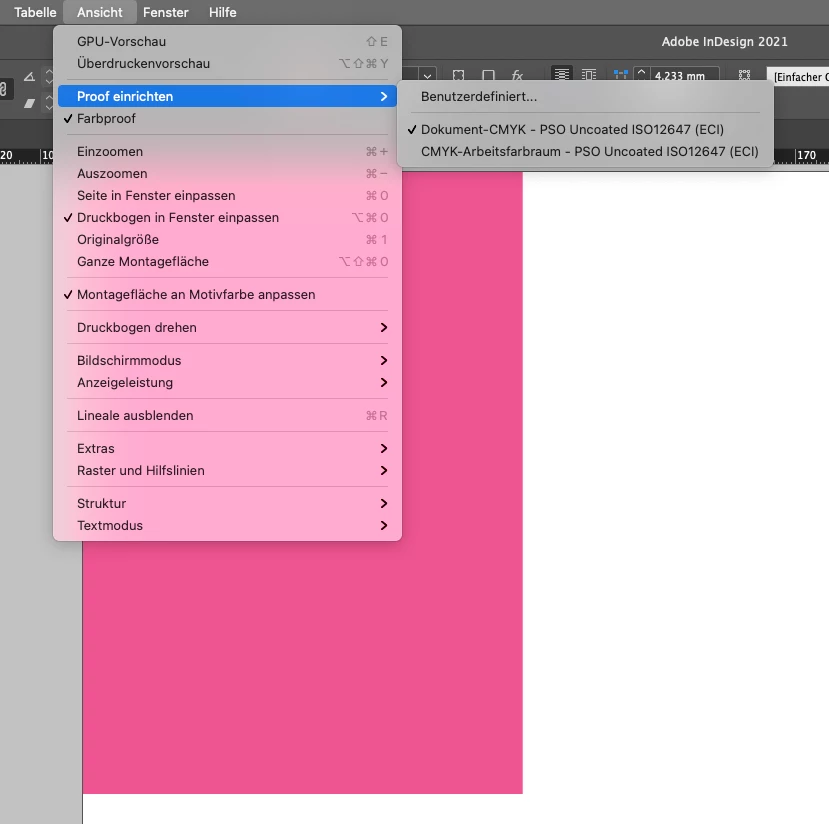
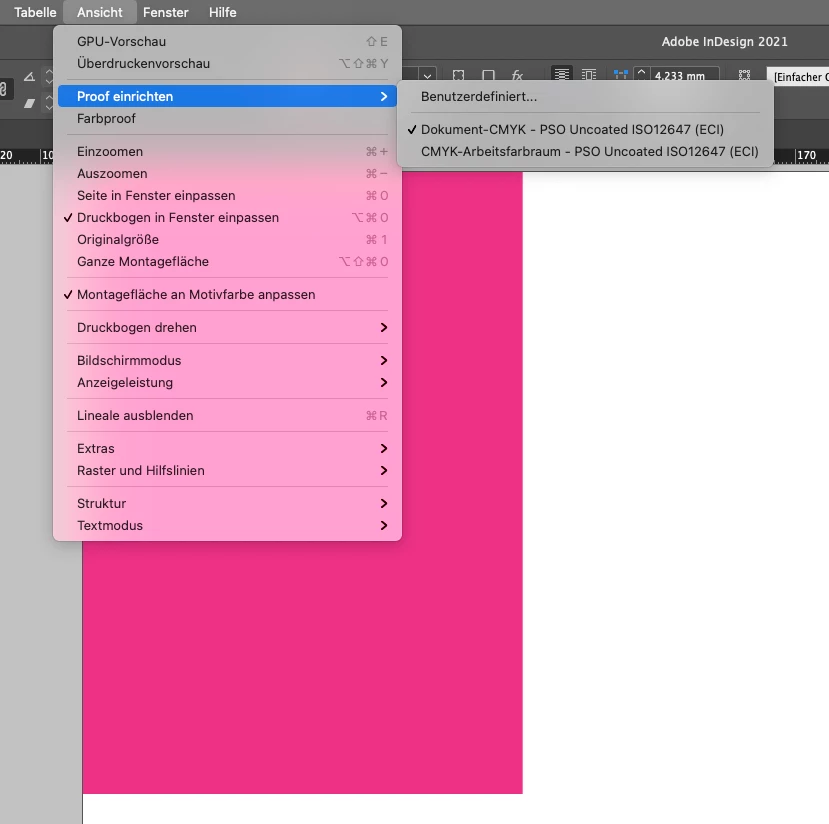
When I open InDesign, create a new document with these settings (sorry, in German),


create a reactangle in C = 0, M = 100, Y = 0, K = 0, this is what I see with “proof colors” turned off:


And this with “proof colors” turned on:


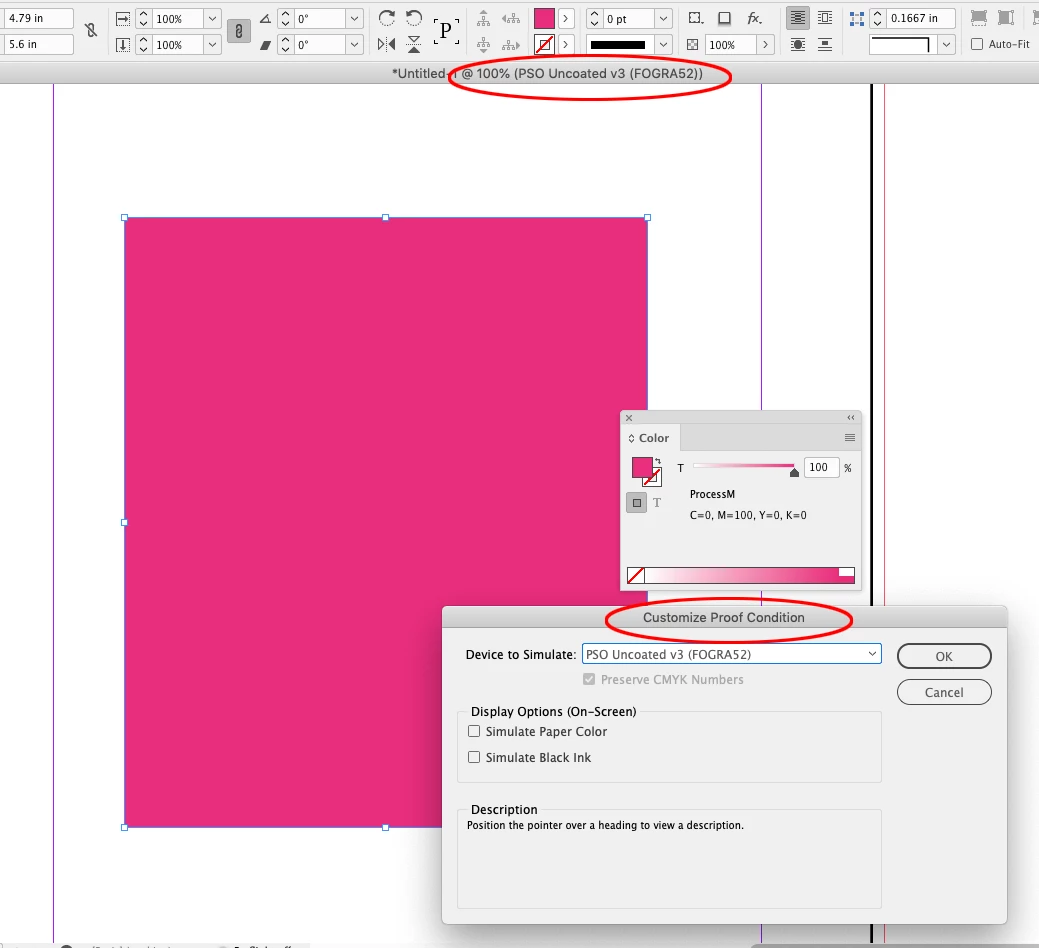
Yes, I’ve seen that happen and it seems like a bug. Try setting a Custom Proof Setup using your Document CMYK profile. I get this:


2 replies

rob day
Community Expert
Community Expert
April 14, 2021

Who defined e. g. that magenta? Is it the same pure magenta that is being used by my printing house?


You would need your printing house’s CMYK press profile, which could conform to an ISO standard.


https://www.color.org/registry/SWOP2006_Coated5v2.xalter

rob day
Community Expert
Community Expert
April 14, 2021

I've been trying to find out which CMYK standard InDesign is using as default. 


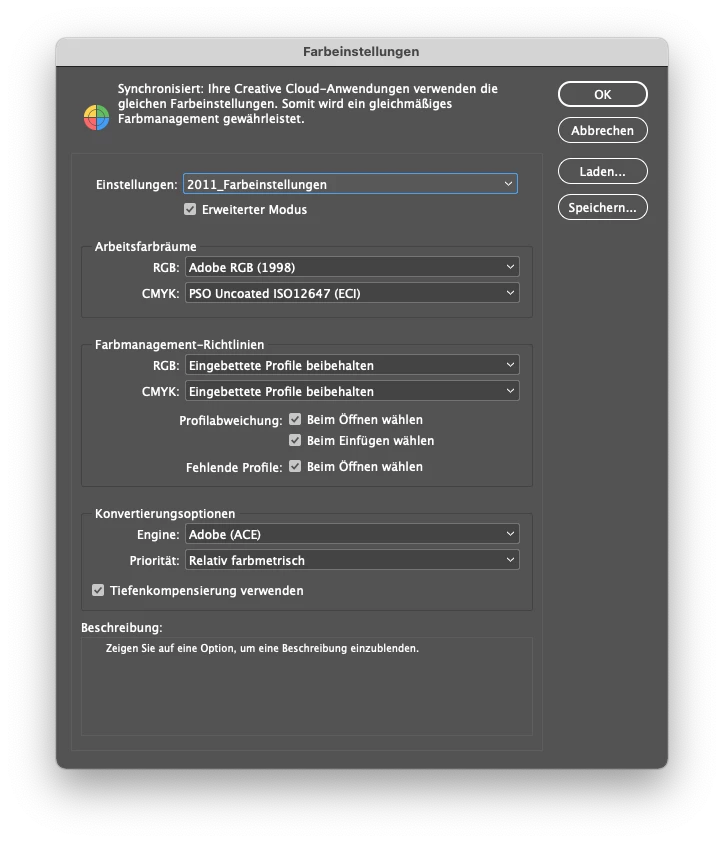
The application uses the current Color Settings’ CMYK Working Space—there is no default.


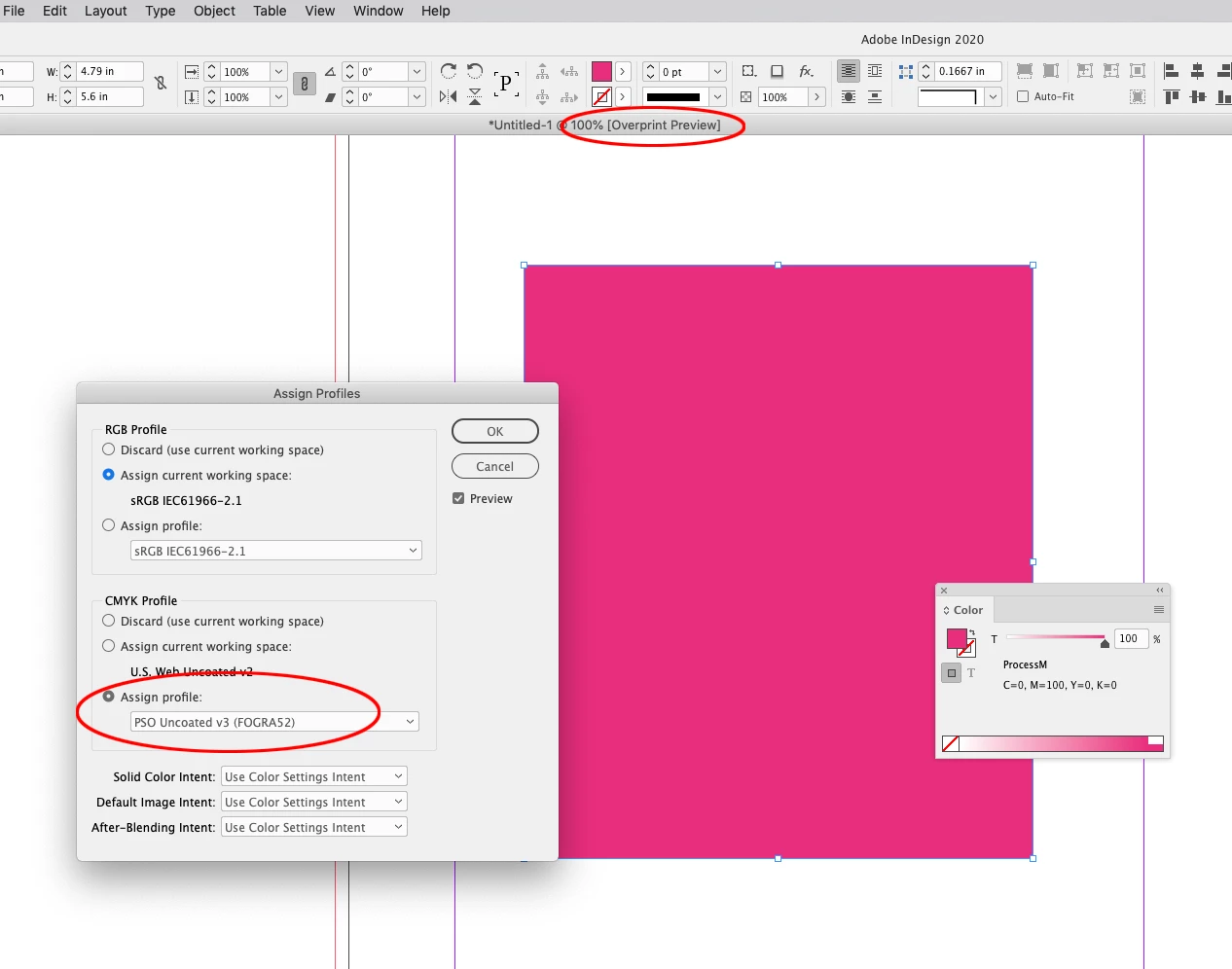
When you create a new document, and the CMYK Policy is not set to Off, the Color Settings’ CMYK Working Space gets assigned to the document, and the assigned profile is used to color manage the CMYK preview (Edit>Assign profiles...). If there is no CMYK profile assignment the fallback is to the Color Settings’ CMYK Working space.


So here with Proof Colors turned off you can see the preview of document CMYK colors is dependent on the document’s profile assignment:


casual_Flower98C6
Participating Frequently
April 14, 2021

Thank you for getting back @rob day!


This is surprising to me but true. I've spent some hours yesterday to better understand color management in InDesign and was sure this is not what's happening.

casual_Flower98C6
Participating Frequently
April 16, 2021

I am still trying to wrap my head around all this.


I’m wondering what’s the difference between viewing a document with color proofing (set to the current CMYK profile of the document) off and on then. As you stated, the preview of a document’s CMYK colors is already dependent on the current CMYK profile—so I assume InDesign is already trying to show me only colors that could be print according to the current color profile. What exactly is changing when I turn color proofing on?