White box in Indesign
Hi,
I have a problem with the Id libraries.
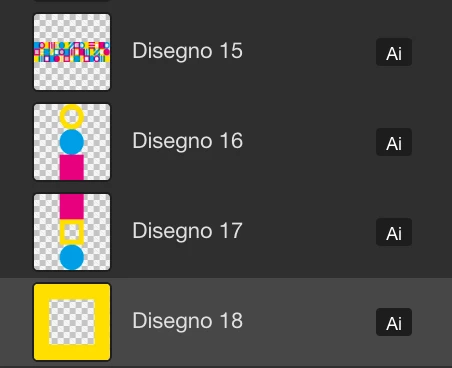
When I import a vector object, created on Ai, the vector has a box with a white background.

Hi,
I have a problem with the Id libraries.
When I import a vector object, created on Ai, the vector has a box with a white background.
Hi puntocom_giardininaxos,
I'm quite sure that the following happened:
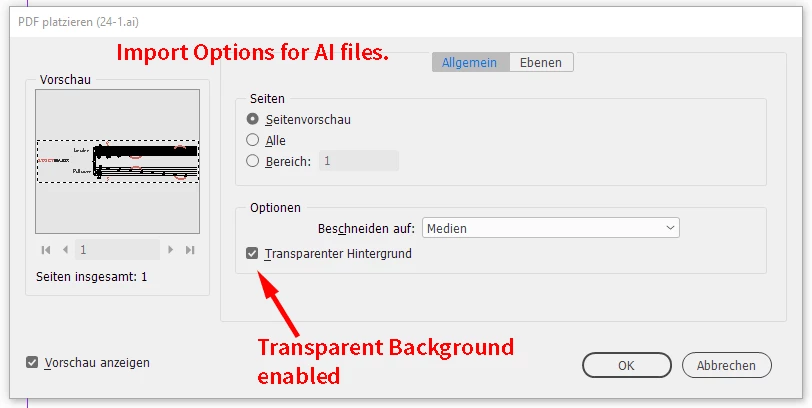
The last time you placed an AI file or a PDF file you disabled option Transparent Background in the Import Options.
Because the assets marked as AI in your CC Libraries are nothing than AI files you can place, the disabled Transparent Background is still active and default.
To solve the issue:
Place an AI file and use the Import Options.
Enable option Transparent Background
Then go on placing the AI assets from your CC Library.
Import options from my German InDesign 2021:

Regards,
Uwe Laubender
( ACP )
Already have an account? Login
Enter your E-mail address. We'll send you an e-mail with instructions to reset your password.