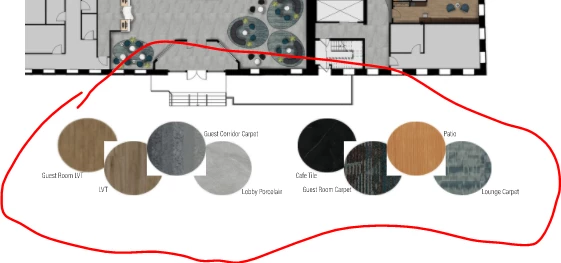
Open the images in Photoshop and see if they have white backgrounds. If they do, either remove the backgrounds and save as .psd, or use a clipping path. If they already have transparent backgrounds, check to see if the InDesign image frames have a fill color of white (called Paper in InDesign).

 AdChoices