Chris  P.  Bacon
Inspiring
September 10, 2022
Answered

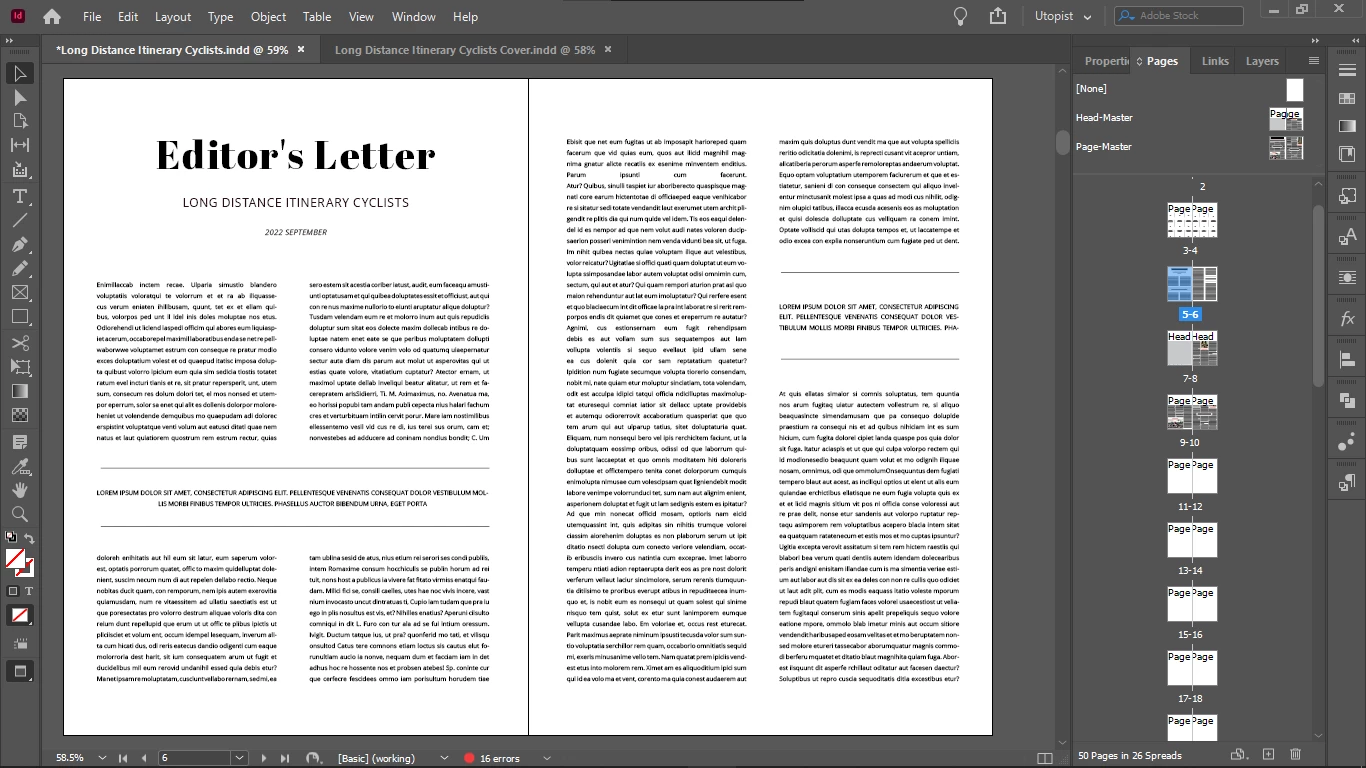
Why are only my master pages properly centered when hitting Ctrl + Alt + 0?
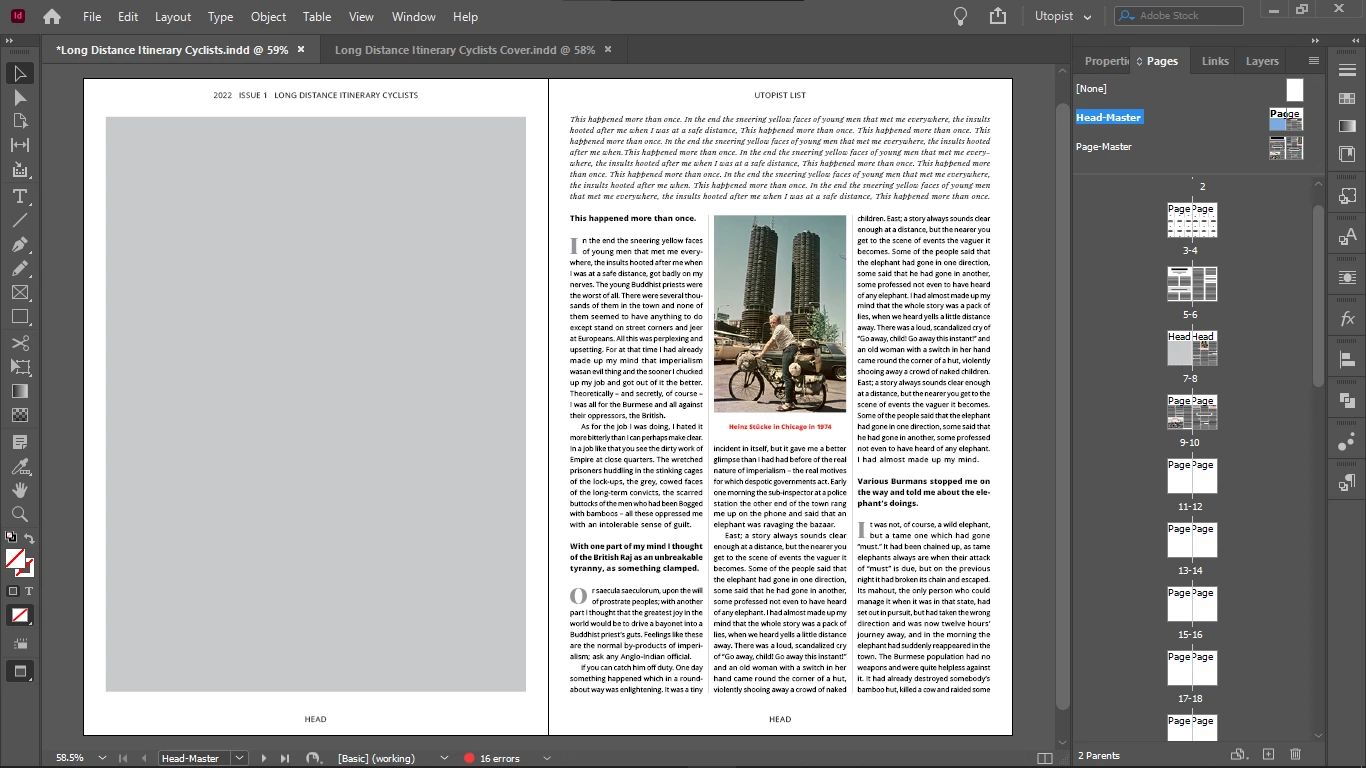
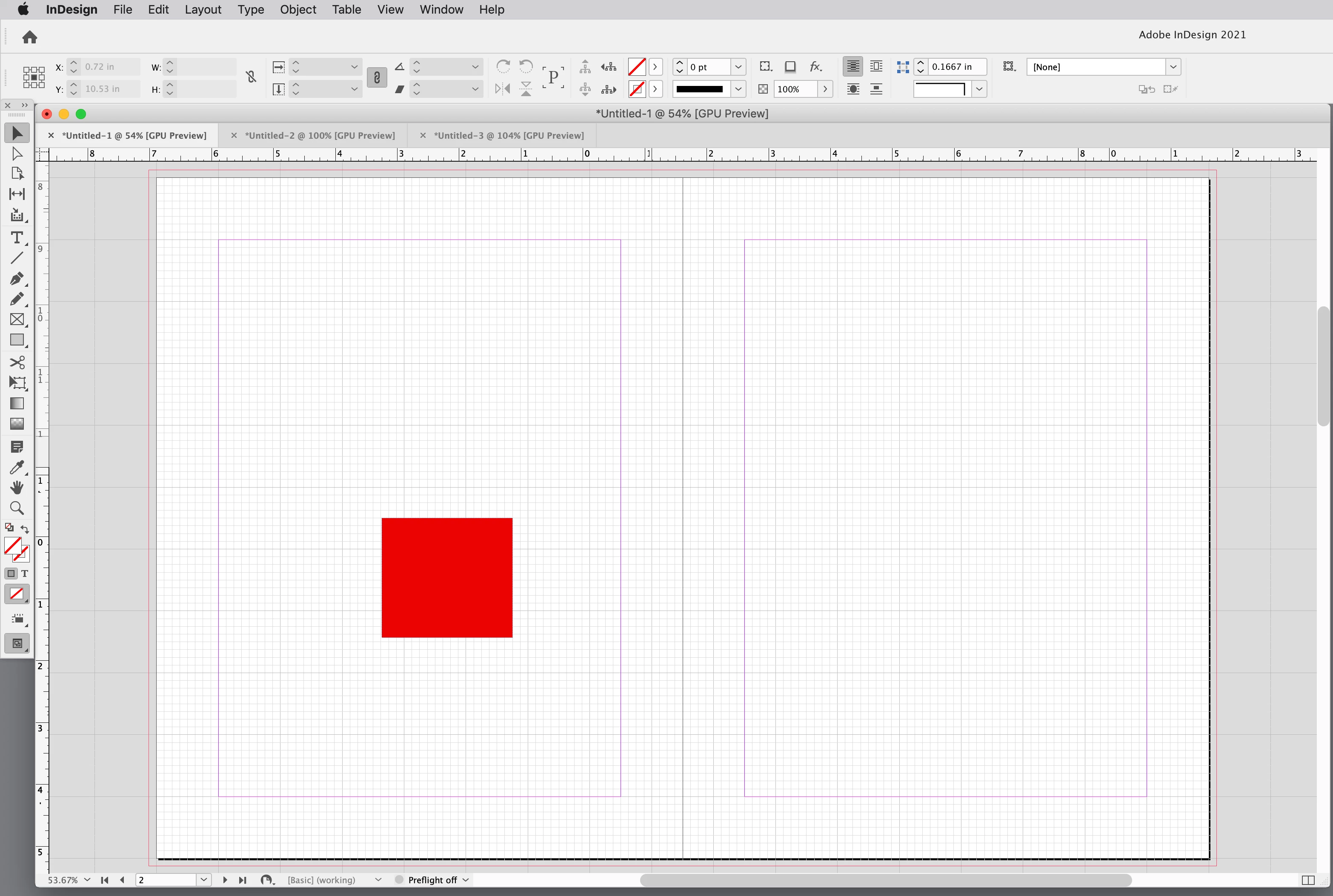
The first is a master page, the second was imported via a guest master page, but its master was deleted.

When hitting Ctrl + Alt + 0, it should be centered just like my master page, but it isn't.

Does anyone know why?

This topic is closed to new replies. Start a new post to keep the conversation going.
rob day
rob dayCorrect answer
Community Expert
September 10, 2022

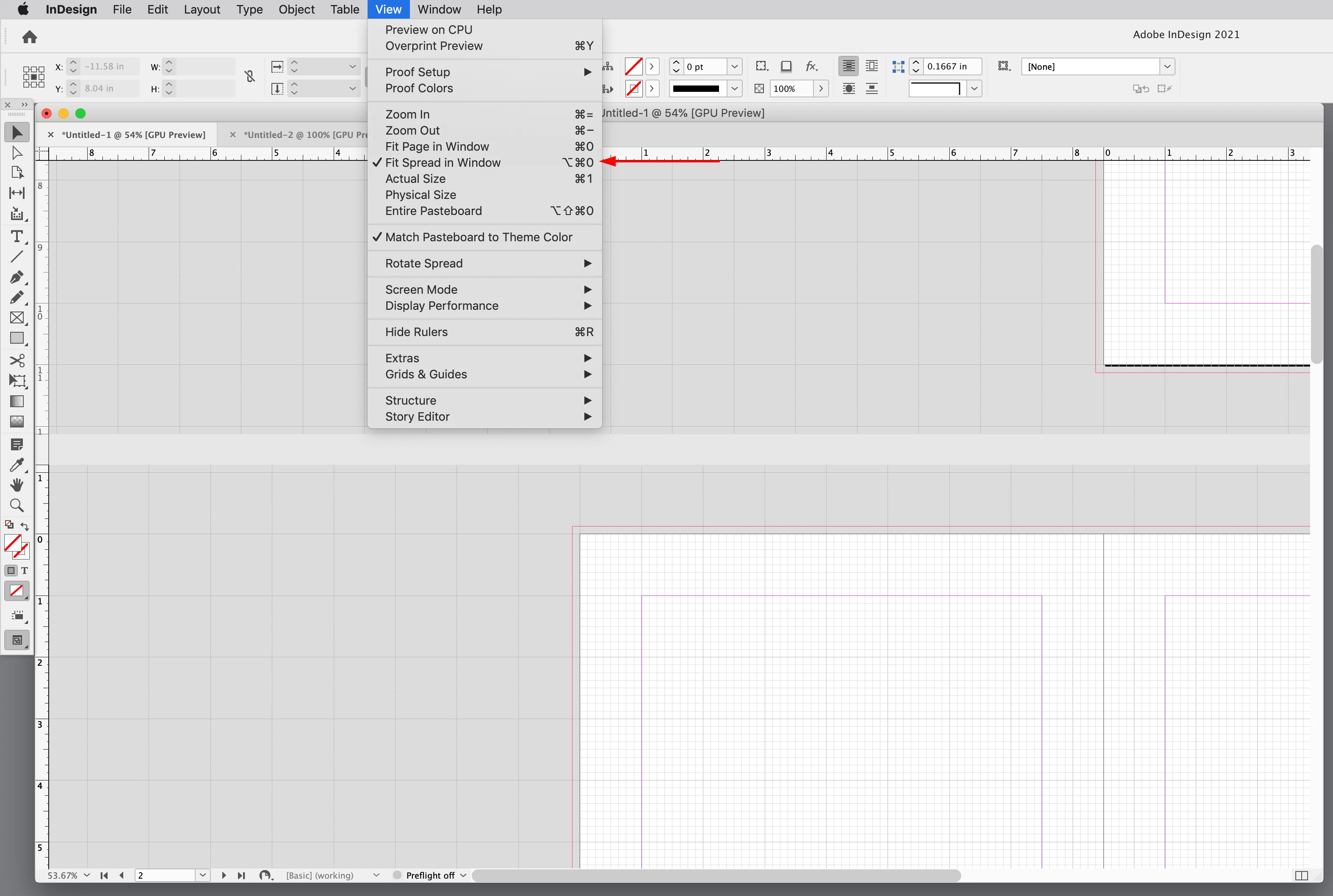
You can have Fit Spread in Window checked in the View menu and maunually shift the spread off center with the Hand tool—you would have to run the key command again to re-center the spread:


16 replies

Frans v.d. Geest
Community Expert
Community Expert
September 10, 2022

I'm looking at your screenshots, they are both perfectly centered BUT the right page seems to differ in size, so that Master (sorry: parent was it?) Page that was imported had a different size applied 😉

Translate
Chris  P.  Bacon
Inspiring
September 10, 2022

How do you know that?

they are the same width, look:


Translate
Frans v.d. Geest
Community Expert
Community Expert
September 10, 2022

Ah, it looked that way. Anyway, you see both pages in both screenshots, just a little little (very little) differently . I can't see the problem with that 😉

Translate