dublove
Legend
Jul 22, 2026 5:21 PM UTC
Answered

Why can't a function return an object or array, but it can return a value?

I originally wanted to set the properties for creating a new cell style.
But it reminds me that the style is undefined?
Can it return sum but not newSty?

get('A', 'B');
alert(newSty);
//alert(sum);
//newSty.properties={

//}
function get(a, b) {
var baseSty = app.documents[0].cellStyles.itemByName(a);
sum = a + b;
var newSty = baseSty.parent.cellStyles.itemByName(b);
//return sum;
return newSty;
}


 

    rob day
    rob dayCorrect answer
    Community Expert
    Jul 22, 2026 7:11 PM UTC

    alert(newSty) throws an error because newSty is only defined inside of the get(a, b) function.


    This does not throw an error if the document has cell styles named A and B:


    //x variable equals the returned value of get(a, b)
    var x = get('A', 'B')
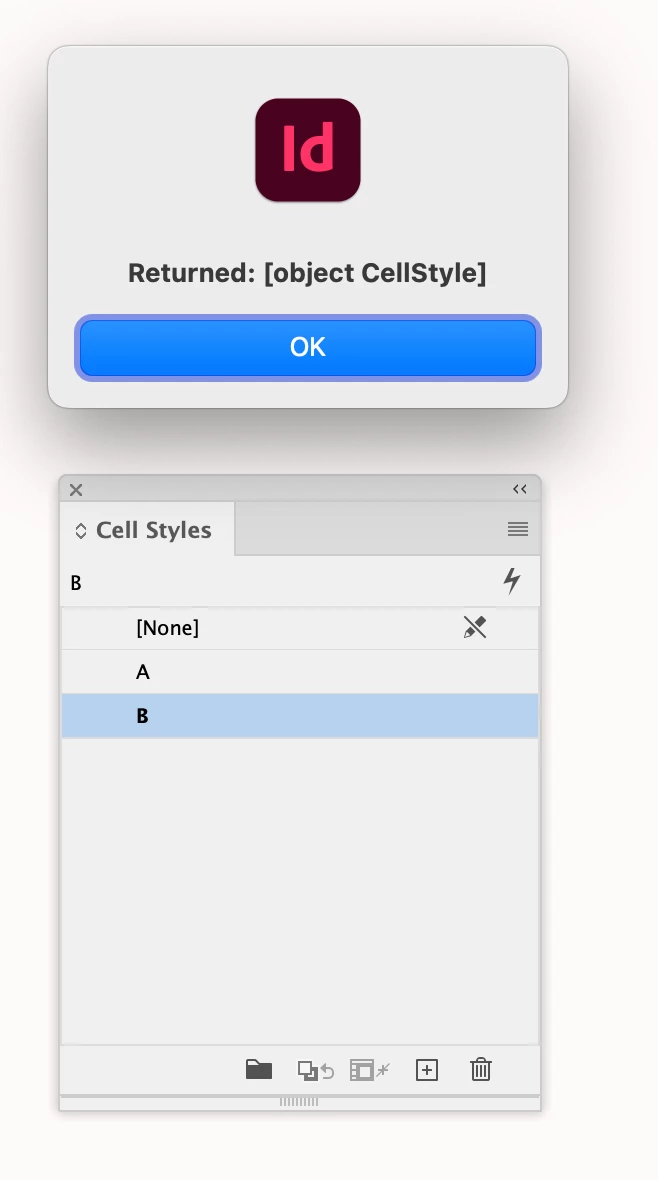
    alert("Returned: " + x);
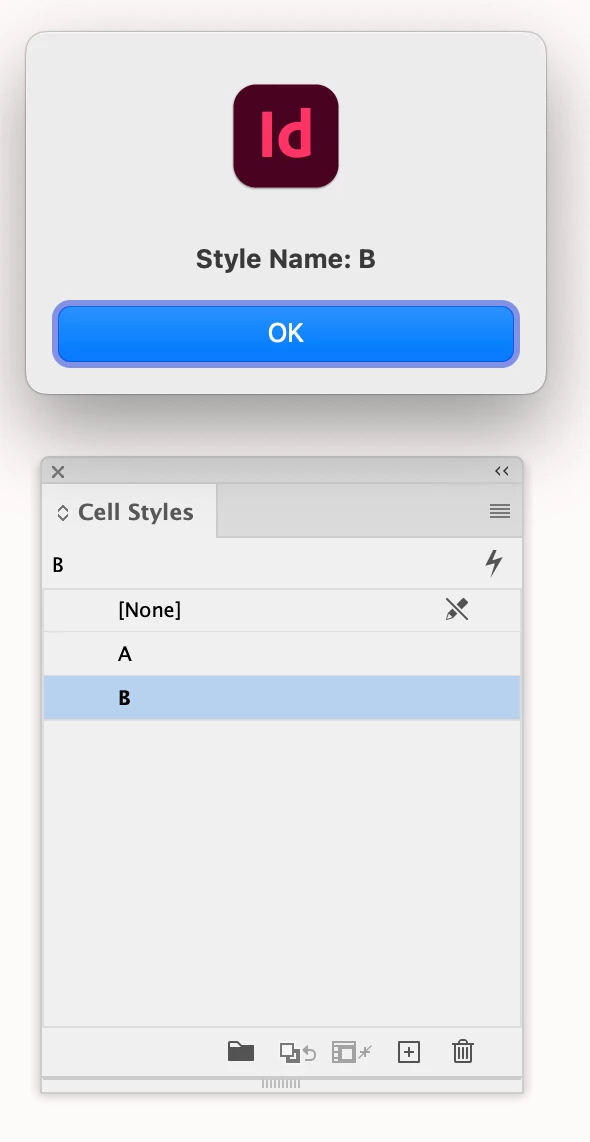
    alert("Style Name: " + x.name);

    function get(a, b) {
    var baseSty = app.documents[0].cellStyles.itemByName(a);
    //this doesn’t do anything
    sum = a + b;
    var newSty = baseSty.parent.cellStyles.itemByName(b);
    //returns cellStyle object;
    return newSty;
    }


    4 replies

    rob day
    Community Expert
    Community Expert
    Jul 22, 2026 8:35 PM UTC

    Are you trying to set the basedOn property of cell style B to cell style A?

    Translate
    rob day
    Community Expert
    rob dayCommunity ExpertCorrect answer
    Community Expert
    Jul 22, 2026 7:11 PM UTC

    alert(newSty) throws an error because newSty is only defined inside of the get(a, b) function.


    This does not throw an error if the document has cell styles named A and B:


    //x variable equals the returned value of get(a, b)
    var x = get('A', 'B')
    alert("Returned: " + x);
    alert("Style Name: " + x.name);

    function get(a, b) {
    var baseSty = app.documents[0].cellStyles.itemByName(a);
    //this doesn’t do anything
    sum = a + b;
    var newSty = baseSty.parent.cellStyles.itemByName(b);
    //returns cellStyle object;
    return newSty;
    }


    Translate
    dublove
    dubloveAuthor
    Legend
    Jul 23, 2026 2:45 AM UTC

    That's what it means.
    Thank you very much.
    When I had already fallen asleep, I realized that return must have a variable to take over the return value of the function.

    And if the sum can be displayed, it should be a global variable issue, not the function of retun.

    Translate
    rob day
    Community Expert
    Community Expert
    Jul 23, 2026 2:03 PM UTC

    Don’t think you need the function—1 line produces the same result:


    var newSty = app.documents[0].cellStyles.itemByName("B");
    alert("Returned: " + newSty.name);


    Translate