
Answered
Why can't I fill the shape with text in InDesign?
I have hidden the image, this selection is on an image.
If I try on an other selection on an empty page, it works.


I have hidden the image, this selection is on an image.
If I try on an other selection on an empty page, it works.
Thank you for reaching out and sharing the video. It looks like the shape you created needs to be converted to a text path.
Please see the attached image:-
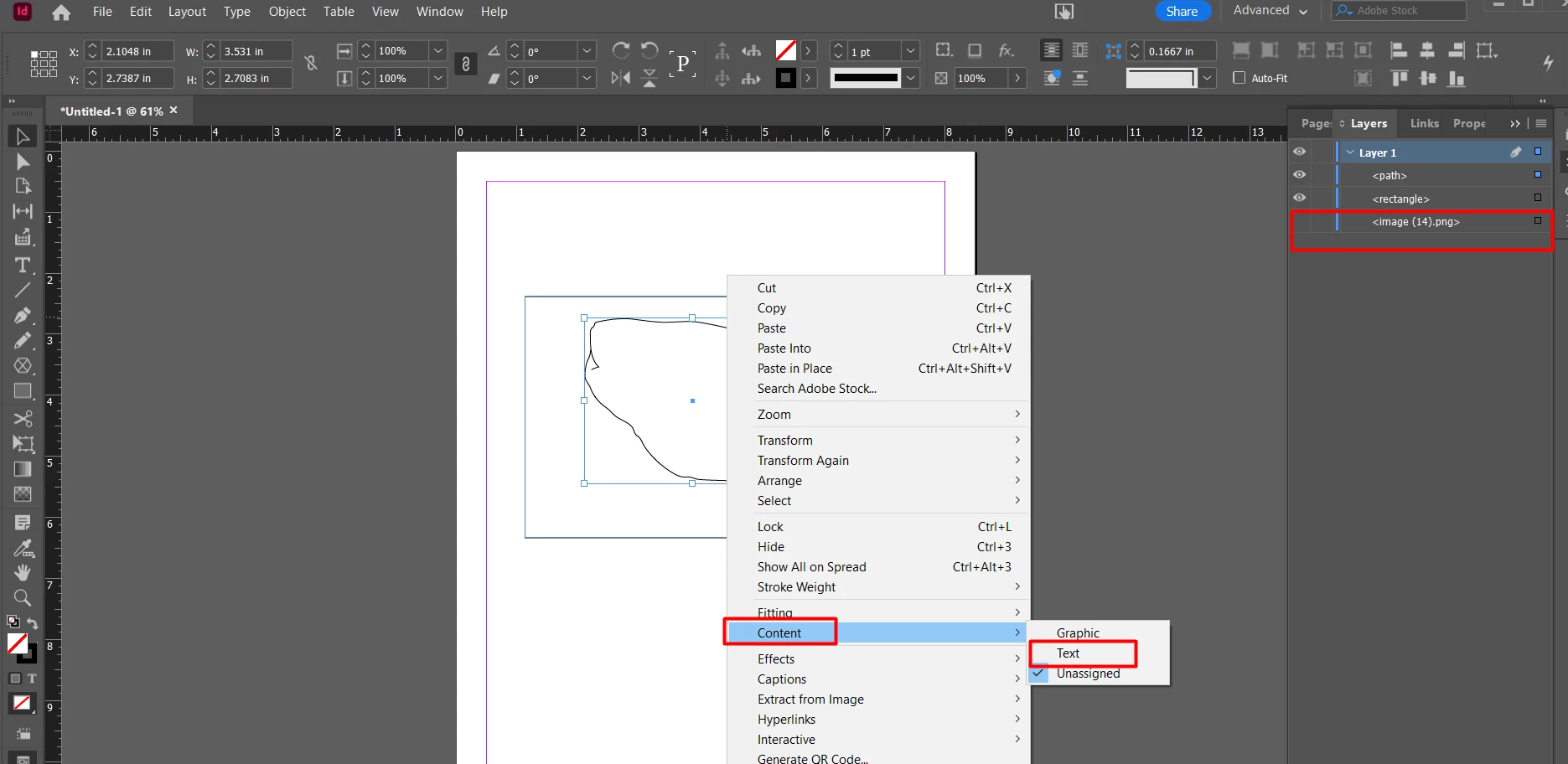
To fill your shape with text, Right-Click on the shape and choose Content > Text. Please see the below image for reference.
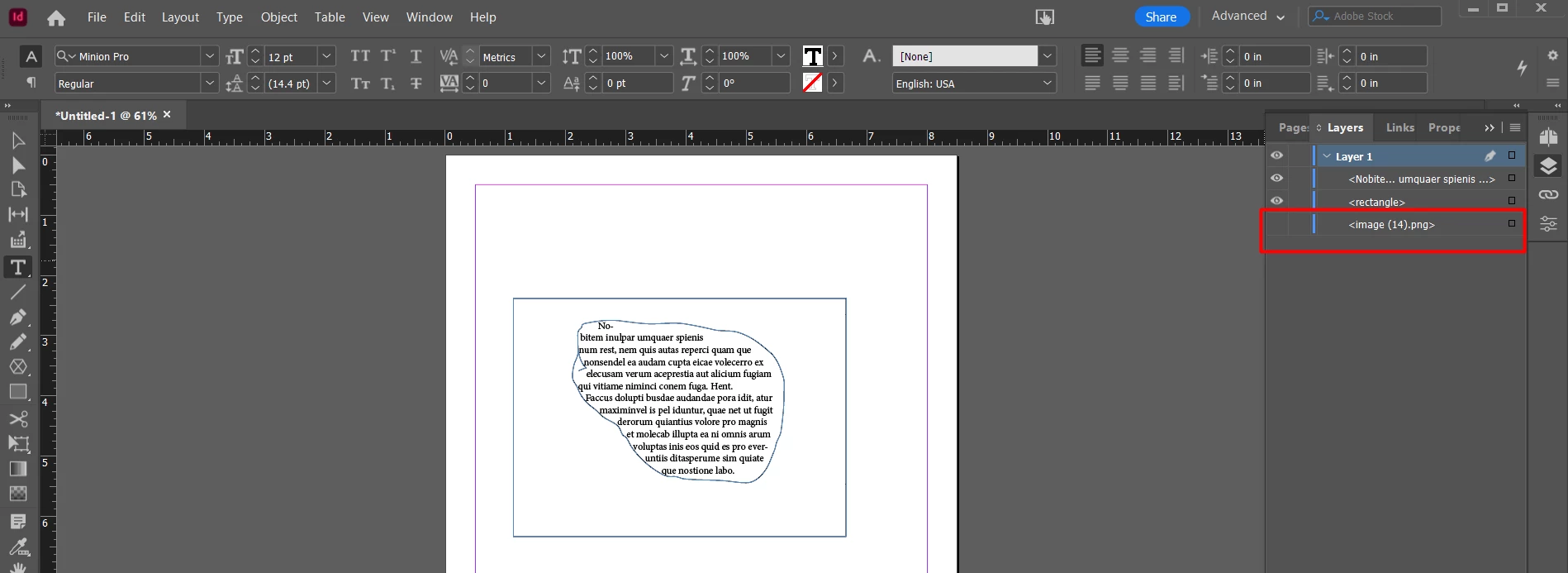
Let us know if that helps.
Thanks,
Harshika
Already have an account? Login
Enter your E-mail address. We'll send you an e-mail with instructions to reset your password.
 AdChoices